1. Utangulizi
This manual provides essential information for the proper setup, operation, and maintenance of your KTC 27M1 27-inch QHD 210Hz Fast IPS Gaming Monitor. This monitor features a native 2560 x 1440 QHD resolution, a 210Hz refresh rate, 1ms (MPRT) response time, built-in dual 2W speakers, and a detachable shielding hood for an optimized viewuzoefu.

Figure 1: KTC 27M1 27-inch QHD 210Hz Fast IPS Gaming Monitor with Shielding Hood.
2. Ni nini kwenye Sanduku
Thibitisha kuwa vipengele vyote vipo kwenye kifurushi:
- Kufuatilia x1
- Msingi x1
- Monitor Shielding Hood x2
- Mwongozo wa Kuanza Haraka (QSG) x1
- DisplayPort (DP) Cable x1
- Adapta x1
- Kamba ya Nguvu x1

Figure 2: Package contents for the KTC 27M1 monitor.
3. Kuweka
3.1. Kufuatilia Bunge
- Carefully remove the monitor and base from the packaging.
- Attach the base to the monitor stand. Ensure it clicks securely into place.
- Attach the monitor shielding hoods to the sides of the monitor. These are designed to absorb light and reduce reflections, enhancing visual immersion.
3.2. Kuunganisha Monitor
The KTC 27M1 monitor offers versatile connectivity options:
- DisplayPort 1.4 (DP): Supports up to 200Hz (overclocked to 210Hz) QHD resolution. Use the included DP cable for optimal performance.
- HDMI2.0: Supports up to 144Hz QHD resolution.
- USB 2.0: For firmware upgrades only.
- Sikio Jack: Kwa pato la sauti.
Connect the appropriate cable(s) from your computer or device to the monitor. Then, connect the power adapter and power cord to the monitor and a power outlet.
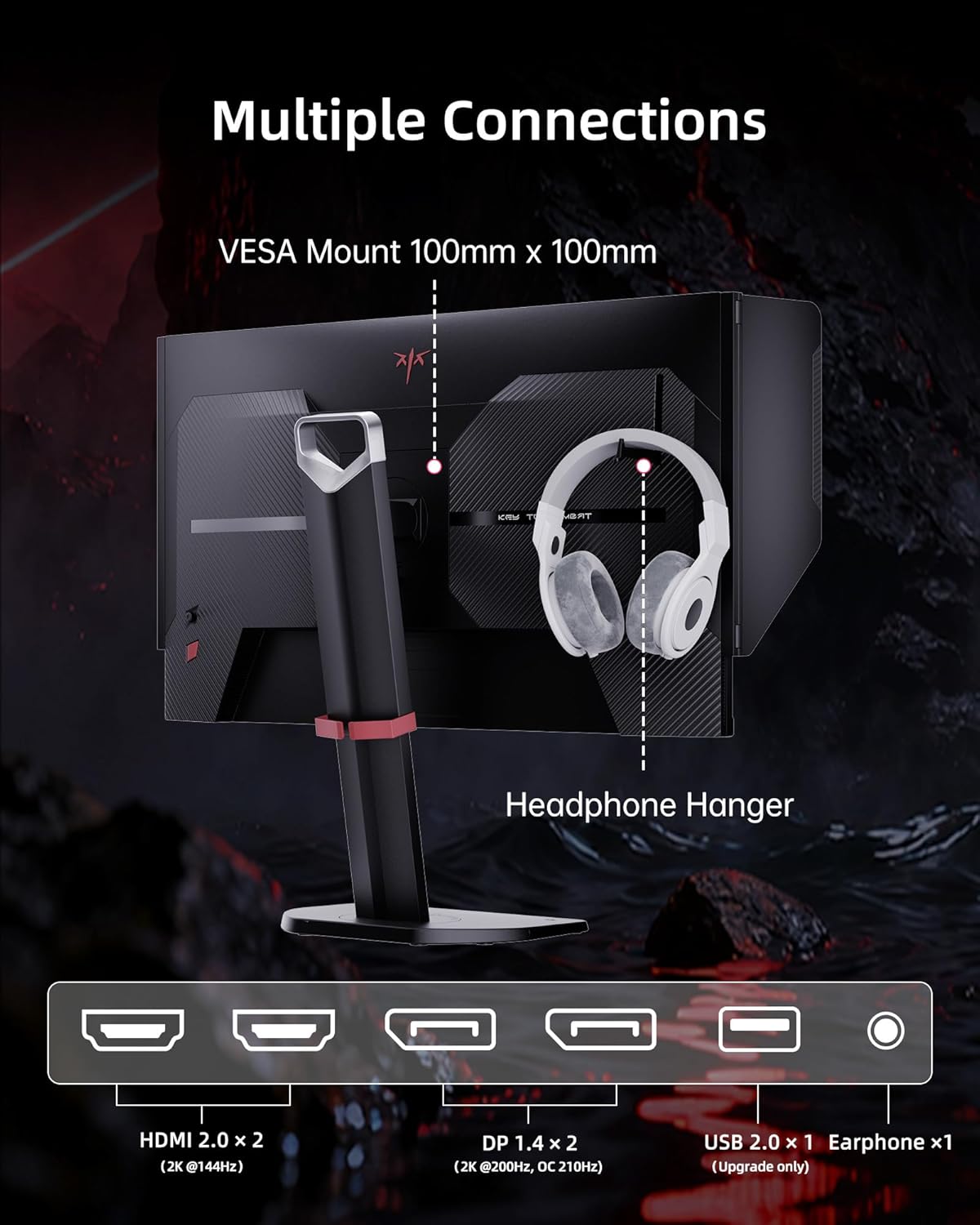
Figure 3: Multiple connection options and features on the KTC 27M1 monitor.
4. Uendeshaji wa Monitor
4.1. Washa/Zima
Press the power button located on the monitor to turn it on or off.
4.2. Urambazaji wa Menyu ya Onyesho la Skrini (OSD).
The monitor features a 5-way navigation joystick for easy access and control of the OSD menu. Push the joystick in to open the menu, then move it up, down, left, or right to navigate and select options.
4.3. Mipangilio ya Maonyesho
- Azimio: The monitor supports a native 2560 x 1440 QHD resolution for sharp and clear visuals.
- Kiwango cha Kuonyesha upya: Enjoy a smooth experience with a 210Hz refresh rate (when overclocked via DisplayPort 1.4).
- Muda wa Majibu: A 1ms (MPRT) response time minimizes motion blur and ghosting.
- Usahihi wa Rangi: Features 130% sRGB color gamut area, 1.07 billion colors, 1000:1 contrast ratio, and 450cd/m² brightness with HDR support for professional, true-to-life colors.

Figure 4: QHD 2K Resolution for clear visual detail.
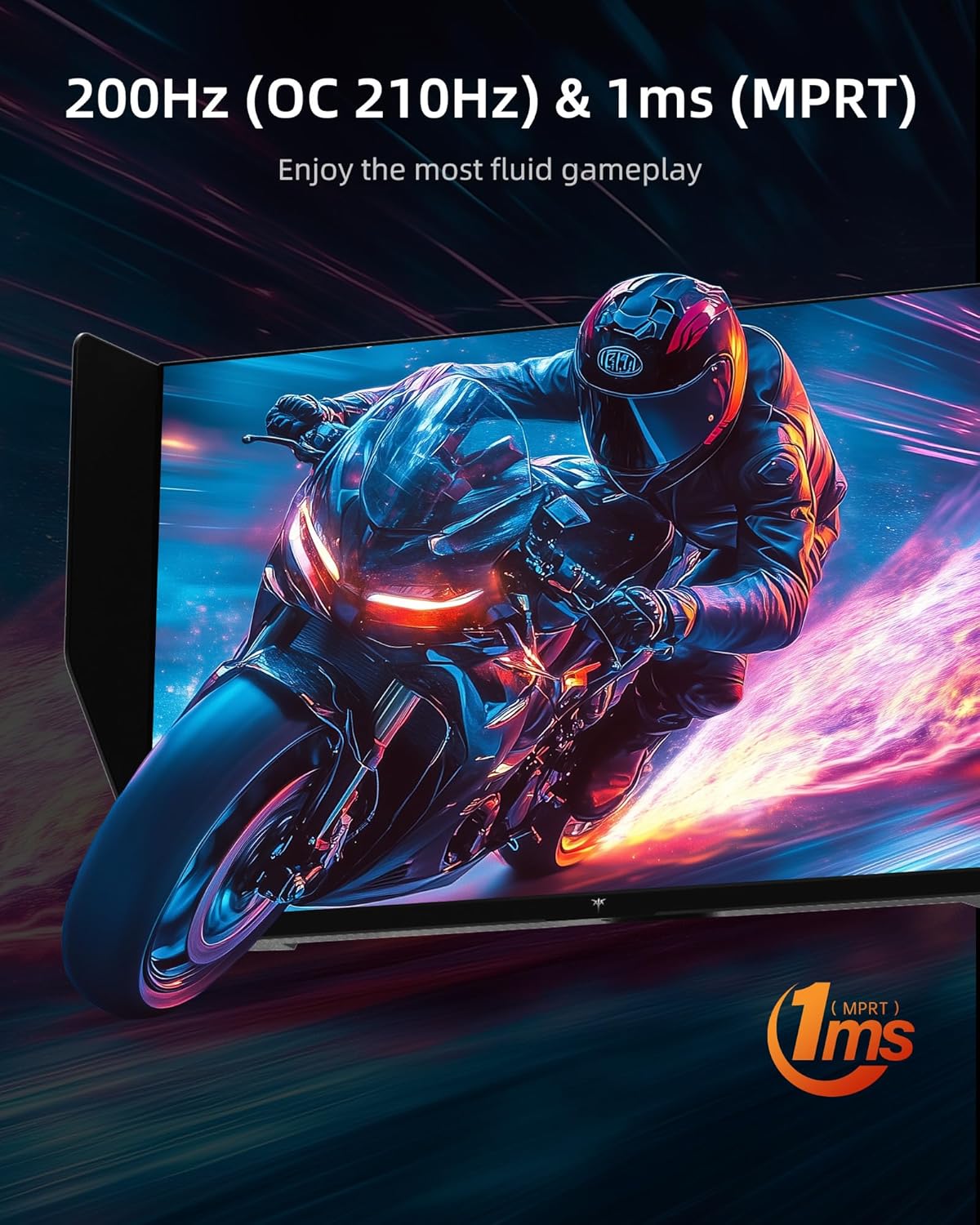
Figure 5: High refresh rate and fast response time for fluid gameplay.
4.4. Vipengele vya Michezo ya Kubahatisha
- Usawazishaji Unaojirekebisha: Supports Adaptive Sync technology for tear-free and stutter-free gaming.
- Uendeshaji kupita kiasi: Adjust the overdrive setting for faster pixel response times.
- MPRT: Motion Picture Response Time can be enabled for reduced motion blur.
- Msaada wa Mchezo: Access various in-game enhancements like crosshairs or timers.
- Kisawazisha Nyeusi: Adjust dark areas in games for better visibility.
- Game Mode/FPS Mode: Pre-set display modes optimized for different game genres.
4.5. Sauti
The monitor includes built-in dual 2W speakers, providing convenient audio without external speakers. An earphone jack is also available for private listening.
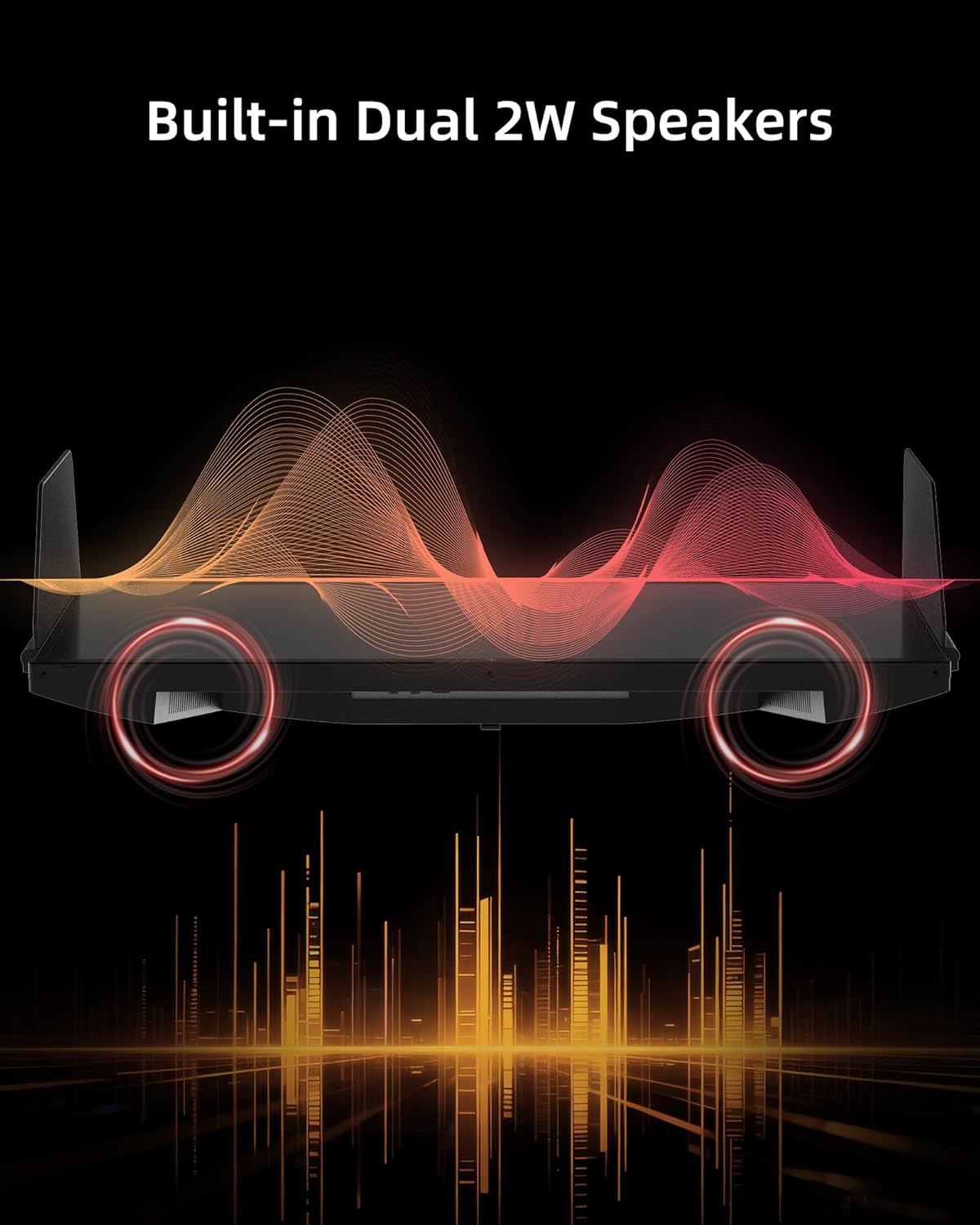
Figure 6: Built-in Dual 2W Speakers.
4.6. Shielding Hood
The detachable monitor hood, made of flocking material, helps eliminate frame reflections by absorbing ambient light. This enhances visual immersion and image contrast, and also provides a soft texture with sound-absorbing effects.

Figure 7: Detachable Monitor Hood to eliminate ambient light and reflection.
4.7. Marekebisho ya Ergonomic
The monitor stand supports a range of adjustments for optimal viewfaraja:
- Marekebisho ya Urefu: 150±5mm
- Teke: -5 ° hadi 35 °
- Sogeza: -60 ° hadi 60 °
- Egemeo: -5° to 90° (for vertical orientation)
The monitor also supports VESA 100 x 100 mm mounting for alternative mounting solutions.

Figure 8: Flexible angle adjustments for personalized viewing.
4.8. Eye Comfort Features
The monitor incorporates low blue light and flicker-free technologies to reduce eye strain and enhance comfort during prolonged use.
4.9. Video Rasmi ya Bidhaa
Video 1: Zaidiview of the KTC 27 Inch 210Hz 2K Gaming Monitor with Shielding Hood, showcasing sifa na muundo wake.
5. Matengenezo
Ili kuhakikisha maisha marefu na utendakazi bora wa kifuatiliaji chako, fuata miongozo hii ya matengenezo:
- Kusafisha skrini: Futa skrini kwa upole kwa kitambaa laini kisicho na pamba. Kwa alama za ukaidi, dampen the cloth slightly with water or a mild, non-abrasive screen cleaner. Avoid using harsh chemicals or abrasive materials.
- Kusafisha Casing: Tumia kitambaa laini na kikavu kusafisha kifaa casing.
- Hifadhi: If storing the monitor for an extended period, place it in its original packaging or a protective cover in a cool, dry place.
6. Utatuzi wa shida
If you encounter any issues with your KTC 27M1 monitor, refer to the following common problems and solutions:
- Hakuna Onyesho:
- Hakikisha kuwa kebo ya umeme imeunganishwa kwa usalama kwenye kifuatilizi na sehemu ya umeme.
- Verify that the video cable (DP or HDMI) is correctly connected to both the monitor and your computer/device.
- Check if the correct input source is selected in the OSD menu.
- Jaribu kifuatiliaji kwa kifaa kingine au kebo ikiwezekana.
- Skrini Inayopepesa:
- Hakikisha kuwa kebo ya video imeunganishwa kwa usalama.
- Check your graphics card drivers and update them if necessary.
- Disable any overclocking settings if enabled.
- Verify that the refresh rate is set correctly in your operating system's display settings.
- Masuala ya Rangi:
- Rekebisha mipangilio ya rangi (mwangaza, utofautishaji, halijoto ya rangi) kwenye menyu ya OSD.
- Ensure HDR is enabled or disabled as desired in both the monitor's OSD and your device's settings.
- Weka upya kifuatiliaji kwa mipangilio chaguomsingi iliyotoka nayo kiwandani kupitia menyu ya OSD.
- Hakuna Sauti kutoka kwa Spika:
- Check the volume level on the monitor and your connected device.
- Ensure the audio output is correctly routed to the monitor in your device's sound settings.
- If using the earphone jack, ensure headphones are properly plugged in.
7. Vipimo
| Kipengele | Vipimo |
|---|---|
| Nambari ya Mfano | 27M1 |
| Ukubwa wa skrini | Inchi 27 |
| Azimio | Pikseli 2560 x 1440 (Upana wa QHD 1440p) |
| Kiwango cha Kuonyesha upya | 210Hz (OC) via DisplayPort 1.4, 144Hz via HDMI 2.0 |
| Muda wa Majibu | Milisekunde 1 (MPRT) |
| Aina ya Paneli | IPS haraka |
| Uwiano wa kipengele | 21:9 |
| Rangi ya Gamut | 130% sRGB |
| Rangi Zinazotumika | Bilioni 1.07 |
| Uwiano wa Tofauti | 1000:1 |
| Mwangaza | 450 cd/m² |
| Msaada wa HDR | Ndiyo |
| Wazungumzaji | Built-in Dual 2W Speakers |
| Muunganisho | DisplayPort 1.4 x2, HDMI 2.0 x2, USB 2.0 x1 (Upgrade only), Earphone x1 |
| Mlima wa VESA | 100 x 100 mm |
| Ergonomics | Height Adjustment (150±5mm), Tilt (-5°~35°), Swivel (-60°~60°), Pivot (-5°~90°) |
| Vipengele vya Utunzaji wa Macho | Low Blue Light, Flicker-Free |
| Vipimo vya Bidhaa | Inchi 8.03 x 24.09 x 21.18 |
| Uzito wa Kipengee | Pauni 12.54 |
8. Udhamini na Msaada
KTC provides a three-year warranty for the 27M1 monitor. For any issues or inquiries, please contact Ktcmonitor-Official customer support. They aim to respond within 12 hours.
You can typically find contact information on the seller's page or through your purchase platform.


