1. Utangulizi
This manual provides essential instructions for setting up, operating, and maintaining your KOORUI G2511P 24.5-inch Gaming Monitor. Designed for an optimal gaming and viewing experience, this monitor features a 200Hz refresh rate, 1ms GTG response time, Full HD IPS panel with 90% DCI-P3 color gamut, HDR400 support, and Adaptive Sync technology. Please read this manual thoroughly before use to ensure proper functionality and longevity of your device.
2. Yaliyomo kwenye Kifurushi
Thibitisha kuwa bidhaa zote zilizoorodheshwa hapa chini zipo kwenye kifurushi chako:
- Kichunguzi cha inchi 24.5
- Cable ya HDMI
- Adapta ya Nguvu
- Mwongozo wa Mtumiaji (hati hii)
3. Kuweka
3.1 Bunge la Kudumu
The monitor stand consists of two parts: the base and the upright arm. These parts slide together. Once assembled, the stand then slips into a dedicated slot at the back of the monitor. Ensure the stand is securely locked into place before placing the monitor on a surface to prevent accidental detachment.

Kielelezo 3.1: Mbele view of the KOORUI G2511P monitor with its stand.

Kielelezo cha 3.2: Nyuma view highlighting the stand attachment and control joystick.
3.2 Kuunganisha kwa Vifaa
The KOORUI G2511P monitor offers multiple connectivity options for various devices:
- HDMI: Connect your PC, gaming console, or other HDMI-enabled devices using the provided HDMI cable. The monitor features two HDMI 2.0 ports.
- DisplayPort (DP): For optimal gaming performance, connect your PC's graphics card to the monitor's DisplayPort 1.4 input.
- Sauti Kati: Use the 3.5mm audio jack to connect external headphones or speakers, as the monitor does not have built-in speakers.
- Nguvu: Unganisha adapta ya umeme kwenye ingizo la DC la kifuatiliaji kisha kwenye soketi ya umeme.

Figure 3.3: Monitor connectivity ports.
3.3 Uwekaji wa VESA
The monitor is VESA 75x75mm compatible, allowing it to be mounted on a wall or an adjustable monitor arm (sold separately). This provides flexibility for optimizing your workspace and viewpembe za pembe.

Figure 3.4: VESA mounting points on the monitor's rear.
4. Maagizo ya Uendeshaji
4.1 Washa/Zima
Press the power button/joystick located on the back of the monitor to turn it on or off. A brief press typically powers it on, while a longer press will power it off.
4.2 Urambazaji wa Menyu ya Onyesho la Skrini (OSD)
The monitor's settings are adjusted using a single joystick control located on the back. Push the joystick in to confirm selections, and move it up, down, left, or right to navigate through the menu options and adjust values.
- Ingiza Ndani: Select item / Confirm setting
- Juu chini: Navigate menu / Adjust value
- Kushoto/Kulia: Select item / Adjust value
4.3 Mipangilio na Vipengele vya Onyesho
Boresha yako viewing experience through the OSD menu:
- Kiwango cha Upyaji (200Hz): Ensures ultra-smooth motion, reducing blur in fast-paced content.
- Muda wa Kujibu (1ms GTG): Minimizes ghosting and input lag for competitive gaming.
- Resolution (FHD 1080p): Provides crisp and clear Full High Definition visuals.
- Paneli ya IPS: Inatoa pana viewing angles (178°) and vibrant, accurate colors (90% DCI-P3).
- HDR400: Enhances contrast and color depth for a more immersive visual experience in compatible content.
- Usawazishaji Unaojirekebisha: Husawazisha kasi ya uonyeshaji upya ya kifuatiliaji na kasi ya fremu ya kadi yako ya picha ili kuondoa urarukaji na kigugumizi cha skrini.
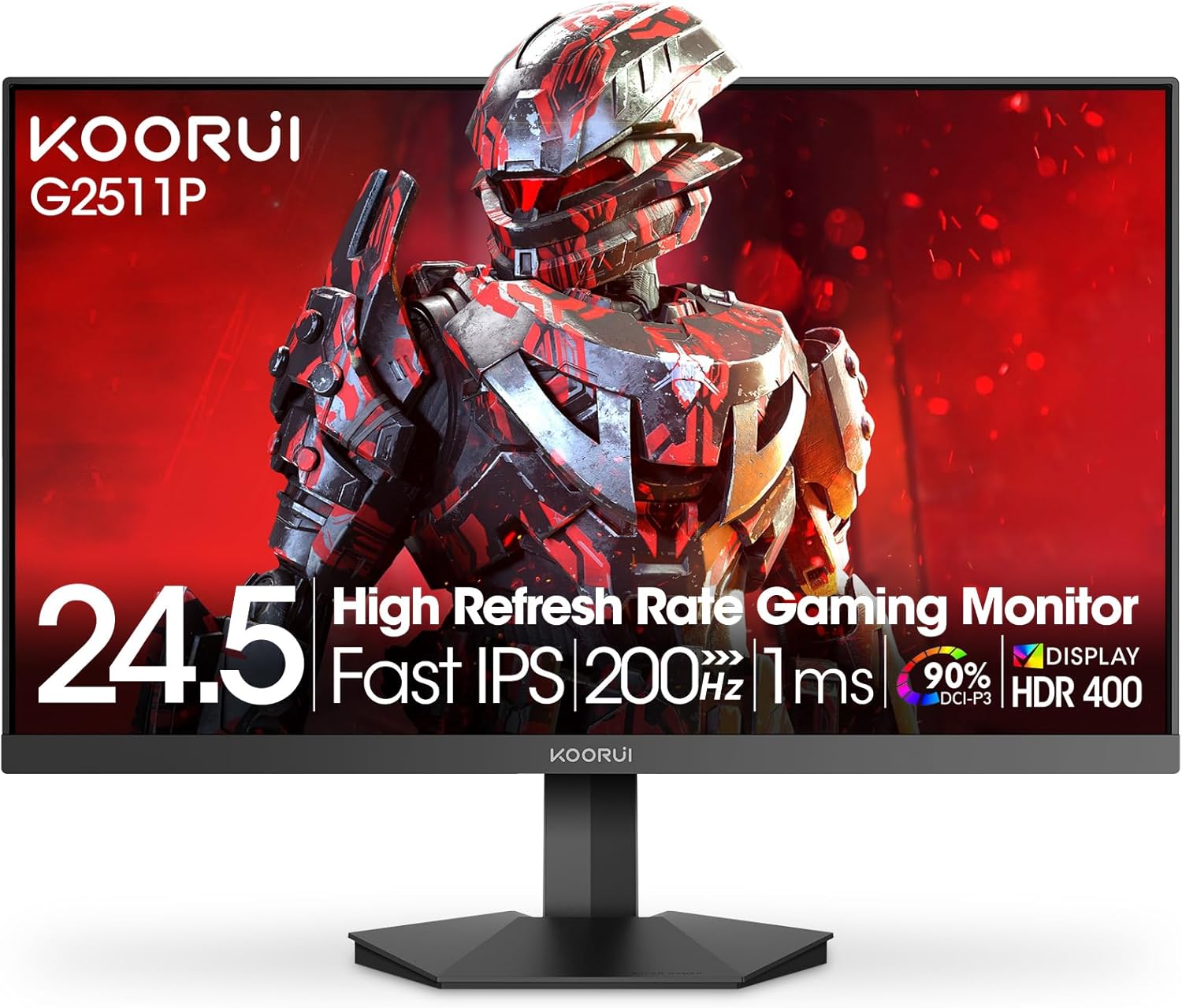
Figure 4.1: Key features of the KOORUI G2511P monitor.

Figure 4.2: Visual representation of high refresh rate benefits.
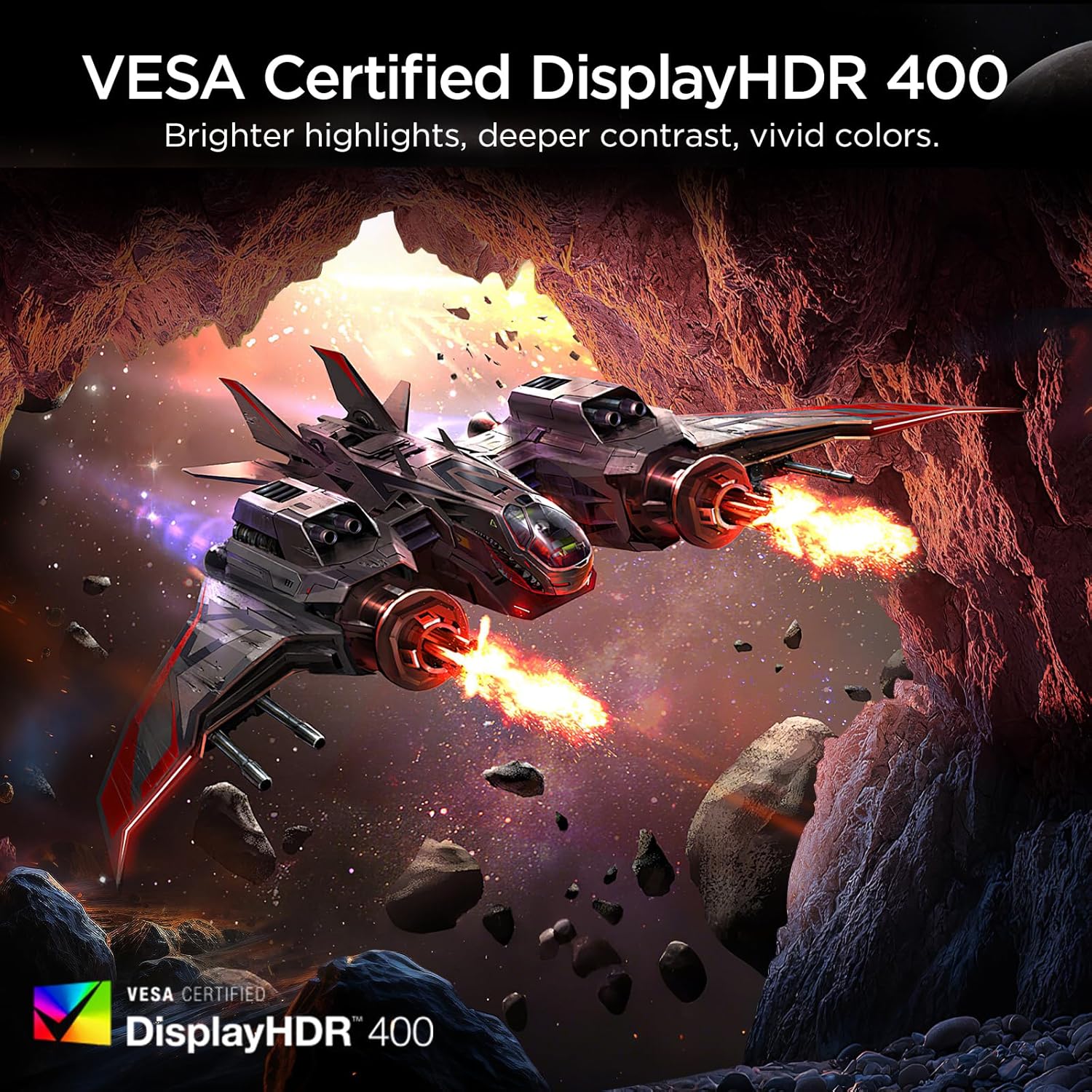
Figure 4.3: HDR400 for enhanced visual quality.
Mchoro 4.4: Usawazishaji Unaobadilika ukiwa unafanya kazi.
4.4 Pro-Gaming Enhancements
Access specialized gaming tools via the OSD menu:
- FPS Display Modes: Optimize visual settings for First-Person Shooter games.
- Adjustable On-Screen Timer: Track in-game events or personal bests.
- Customizable Crosshair Overlay: Improve aiming precision.

Figure 4.5: Pro-gaming enhancements for competitive play.
4.5 Sifa za Utunzaji wa Macho
The KOORUI G2511P monitor incorporates features designed to reduce eye strain during extended use:
- Teknolojia Isiyo na Flicker: Reduces screen flickering that can cause eye fatigue.
- Hali ya Mwangaza wa Bluu ya Chini: Filters out harmful blue light emissions to protect your eyes.
5. Matengenezo
Ili kuhakikisha maisha marefu na utendakazi bora wa kifuatiliaji chako, fuata miongozo hii ya matengenezo:
- Kusafisha skrini: Futa skrini kwa upole kwa kitambaa laini kisicho na pamba. Kwa alama za ukaidi, nyepesi dampPaka kitambaa maji au kisafishaji cha skrini kisichotumia amonia, kisichotumia pombe. Usinyunyizie kisafishaji moja kwa moja kwenye skrini.
- Kusafisha Casing: Tumia kitambaa laini na kikavu kusafisha kifaa casing. Epuka visafishaji abrasive au vimumunyisho.
- Uingizaji hewa: Hakikisha fursa za uingizaji hewa kwenye kichungi hazijazuiwa ili kuzuia joto kupita kiasi.
- Hifadhi: Ikiwa haitumiki kwa muda mrefu, hifadhi kifaa cha kuchungulia mahali pakavu na penye baridi, mbali na jua moja kwa moja na halijoto kali.
6. Utatuzi wa shida
Ukikumbana na matatizo na kifuatiliaji chako, rejelea hatua zifuatazo za kawaida za utatuzi:
| Tatizo | Suluhisho linalowezekana |
|---|---|
| Hakuna Nguvu | Angalia kama kebo ya umeme imeunganishwa vizuri kwenye kifuatiliaji na soketi ya umeme. Hakikisha adapta ya umeme inafanya kazi. |
| Hakuna Ishara | Verify that the HDMI or DisplayPort cable is correctly connected to both the monitor and your device. Ensure the correct input source is selected in the OSD menu. |
| Skrini Inayopepesa | Check the cable connections. Ensure your graphics card drivers are up to date. Adjust the refresh rate in your device's display settings. |
| Ubora duni wa Picha | Adjust brightness, contrast, and color settings in the OSD menu. Ensure the display resolution on your device matches the monitor's native resolution (1920x1080). |
| Adaptive Sync Not Working | Ensure Adaptive Sync is enabled in the monitor's OSD menu and in your graphics card's control panel. Use a DisplayPort cable for optimal performance. |
7. Vipimo
| Kipengele | Vipimo |
|---|---|
| Nambari ya Mfano | G2511P |
| Ukubwa wa skrini | Inchi 24.5 |
| Aina ya Paneli | IPS |
| Azimio | 1920 x 1080 (FHD 1080p) |
| Kiwango cha Kuonyesha upya | 200Hz |
| Muda wa Majibu | 1m (GTG) |
| Msaada wa HDR | HDR400 |
| Rangi ya Gamut | 90% DCI-P3 |
| Mwangaza wa Picha | Mshumaa 350 kwa kila mita ya mraba |
| Uwiano wa Tofauti ya Picha | 1200:1 |
| Muunganisho | HDMI 2.0, DisplayPort 1.4, Sauti Nje |
| Utangamano wa VESA | 75x75 mm |
| Vipimo vya Bidhaa | Inchi 8.84 x 22.05 x 17.52 |
| Uzito wa Kipengee | Pauni 9.63 |
8. Udhamini na Msaada
KOORUI monitors are manufactured with a focus on quality and reliable performance. This product comes with a Udhamini Mdogo wa Miaka 3. For any questions, technical assistance, or warranty claims, please contact KOORUI's dedicated support team. Refer to the contact information provided on the KOORUI official webtovuti au hati zako za ununuzi.
9. Video Rasmi ya Bidhaa
Tazama video rasmi ya bidhaa kwa ajili ya taswira ya juuview of the KOORUI G2511P Gaming Monitor's features and capabilities.
Video 9.1: Maonyesho rasmi ya video ya bidhaaasing the KOORUI G2511P Gaming Monitor's features, including its 200Hz refresh rate, 1ms response time, HDR400, and Adaptive Sync technology.


