1. Utangulizi
This manual provides essential information for the setup, operation, and maintenance of your iFFALCON 55-Inch Class U85 Series QD-Mini LED 4K UHD Google Smart TV. Please read this manual thoroughly before using your television to ensure proper and safe operation. Keep this manual for future reference.
The iFFALCON U85 Series TV features advanced display technologies including QD-Mini LED for precise lighting, QLED for vibrant colors, 4K UHD resolution, HDR 1000 nits peak brightness, and a 144Hz native refresh rate. It integrates Google TV for smart entertainment and offers enhanced audio with Dolby Atmos and DTS Virtual X. Gaming is optimized with features like 240Hz DLG and FreeSync Premium Pro.
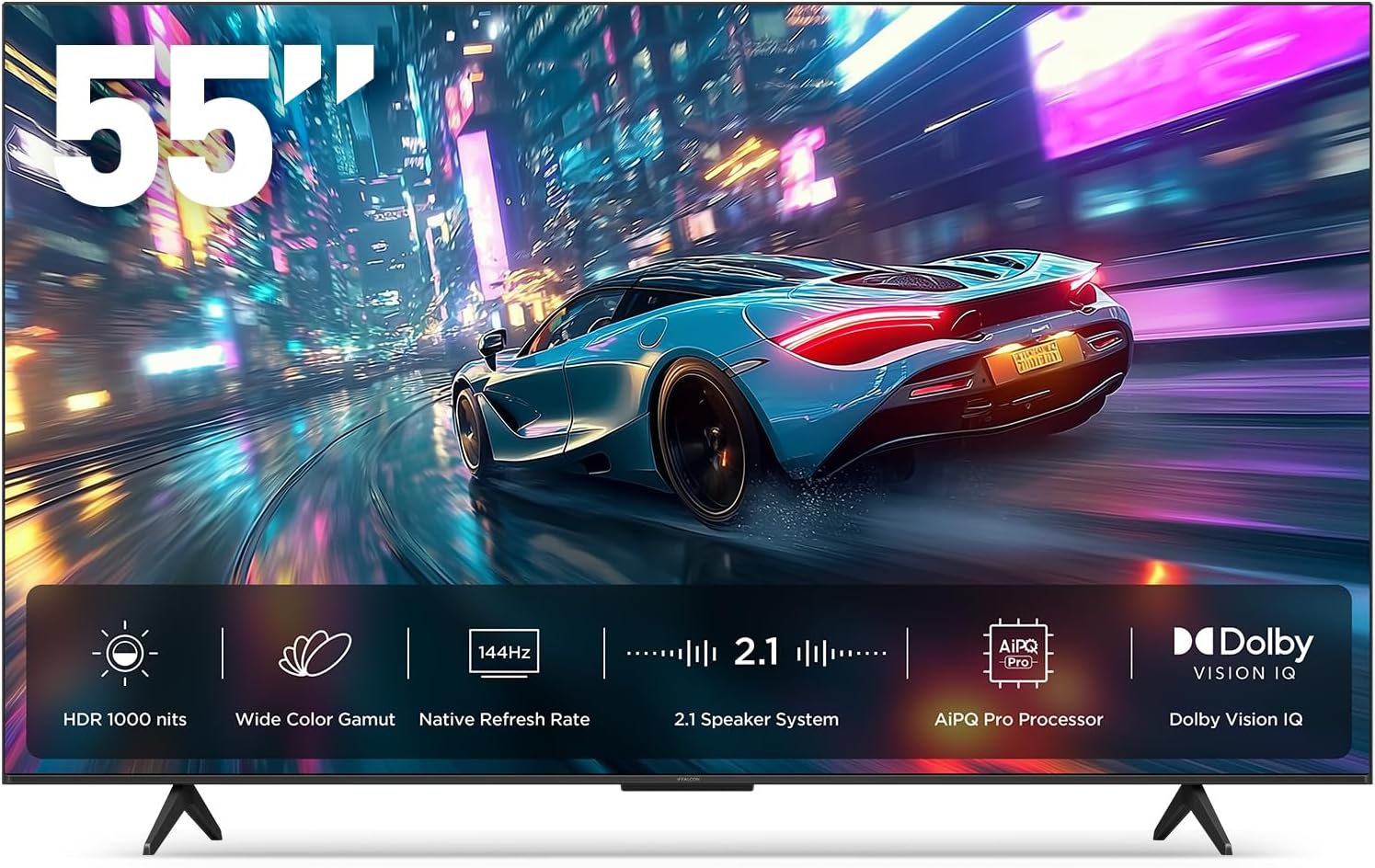
Picha 1.1: Mbele view of the iFFALCON 55-Inch U85 Series TV, showcasing its display with a vibrant image of a car on a city street.
2. Ni nini kwenye Sanduku
Carefully unpack your television and ensure all items are present. If any items are missing or damaged, contact your retailer.
- Mini LED TV
- Cable ya nguvu
- Betri 2 x AAA za kidhibiti cha mbali
- 6 x screws za kusimama
- Table stands (2 pieces)
- 5 x klipu za kebo
- Mwongozo wa Kuanza Haraka
- TV iko mbali
3. Kuweka
3.1 Mpangilio wa Kimwili
Before proceeding, ensure the TV is placed on a stable, flat surface or securely mounted to a wall. Refer to the Quick Start Guide for detailed instructions on attaching the table stands or mounting the TV to a wall bracket (wall mount sold separately).
3.2 Viungo vya Kuunganisha
Connect your external devices such as cable boxes, gaming consoles, or Blu-ray players to the TV's HDMI ports. Ensure the power cable is securely connected to the TV and a power outlet.
3.3 Kuwasha Awali na Kuweka Google TV
- Chomeka kebo ya umeme kwenye duka la umeme.
- Bonyeza kitufe cha kuwasha/kuzima kwenye kidhibiti cha mbali au TV.
- Follow the on-screen instructions to complete the initial setup, including network connection, Google account sign-in, and channel scanning.
4. Kuendesha TV
4.1 Kazi za Udhibiti wa Mbali
The included remote control allows you to navigate menus, adjust volume, change channels, and access smart features. Familiarize yourself with the button layout for optimal use.
4.2 Smart Features: Google TV, Google Assistant, and Alexa
Your iFFALCON U85 TV is equipped with Google TV, providing access to a wide range of streaming services and apps. Use the built-in Google Assistant or connect to an Alexa-enabled device for hands-free voice control.
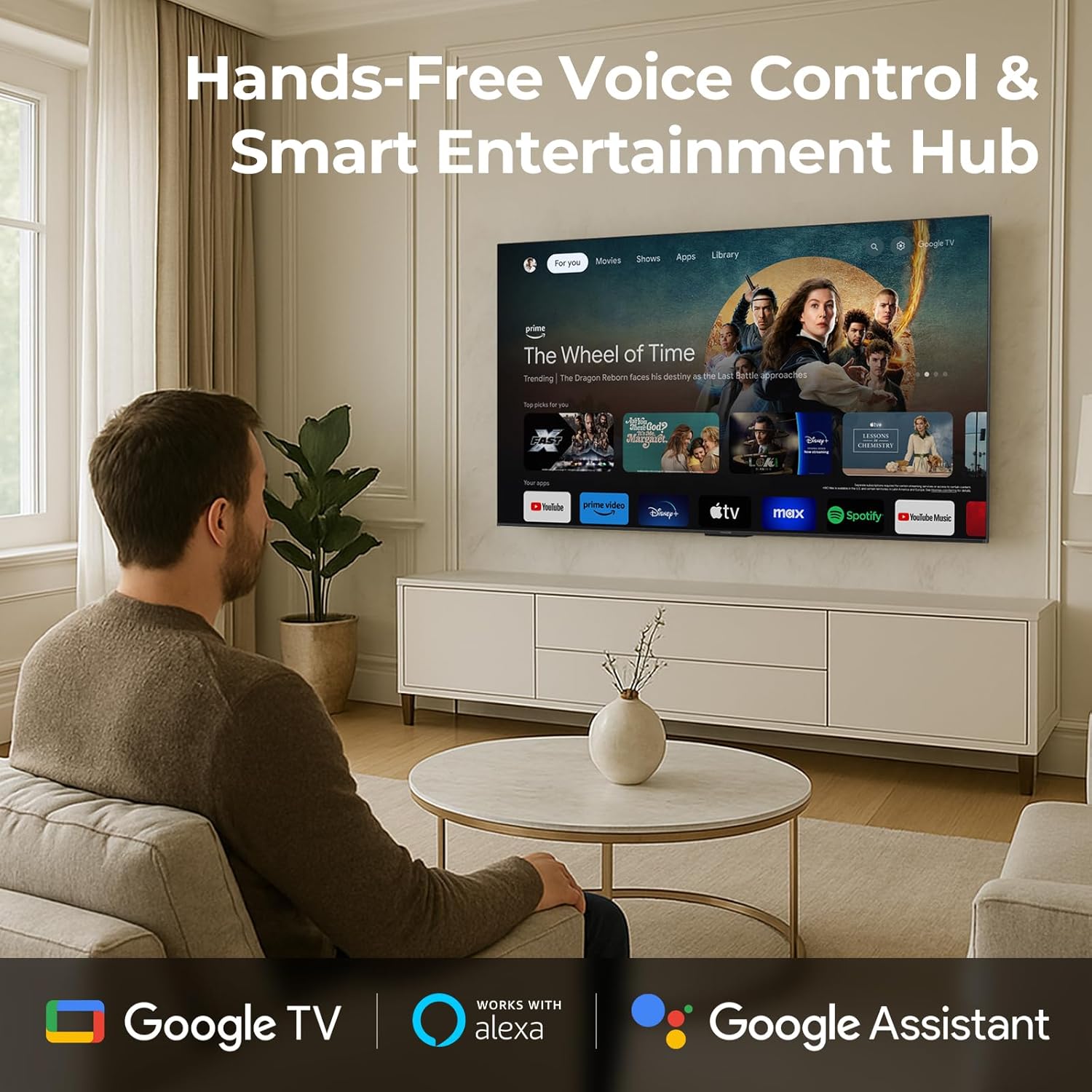
Image 4.1: A man interacting with the iFFALCON TV using voice commands, demonstrating the hands-free control feature.
4.3 Mipangilio na Ubora wa Picha
The U85 Series TV offers exceptional picture quality through several advanced technologies:
- LED ya QD-Mini: Provides precise lighting control with up to 144 local dimming zones and 1000 nits peak brightness for bright highlights and deep blacks.
- QLED Wide Color: Quantum Dot technology delivers a 93% DCI-P3 wide color gamut for true-to-life images.
- Kichakataji cha AiPQ Pro: Optimizes brightness, contrast, and detail in real-time for enhanced visual performance.
- Dolby Vision IQ: Automatically adjusts HDR brightness based on ambient light conditions.
- 6000:1 Uwiano wa Tofauti: Achieves deep blacks and vibrant colors with enhanced contrast.

Image 4.2: Visual comparison illustrating how Mini-LED technology enhances bright highlights and deep blacks compared to conventional TVs.
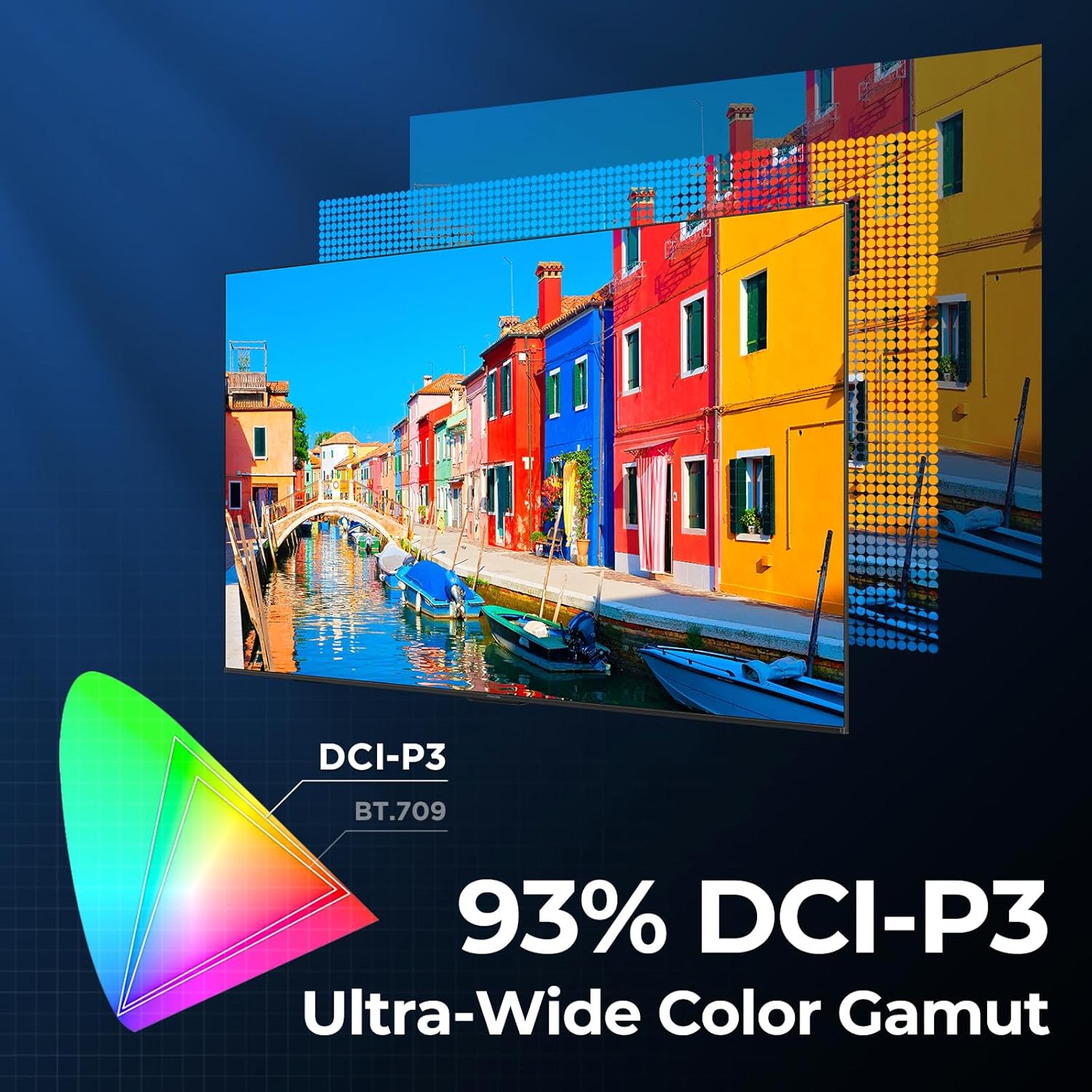
Image 4.3: Diagram showing the 93% DCI-P3 ultra-wide color gamut, indicating the TV's ability to display a broad spectrum of colors.
4.4 Audio Settings and Quality
Experience immersive sound with the TV's integrated audio features:
- 2.1-channel 50W Sound System: Delivers powerful stereo sound with deep bass.
- Dolby Atmos: Provides multi-dimensional audio that flows around and above you.
- DTS Virtual X: Creates expansive, room-filling sound with virtual height and surround effects.
- IMAX Imeboreshwa: Optimizes audio and visual performance for a cinematic experience.

Image 4.4: A couple enjoying a movie on the iFFALCON TV, illustrating the immersive audio experience with sound waves emanating from the screen.
4.5 Vipengele vya Michezo ya Kubahatisha
The iFFALCON U85 TV is designed for an optimal gaming experience:
- 4K 144Hz Panel with VRR: Ensures smooth, crystal-clear motion and reduces screen tearing.
- 240Hz DLG Acceleration: Boosts refresh rates for ultra-smooth action.
- FreeSync Premium Pro: Provides tear-free, low-latency HDR gaming.
- Game Mode & Game Bar: Dedicated settings and on-screen overlay for quick adjustments during gameplay.
- ALM (Hali ya Kuchelewa Kiotomatiki ya Chini): Automatically switches to a low-latency mode for responsive gameplay.

Image 4.5: A gaming console connected to the iFFALCON TV, highlighting the 144Hz refresh rate and other gaming features.
4.6 Vipengele vya Kustarehesha Macho
Kwa kupanuliwa viewing comfort, the TV incorporates multiple eye-care technologies:
- Mwangaza wa Bluu ya Chini: Hupunguza utoaji hatari wa mwanga wa bluu.
- Flicker Reduction: Minimizes screen flicker for a more comfortable viewuzoefu.
5. Matengenezo
To ensure the longevity and optimal performance of your iFFALCON U85 TV, follow these maintenance guidelines:
- Kusafisha skrini: Futa skrini kwa upole kwa kitambaa laini, kikavu, kisicho na pamba. Kwa alama za ukaidi, nyepesi dampjw.org sw kitambaa chenye maji au kisafishaji maalum cha skrini. Epuka kemikali kali au vifaa vya abrasive.
- Kusafisha sura: Tumia kitambaa laini na kikavu kusafisha fremu ya TV na kusimama.
- Uingizaji hewa: Hakikisha kuna uingizaji hewa wa kutosha karibu na TV. Usizuie fursa za uingizaji hewa.
- Kamba ya Nguvu: Angalia waya wa umeme mara kwa mara kwa uharibifu wowote. Ikiwa umeharibika, acha kutumia na wasiliana na huduma kwa wateja.
- Epuka jua moja kwa moja: Do not expose the TV to direct sunlight or excessive heat.
6. Utatuzi wa shida
If you encounter issues with your TV, refer to the following common solutions. If the problem persists, contact customer support.
| Tatizo | Sababu inayowezekana | Suluhisho |
|---|---|---|
| Hakuna nguvu | Kamba ya nguvu haijaunganishwa; Njia ya umeme haifanyi kazi | Hakikisha waya wa umeme umechomekwa kwa usalama; Jaribio la duka ukitumia kifaa kingine |
| Hakuna picha, lakini sauti iko | Incorrect input source; Loose HDMI cable | Select correct input source; Reconnect HDMI cable securely |
| Hakuna sauti, lakini picha iko | Volume muted or too low; External audio device issue | Washa au ongeza sauti; Angalia miunganisho kwenye vifaa vya sauti vya nje |
| Udhibiti wa mbali haufanyi kazi | Betri zimeisha; Kizuizi kati ya kidhibiti cha mbali na TV | Badilisha betri; Ondoa vizuizi vyovyote |
| Masuala ya muunganisho wa mtandao | ishara ya Wi-Fi dhaifu; Tatizo la router | Move TV closer to router or use Ethernet; Restart router |
7. Vipimo
| Kipengele | Maelezo |
|---|---|
| Chapa | iFFALCON |
| Nambari ya Mfano | 55U85 |
| Ukubwa wa skrini | Inchi 55 |
| Teknolojia ya Kuonyesha | LED ndogo, QLED |
| Azimio | UHD 4K |
| Kiwango cha Kuonyesha upya | 120 Hz (Native), 144Hz Game Mode Pro, 240Hz DLG |
| Mwangaza wa kilele | 1000 niti |
| Uwiano wa Tofauti | 6000:1 |
| Kanda za Kufifisha za Ndani | 144 |
| Vipengele Maalum | Dynamic Contrast Enhancer, Eye Comfort Mode, Game Mode, Intelligent Voice Recognition, Local Dimming, Dolby Vision IQ, Dolby Atmos, DTS Virtual X, IMAX Enhanced, Google TV, Google Assistant, Alexa Compatibility, FreeSync Premium Pro, ALLM |
| Teknolojia ya Uunganisho | Bluetooth, wi-fi |
| Vipimo vya Bidhaa (D x W x H) | 10.8" x 48.3" x 30.2" |
| Uzito wa Kipengee | Pauni 27.3 |
| Betri Inahitajika | Betri 2 za AAA (kwa kidhibiti cha mbali) |
8. Udhamini na Msaada
Your iFFALCON 55-Inch Class U85 Series QD-Mini LED 4K UHD Google Smart TV is covered by a manufacturer's warranty. For specific warranty details and duration, please refer to the warranty card included with your product or visit the official iFFALCON support webtovuti.
For technical assistance, troubleshooting beyond this manual, or to inquire about warranty service, please contact iFFALCON customer support. Contact information can typically be found on the manufacturer's webtovuti au katika Mwongozo wa Kuanza Haraka.
Tafadhali hifadhi uthibitisho wako wa ununuzi kwa madai ya udhamini.


