1. Utangulizi
Welcome to the ECOPAD T30 Android 15 Tablet user manual. This guide provides essential information to help you set up, operate, and maintain your new tablet. Please read this manual thoroughly to ensure optimal performance and longevity of your device.
2. Yaliyomo kwenye Kifurushi
Kabla ya kuanza, tafadhali thibitisha kuwa vipengee vyote vipo kwenye kifurushi chako:
- ECOPAD T30 Android 15 Tablet
- Cable Type-C ya USB
- Adapta ya umeme ya 18W
- Mwongozo wa Mtumiaji (hati hii)

Image: Contents of the ECOPAD T30 Tablet package, showing the tablet, USB cable, 18W charger, and user manual.
3. Kifaa Kimeishaview
Familiarize yourself with the physical components of your ECOPAD T30 tablet.

Picha: mbele na nyuma view of the ECOPAD T30 Tablet, illustrating the screen, rear camera, and various ports and buttons.
Vipengele Muhimu:
- Kamera ya mbele: Kwa simu za video na picha za kujipiga mwenyewe.
- Kamera ya Nyuma: Kwa ajili ya kunasa picha na video.
- Kitufe cha Nguvu: To turn the tablet on/off or put it to sleep.
- Vifungo vya Sauti: To adjust the audio volume.
- Mlango wa USB Aina ya C: Kwa malipo na uhamisho wa data.
- Jack ya Kipokea sauti cha 3.5mm: Kwa kuunganisha vichwa vya sauti vya waya.
- Slot ya Kadi ya SD ndogo: For expanding storage.
- Spika: Kwa pato la sauti.
4. Kuweka
4.1 Kuchaji Kompyuta Kibao
Before first use, fully charge your tablet. Connect the USB Type-C cable to the tablet's charging port and the 18W power adapter to a wall outlet.

Image: The ECOPAD T30 Tablet connected to its 18W fast charger, illustrating its 6000mAh battery and various usage durations.
4.2 Washa/Zima
- Kuwasha: Press and hold the Power button until the ECOPAD logo appears.
- Kuzima: Bonyeza na ushikilie Kitufe cha Kuwasha, kisha uchague "Zima" kutoka kwa chaguo kwenye skrini.
- Ili Kuanzisha Upya: Bonyeza na ushikilie kitufe cha Nguvu, kisha uchague "Anzisha tena" kutoka kwa chaguo.
4.3 Usanidi wa Awali
Upon first power-on, the tablet will guide you through the initial setup process. This includes selecting your language, connecting to Wi-Fi, setting up your Google account, and configuring basic security settings.
4.4 Muunganisho wa Wi-Fi
- Nenda kwa Mipangilio > Mtandao na intaneti > Wi-Fi.
- Geuza Wi-Fi On.
- Chagua mtandao wako wa Wi-Fi unaotaka kutoka kwenye orodha.
- Ingiza nenosiri ikiwa umeombwa, kisha uguse Unganisha.
5. Kuendesha Kompyuta Kibao
5.1 Mfumo Endeshi wa Android 15
Your ECOPAD T30 runs on the latest Android 15, offering enhanced security, improved privacy controls, and a customizable user experience.

Image: A visual representation of the Android 15 operating system, highlighting its key features such as multitasking, privacy controls, customization, and performance.
5.2 Mipangilio ya Maonyesho
The tablet features a 10.1-inch HD IPS touchscreen with a resolution of 1280x800 pixels and a 16:9 aspect ratio.

Image: The 10.1-inch HD IPS display of the ECOPAD T30, showcasing its resolution, aspect ratio, and eye-protection capabilities.
Adjust brightness, font size, and display mode (e.g., dark theme) via Mipangilio > Onyesho.
5.3 Usimamizi wa Uhifadhi
The tablet comes with 128GB of internal storage, expandable up to 1TB using a Micro SD card.

Image: An illustration of the ECOPAD T30's memory and storage capabilities, featuring 12GB RAM, 128GB internal storage, and support for up to 1TB Micro SD card expansion.
Ili kudhibiti hifadhi, nenda kwenye Mipangilio > Hifadhi. Hapa unaweza view used space and free up storage.
5.4 Muunganisho
Your tablet supports various connectivity options:
- Dual-Band Wi-Fi 5 (2.4GHz & 5GHz): For fast internet access.
- Bluetooth 5.0: For connecting wireless accessories like headphones and keyboards.
- GPS: Kwa huduma za urambazaji na eneo.
- Redio ya FM: For listening to local radio stations.
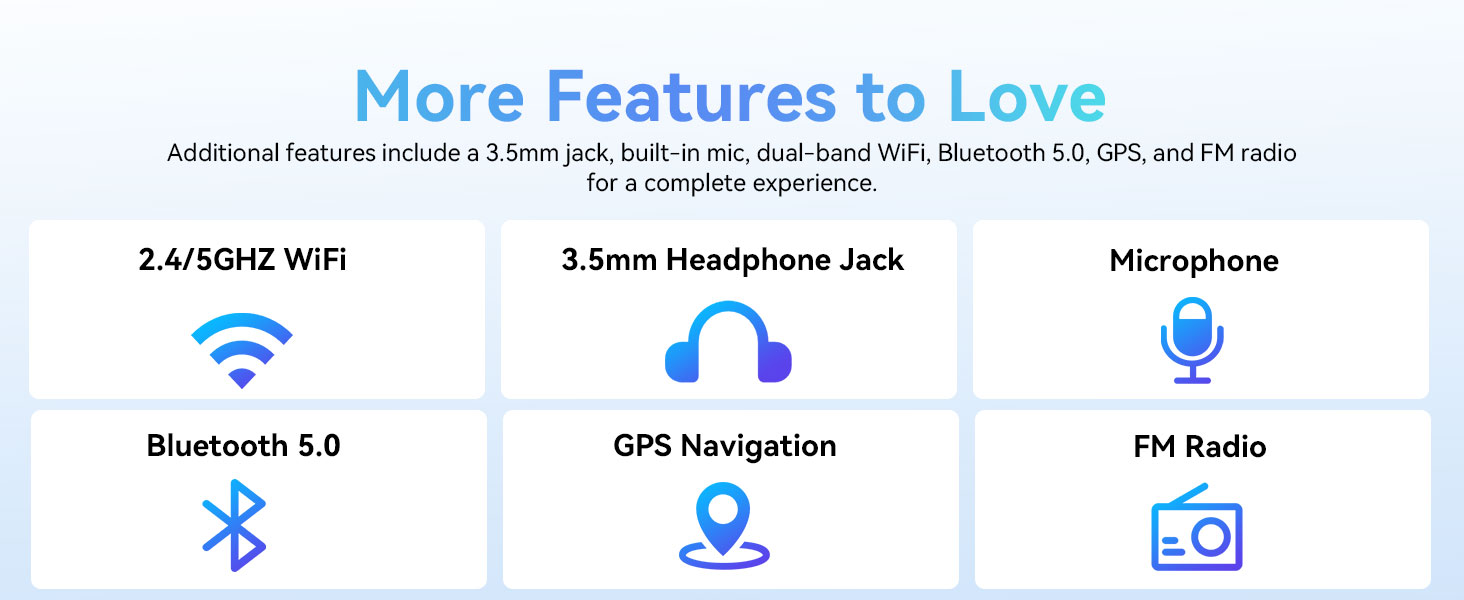
Image: A graphic displaying the ECOPAD T30's additional features, including dual-band Wi-Fi, 3.5mm headphone jack, microphone, Bluetooth 5.0, GPS, and FM Radio.
5.5 Matumizi ya Kamera
The tablet is equipped with an 8MP rear camera and a 2MP front camera.
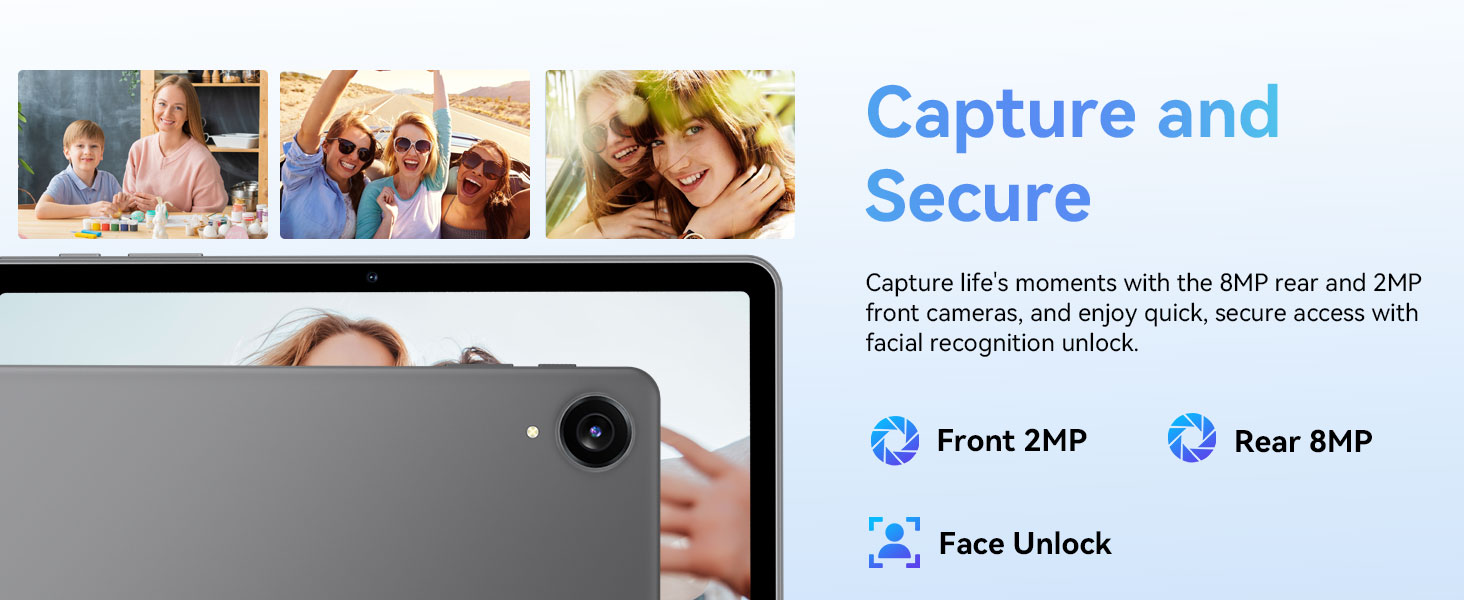
Image: The ECOPAD T30 Tablet highlighting its 2MP front camera, 8MP rear camera, and the Face Unlock security feature.
Fungua Kamera app to take photos or record videos. Tap the camera icon to switch between front and rear cameras.
5.6 Security (Face Unlock)
For convenient and secure access, your tablet supports Face Unlock. To set it up, go to Mipangilio > Usalama na faragha > Kufungua kwa uso na ufuate maagizo kwenye skrini.
5.7 Multimedia and Streaming
The ECOPAD T30 supports Widevine L1, enabling high-definition streaming from platforms like Netflix, Hulu, YouTube, HBO Max, Prime Video, and Disney+.
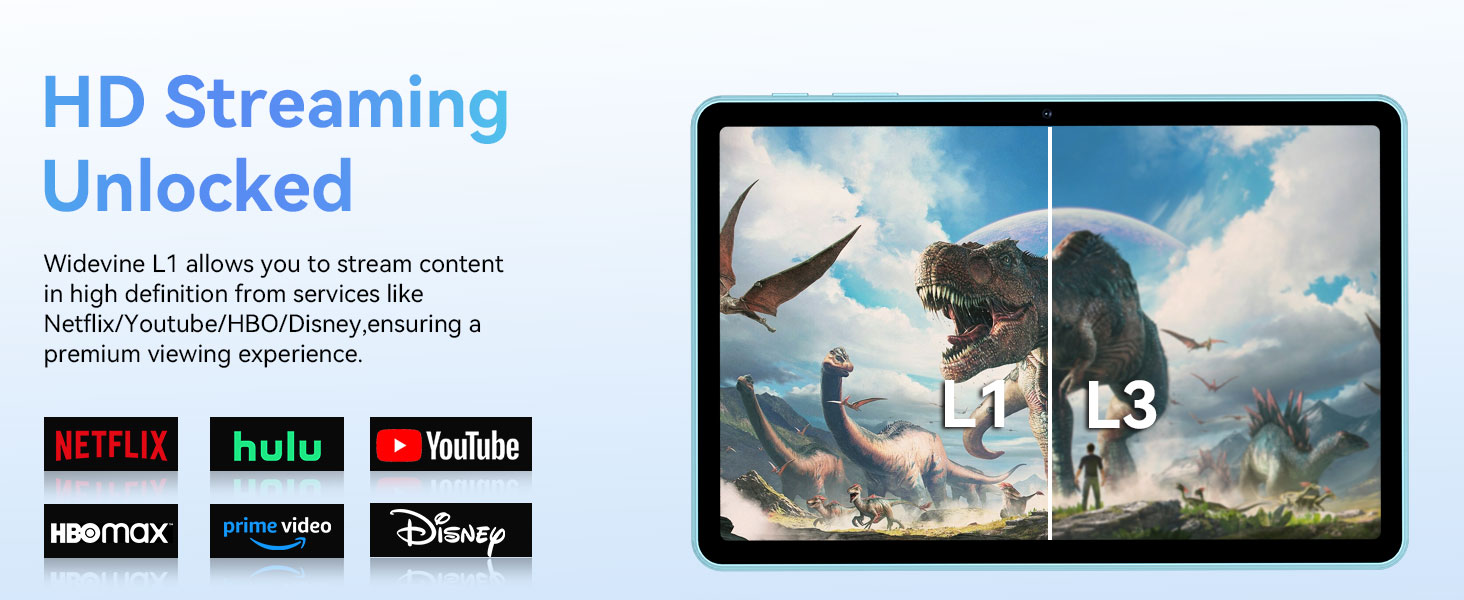
Image: The ECOPAD T30 Tablet demonstrating Widevine L1 support for high-definition streaming, with logos of compatible services like Netflix and Disney+.
6. Matengenezo
6.1 Utunzaji wa Betri
- Epuka halijoto kali.
- Usiruhusu betri itoe maji mengi mara kwa mara.
- Use the provided 18W charger for optimal charging.
6.2 Kusafisha
Tumia kitambaa laini, kisicho na ute ili kusafisha skrini na mwili wa kompyuta kibao. Epuka kemikali kali au vifaa vya kukwaruza.
6.3 Usasisho wa Programu
Angalia na usakinishe masasisho ya programu mara kwa mara ili kuhakikisha kompyuta yako kibao ina vipengele vya hivi karibuni, viraka vya usalama, na maboresho ya utendaji. Nenda kwenye Mipangilio > Mfumo > Sasisho la mfumo.
7. Utatuzi wa shida
- Kompyuta kibao haiwashi: Hakikisha kuwa betri imechajiwa. Unganisha chaja na ujaribu tena.
- Skrini imegandishwa: Bonyeza na ushikilie Kitufe cha Kuwasha/kuzima kwa takriban sekunde 10-15 ili kulazimisha kuwasha upya.
- Masuala ya muunganisho wa Wi-Fi: Restart your tablet and your Wi-Fi router. Check Wi-Fi settings to ensure the correct network and password are used.
- Programu zinaharibika: Futa akiba ya programu yenye matatizo (Mipangilio > Programu > [Jina la Programu] > Hifadhi na akiba > Futa akibaIkiwa tatizo litaendelea, jaribu kusakinisha upya programu.
- Low audio volume: Check volume settings. Ensure no headphones are connected if you intend to use speakers. Consider connecting a Bluetooth speaker for enhanced audio.
8. Vipimo
| Kipengele | Vipimo |
|---|---|
| Mfano | ECOPAD T30 |
| Mfumo wa Uendeshaji | Android 15 |
| Kichakataji | Unisoc T606 Octa-core (2x Cortex-A75, 6x Cortex-A55) |
| RAM | GB 12 (Upanuzi wa GB 4 + GB 8) |
| Hifadhi ya Ndani | 128GB |
| Hifadhi inayoweza kupanuliwa | Up to 1TB via Micro SD Card |
| Ukubwa wa Kuonyesha | Inchi 10.1 |
| Aina ya Kuonyesha | Skrini ya Kugusa ya HD IPS |
| Azimio | 1280 x 800 Pixels |
| Uwiano wa kipengele | 16:9 |
| Kamera ya Nyuma | MP 8 |
| Kamera ya mbele | MP 2 |
| Wi-Fi | Dual-Band Wi-Fi 5 (802.11ax, 2.4GHz/5GHz) |
| Bluetooth | Bluetooth 5.0 |
| Uwezo wa Betri | 6000mAh |
| Inachaji | 18W Fast Charge (USB Type-C) |
| Wastani wa Maisha ya Betri | 8 Hours (typical usage) |
| Vipimo (LxWxH) | Inchi 9.5 x 6.5 x 0.3 |
| Uzito | Pauni 1.83 |
| Sifa Nyingine | GPS, FM Radio, Dual Speakers, Face Unlock, Widevine L1 |

Image: A detailed diagram illustrating the Unisoc T606 Octa-core processor, highlighting its ARM G57 GPU, core configuration (Cortex-A55 x 6, Cortex-A75 x 2), and 12nm manufacturing process.
9. Udhamini na Msaada
Your ECOPAD T30 Tablet comes with a dhamana ya mwaka 2 from the date of purchase. This warranty covers manufacturing defects and ensures peace of mind regarding your product's quality.
For technical support, warranty claims, or any questions regarding your tablet, please contact ECOPAD customer service through the official channels provided at the time of purchase or on the ECOPAD webtovuti.


