Utangulizi
Welcome to the instruction manual for your new RadioShack Portable Suitcase Turntable with Bluetooth. This guide provides essential information for the safe and efficient setup, operation, and maintenance of your device. Please read this manual thoroughly before using the turntable and retain it for future reference.

Image: The RadioShack Portable Suitcase Turntable, open and ready to play a record.
Vipengele vya Bidhaa
- Ubunifu wa Sanduku la Kubebeka: Kompakt na rahisi kusafirisha.
- Uchezaji Mbadala: Supports 3 speeds (33-1/3, 45, 78 RPM) for various record types.
- Automatic and Manual Stop: Offers flexibility in playback control.
- Sauti Inayoweza Kubinafsishwa: Features pitch and volume control for personalized listening.
- Spika Zilizojengwa ndani: Equipped with 3W x 2 speakers for direct audio playback.
- Muunganisho wa Bluetooth: Wirelessly stream music from compatible devices.
- Matokeo ya Sauti ya RCA: Connect to external home stereo systems.
- Ingizo la AUX la mm 3.5: Connect external audio sources.
- Ingizo la Kipaza sauti cha 3.5mm: Kwa usikilizaji wa faragha.
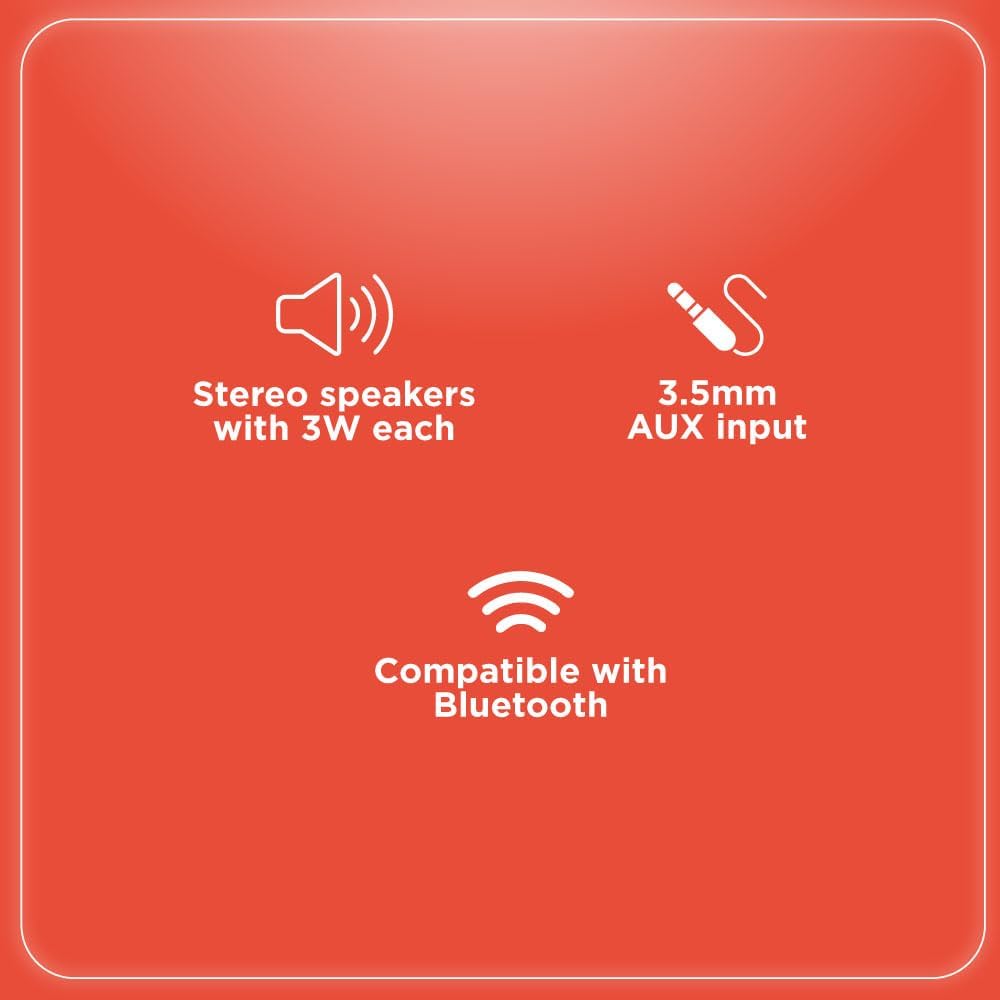
Image: Key features including stereo speakers, 3.5mm AUX input, and Bluetooth compatibility.
Yaliyomo kwenye Kifurushi
Tafadhali chagua kisanduku kwa vitu vifuatavyo:
- 1 x RadioShack Portable Suitcase Turntable
- Adapta ya Nguvu 1 x
- Adapta ya 1 x 45 RPM
- 1 x Mwongozo wa Maagizo

Image: A visual representation of the turntable being the primary item included in the package.
Sanidi
- Ondoa: Ondoa kwa uangalifu meza ya kugeuza na vifaa vyote kutoka kwenye kifungashio.
- Uwekaji: Place the turntable on a flat, stable, and level surface to ensure optimal performance and prevent skipping.
- Muunganisho wa Nishati: Connect the provided power adapter to the DC 5V input port located on the back of the turntable. Plug the other end into a standard wall outlet.
- Ulinzi wa Stylus: Gently remove the clear plastic protective cover from the stylus (needle).
- Tone Arm Release: Unlock the tone arm from its rest by moving the tone arm lock to the side.
Maagizo ya Uendeshaji
Rekodi za kucheza
- Weka Rekodi: Weka rekodi yako ya vinyl kwa uangalifu kwenye sinia la kugeuza.
- Chagua Kasi: Use the speed selector switch (33-1/3, 45, or 78 RPM) to match the speed of your record. For 7-inch 45 RPM records, place the included 45 RPM adapter on the center spindle.
- Mkono wa Toni ya Kuinua: Use the cueing lever to gently lift the tone arm from its rest.
- Mkono wa Toni ya Nafasi: Manually move the tone arm over the desired starting track of the record.
- Mkono wa Toni ya Chini: Slowly lower the tone arm onto the record using the cueing lever. The record will begin to play.
- Rekebisha Sauti: Rotate the volume control knob to achieve your desired listening level.
- Acha kucheza tena: To stop playing, lift the tone arm using the cueing lever and return it to the tone arm rest.
- Kipengele cha Kusimamisha Kiotomatiki: The turntable features an auto-stop switch. When ON, the platter will automatically stop spinning when the record reaches its end. When OFF, the platter will continue to spin.

Image: The turntable playing a record, highlighting its multi-speed capability.
Video: Official RadioShack video demonstrating the vintage turntable in suitcase style, showing basic operation.
Muunganisho wa Bluetooth
- Washa: Turn on the turntable using the power/volume knob.
- Chagua Modi ya Bluetooth: Switch the function selector to 'BT' (Bluetooth). The Bluetooth indicator light will begin to blink, indicating that the turntable is in pairing mode.
- Washa Bluetooth kwenye Kifaa: On your external audio device (e.g., smartphone, tablet), enable Bluetooth and search for available devices.
- Oanisha Kifaa: Select 'Turntable' from the list of available Bluetooth devices. Once successfully paired, the Bluetooth indicator light will become solid.
- Cheza Muziki: You can now play music from your external device, and the audio will be streamed through the turntable's built-in speakers.
External Audio Connections
- Matokeo ya Sauti ya RCA: Connect RCA audio cables (not included) from the 'OUT' ports on the back of the turntable to the audio input jacks of an external amplifier or powered speakers for a more powerful sound experience.
- Ingizo la AUX la mm 3.5: Connect an external audio device (e.g., MP3 player, smartphone) to the 3.5mm AUX input jack on the turntable using a 3.5mm audio cable (not included).
- Ingizo la Kipaza sauti cha 3.5mm: For private listening, plug your headphones into the 3.5mm headphone jack located on the control panel.
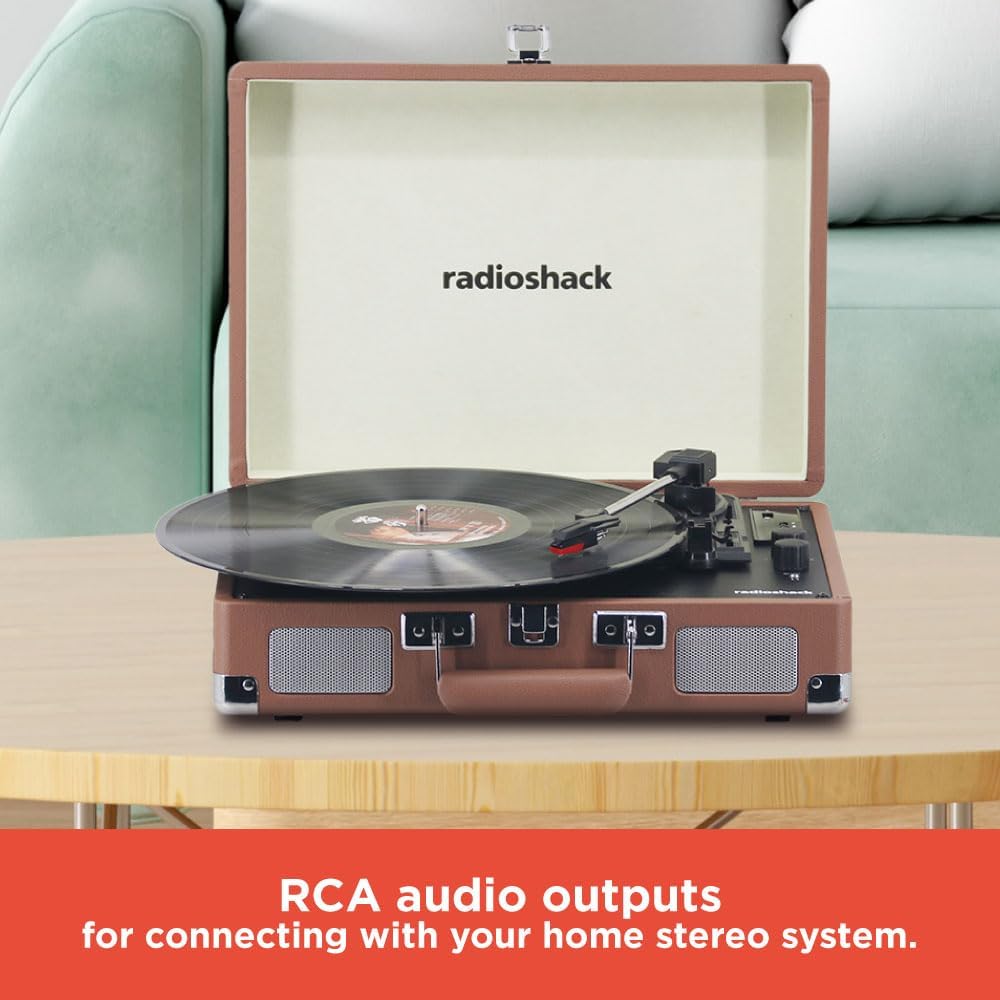
Image: The RCA audio outputs on the back of the turntable for connecting to external stereo systems.

Image: The headphone jack for private listening.
Matengenezo
- Utunzaji wa Stylus: The stylus is delicate. Avoid touching it with your fingers. Clean it periodically with a soft brush, moving from back to front along the stylus tip.
- Kusafisha kwa Turntable: Wipe the turntable unit and cabinet with a soft, dry cloth. Do not use abrasive cleaners, waxes, or solvents as they may damage the finish.
- Utunzaji wa Rekodi: Handle records by their edges to avoid touching the grooves. Store records vertically in their protective sleeves to prevent warping and dust accumulation.
Kutatua matatizo
| Tatizo | Suluhisho |
|---|---|
| Hakuna Nguvu | Ensure the power adapter is securely connected to the turntable and a working electrical outlet. Check if the power/volume knob is turned ON. |
| Hakuna Sauti | Increase the volume. Verify that the correct mode (Phono or Bluetooth) is selected. If using external speakers, check their connections and power. If playing a record, ensure the stylus is properly placed on the record and is not damaged. |
| Skipping/Distorted Sound | Clean the record and stylus. Ensure the record is placed flat on the platter. Verify that the turntable is on a stable, level surface. |
| Masuala ya Kuoanisha Bluetooth | Ensure the turntable is in Bluetooth pairing mode (blinking indicator light). Confirm your external device's Bluetooth is enabled and searching. Move devices closer together. Try restarting both the turntable and your external device. |
Vipimo
- Nambari ya Mfano: 4001790
- Chapa: RadioShack
- Kasi: 33-1/3, 45, 78 RPM
- Muunganisho: Bluetooth, RCA Audio Out, 3.5mm AUX Input, 3.5mm Headphone Output
- Spika: Imejengwa ndani 3W x 2
- Vipimo: Inchi 13.78 x 10.24 x 4.72
- Uzito: Pauni 6
- Nyenzo: MDF case wrapped by PVC vinyl

Image: Product dimensions for the turntable.
Udhamini na Msaada
For detailed warranty information, product registration, and customer support, please refer to the specific documentation included with your purchase or visit the official RadioShack webtovuti. Weka uthibitisho wako wa ununuzi kwa madai yoyote ya udhamini.


