1. Utangulizi
The INKBIRDPLUS Indoor CO2 Meter is an advanced air quality monitor designed to accurately measure carbon dioxide (CO2) concentration, temperature, and humidity in various indoor environments. This device provides real-time data and features an alarm function to alert users to elevated CO2 levels, ensuring a healthier living or working space. It is suitable for use in homes, offices, grow tents, wine cellars, and cars.

Image: The INKBIRDPLUS Indoor CO2 Meter shown alongside its USB-C charging cable.
2. Sifa Muhimu
- Multi-Parameter Monitoring: Simultaneously displays CO2 concentration, temperature, and humidity.
- Kengele za Tahadhari: Features 3 stages of CO2 concentration (Normal, Warning, Dangerous) with a customizable alarm function.
- Premium Sensor: Utilizes a highly sensitive NDIR CO2 sensor for quick and accurate readings.
- Convenient Calibration: Supports easy manual calibration to maintain measurement accuracy.
- Kuchaji USB: Built-in 2400mAh Lithium battery, rechargeable via USB-C.
- LCD kubwa yenye mwangaza wa nyuma: Onyesho wazi na rahisi kusoma.
- Programu pana: Portable design with a hanging hole, suitable for various indoor environments.
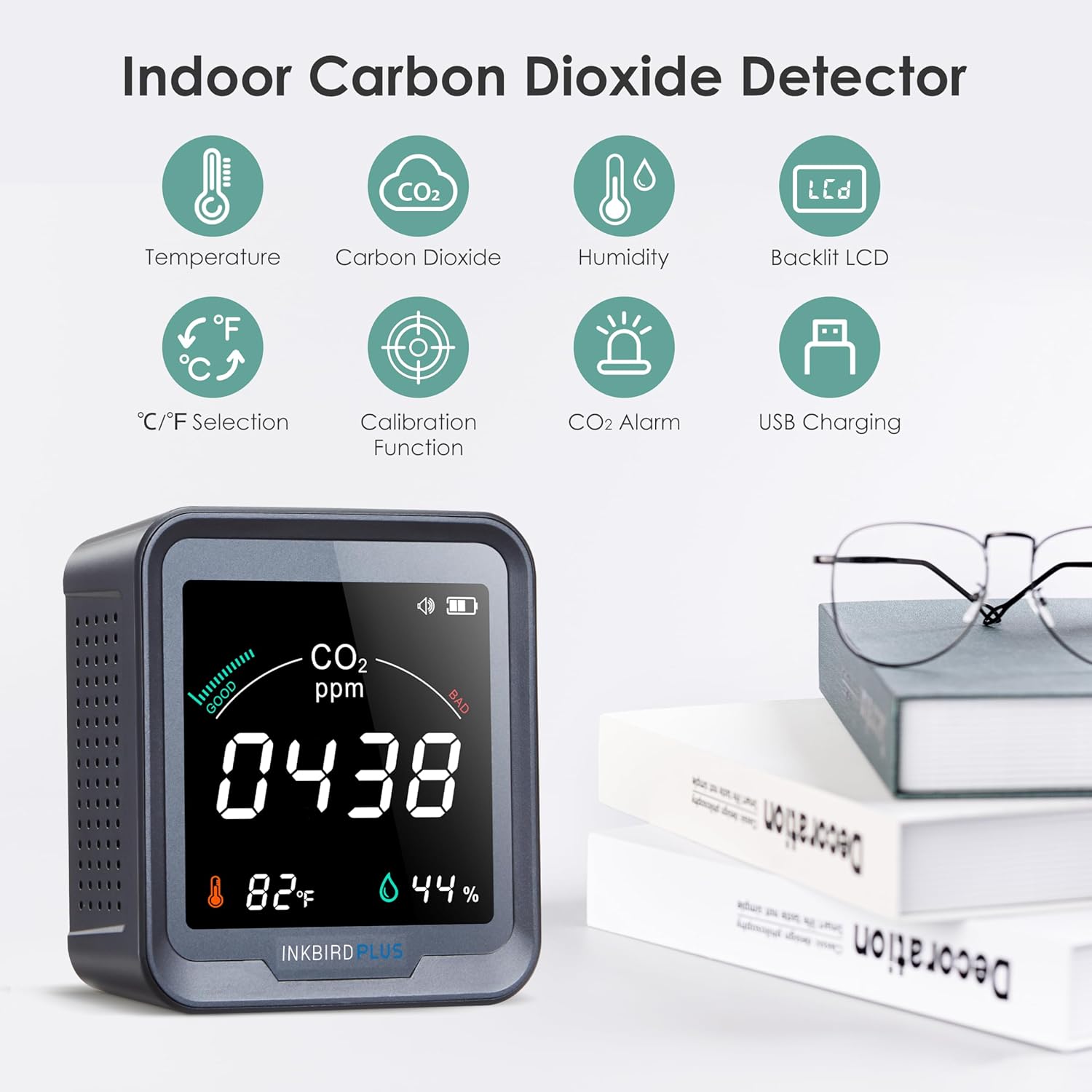
Image: Visual representation of the meter's key features including temperature, CO2, humidity, backlit LCD, C/F selection, calibration, CO2 alarm, and USB charging.
3. Yaliyomo kwenye Kifurushi
- 1 x INKBIRDPLUS Air Quality Detector
- 1 x Mwongozo wa Mtumiaji
- 1 x Kebo ya Kuchaji ya Aina ya C
4. Bidhaa Imeishaview

Picha: mbele na nyuma views of the INKBIRDPLUS CO2 Meter, highlighting display elements and button functions.
Onyesho la Mbele:
- Kiashiria cha Maisha ya Betri: Inaonyesha kiwango cha sasa cha betri.
- CO2 Alarm Indicator: Illuminates when CO2 levels exceed set thresholds.
- CO2 Concentration (ppm): Main numerical display for carbon dioxide levels.
- Halijoto: Huonyesha halijoto ya mazingira ya sasa.
- Unyevu: Displays current relative humidity.
Jopo la Nyuma:
- DOWN Button / Backlight ON/OFF: Used for navigation and controlling display backlight.
- Kitufe cha Nguvu: Huwasha/Kuzima kifaa.
- Shimo la Kuning'inia: Kwa uwekaji wa ukuta.
- UP Button / Alarm ON/OFF: Used for navigation and toggling the alarm.
5. Kuweka
5.1 Kuchaji Awali
Before first use, fully charge the device using the provided Type-C charging cable and a 5V-1A USB adapter (not included). The built-in 2400mAh Lithium battery provides portable operation, but for continuous monitoring, it is recommended to keep the device connected to power due to the multiple sensors.
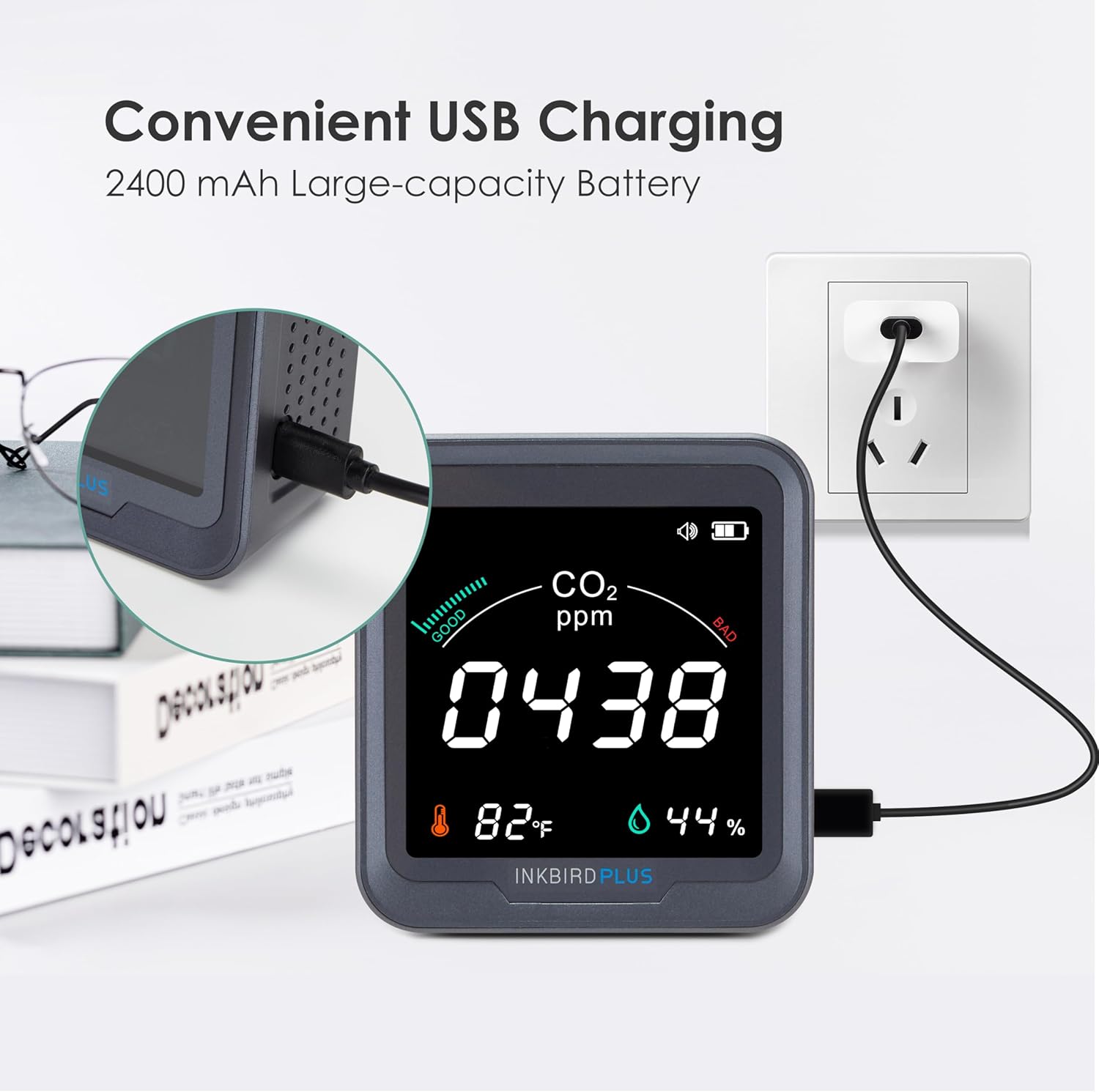
Image: The CO2 meter being charged via its USB-C port, connected to a wall adapter.
5.2 Kuwasha / Kuzima
Bonyeza na ushikilie Kitufe cha Nguvu on the back of the device to turn it ON or OFF.
5.3 Uwekaji
Place the CO2 meter in the area you wish to monitor. For accurate readings, avoid placing it directly in front of air vents, windows, or in drafty locations. The device can be placed on a flat surface or mounted on a wall using the integrated hanging hole.
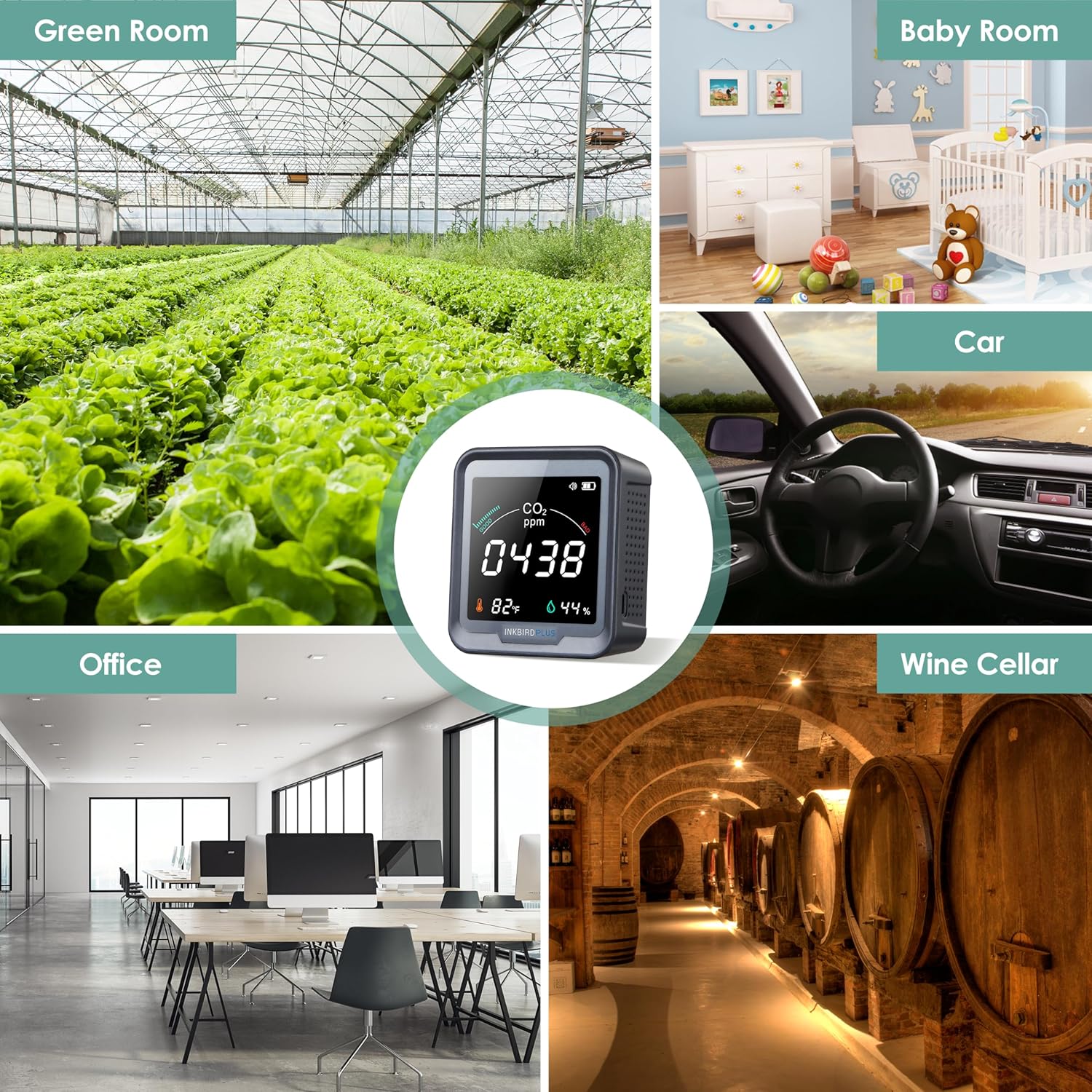
Picha: Examples of suitable environments for the CO2 meter, including a green room, baby room, car, office, and wine cellar.
6. Uendeshaji
6.1 Kusoma Onyesho
Once powered on, the large LCD will display the current CO2 concentration in parts per million (ppm), temperature in degrees Fahrenheit or Celsius, and relative humidity percentage.
6.2 CO2 Concentration Levels
The device categorizes CO2 levels into three stages, indicated by visual cues on the display and potentially an alarm:
- Kawaida: 400-700 ppm (Good air quality)
- Onyo: 700-1500 ppm (Moderate air quality, ventilation recommended)
- Hatari: 1500-5000 ppm (Poor air quality, immediate ventilation required)

Image: The CO2 meter display illustrating the three stages of CO2 concentration: Normal (400-700 ppm), Warning (700-1500 ppm), and Dangerous (1500-5000 ppm).
6.3 Kazi ya Kengele
The CO2 detector is equipped with an audible alarm that activates when the detected CO2 concentration exceeds a preset value. You can customize this alarm threshold.
- Setting Alarm Value: Double-press the power button to enter the alarm setting mode. Use the UP and DOWN buttons to adjust the desired CO2 threshold.
- Toggling Alarm ON/OFF: Press the UP button on the back panel to enable or disable the audible alarm.

Image: Instructions on how to double-press the button to enter the setting for the alarming CO2 value.
6.4 Urekebishaji
To ensure the accuracy of measurements, the CO2 meter supports a calibration function. It is recommended to calibrate the device in an open, fresh air environment, especially when using it for the first time.
- Urekebishaji wa Mwongozo:
- Zima kifaa.
- Take the device to an open outdoor environment with fresh air.
- Simultaneously press and hold all three buttons (UP, Power, DOWN) on the back of the device.
- The display will show a 200-second countdown. Keep the device still and do not breathe near it during this period.
- Calibration will complete automatically after the countdown.
- Urekebishaji Kiotomatiki: The automatic calibration function is off by default. If turned on, the first self-calibration occurs 24 hours after power-on, and subsequent self-calibrations occur every 7 days. If the device is turned off and on again, the timer for self-calibration will reset.

Image: A hand demonstrating pressing the three buttons simultaneously for convenient calibration.
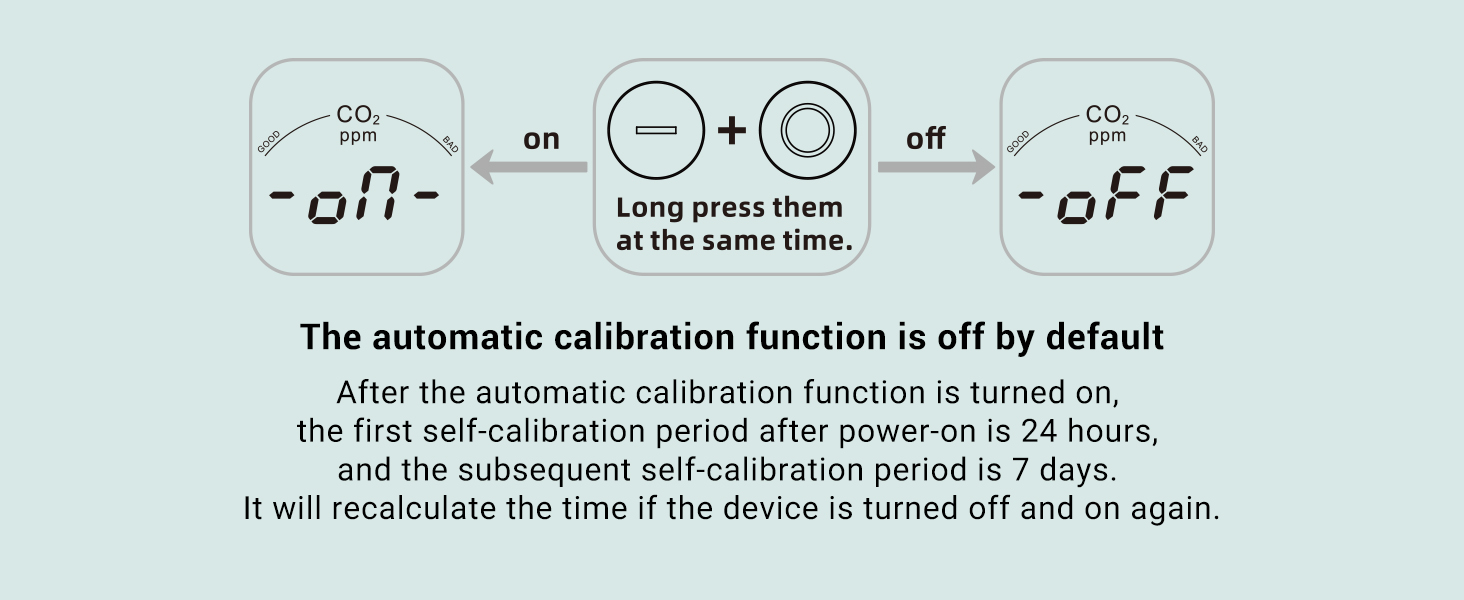
Image: Diagram illustrating how to toggle the automatic calibration function on or off by long-pressing the '+' and 'O' buttons simultaneously.
6.5 Udhibiti wa Mwangaza Nyuma
Bonyeza kwa CHINI button on the back panel to toggle the display backlight ON or OFF.
7. Matengenezo
- Weka kifaa safi kwa kuifuta kwa kitambaa laini na kavu.
- Usitumie visafishaji vya abrasive au vimumunyisho.
- Ensure the ventilation holes on the device are not obstructed to allow for proper air circulation and accurate readings.
- Hifadhi kifaa mahali pa baridi, kavu wakati haitumiki kwa muda mrefu.
8. Utatuzi wa shida
| Tatizo | Sababu inayowezekana | Suluhisho |
|---|---|---|
| Inaccurate CO2/Temp/Humidity readings | Device needs calibration; placed in a drafty area; sensor obstruction. | Perform manual calibration in fresh air. Relocate the device to a stable environment. Ensure ventilation holes are clear. |
| Betri huisha haraka | Multiple sensors consume power; continuous use without charging. | For continuous monitoring, keep the device connected to a 5V-1A USB power adapter. |
| Kifaa hakiwashi | Betri ni ndogo; kebo/adapta ya kuchaji ina hitilafu. | Charge the device for at least 30 minutes. Try a different USB-C cable and adapter. |
| Kengele haisikii | Alarm function is disabled; CO2 level below threshold. | Press the UP button to enable the alarm. Check if the CO2 concentration has reached the set alarm threshold. |
9. Vipimo
| Kigezo | Thamani |
|---|---|
| Nambari ya Mfano | PTH-9C-US-2 |
| Kiwango cha Upimaji wa CO2 | 400 - 5000 ppm |
| CO2 Measurement Accuracy | ±(50ppm + 5%) |
| Kiwango cha Joto | -10 ° C ~ 40 ° C (14 ° F ~ 104 ° F) |
| Usahihi wa Joto | ±2°C (±3.6°F) |
| Aina ya unyevu | 20 ~ 80% RH |
| Usahihi wa unyevu | ±5% RH |
| Chanzo cha Nguvu | Battery Powered (Built-in Lithium Battery 2400mAh) |
| Pembejeo ya Kuingiza | DC 5V - 1A |
| Uzito wa Kipengee | 10.8 wakia |
| Vipimo vya Bidhaa | Inchi 3.86 x 3.54 x 1.57 |
| Aina ya Alamu | Inasikika |
10. Udhamini na Msaada
Specific warranty details are not provided in this manual. For warranty claims, technical support, or any inquiries regarding your INKBIRDPLUS Indoor CO2 Meter, please refer to the product packaging or contact INKBIRDPLUS customer service directly through their official webtovuti au muuzaji ambapo bidhaa ilinunuliwa.


