
Utangulizi
This manual provides comprehensive instructions for the Creative Outlier Free Pro+ Wireless Waterproof Bone Conduction Headphones. Please read this manual thoroughly before using your device to ensure proper operation and to maximize its features. Keep this manual for future reference.
Bidhaa Imeishaview
The Creative Outlier Free Pro+ headphones utilize bone conduction technology to deliver audio through vibrations, allowing for open-ear listening and situational awareness. They feature an IPX8 waterproof rating, a built-in 8GB MP3 player, Bluetooth 5.3 connectivity with multipoint support, and up to 10 hours of battery life. The design incorporates lightweight silicone and titanium memory alloy for comfort and a secure fit, along with adjustable transducers for optimized sound.

Image: Creative Outlier Free Pro+ Bone Conduction Headphones, showcasing muundo wao wa ergonomic.
Yaliyomo kwenye Kifurushi
- Creative Outlier Free Pro+ Headphones
- Cable ya Kuchaji Magnetic
- Earplugs (for swimming)
- Mwongozo wa Mtumiaji
Sanidi
1. Uchaji wa Awali
Before first use, fully charge the headphones. Connect the magnetic charging cable to the charging port on the headphones and plug the USB end into a power source. The LED indicator will show charging status. A full charge typically takes approximately 2 hours.

Image: Close-up of the magnetic charging port on the Creative Outlier Free Pro+ headphones.
2. Washa/Zima
- Washa: Press and hold the Power/Multi-function button until the LED indicator flashes blue.
- Zima umeme: Press and hold the Power/Multi-function button until the LED indicator flashes red and then turns off.
3. Kuoanisha Bluetooth
- Hakikisha vipokea sauti vya masikioni vimezimwa.
- Press and hold the Power/Multi-function button for approximately 5 seconds until the LED indicator flashes red and blue alternately, indicating pairing mode.
- Kwenye kifaa chako (simu mahiri, kompyuta kibao, n.k.), washa Bluetooth na utafute vifaa vinavyopatikana.
- Select "Outlier Free Pro+" from the list.
- Mara baada ya kushikamana, kiashiria cha LED kitaangaza bluu polepole.
4. Muunganisho wa Multipoint
The headphones support connecting to two Bluetooth devices simultaneously. After pairing with the first device, disable Bluetooth on that device. Then, put the headphones back into pairing mode and connect to the second device. Re-enable Bluetooth on the first device, and the headphones should automatically connect to both.
5. Loading MP3 Files
To use the built-in 8GB MP3 player, connect the headphones to a computer using the magnetic charging cable. The headphones will appear as a removable storage device. Drag and drop your MP3, FLAC, WAV, or APE audio files into the designated music folder. WMA formats are not supported.
6. Adjusting Transducers
The transducers are designed to be adjustable for optimal sound conduction and comfort. Gently adjust the position of the transducers on your cheekbones until you find the most comfortable fit and clearest audio experience.

Image: Diagram illustrating bone conduction technology and the adjustable transducers for optimal fit and sound.
Uendeshaji
1. Udhibiti wa Msingi
- Kitufe cha Nguvu/Vipengele Vingi: Press and hold to power on/off. Single press to play/pause music or answer/end calls. Double press to activate voice assistant.
- Kuongeza sauti (+): Increase volume. Press and hold for next track (in MP3 mode).
- Punguza sauti (-): Decrease volume. Press and hold for previous track (in MP3 mode).
2. Switching Between Bluetooth and MP3 Mode
To switch between Bluetooth and MP3 playback, press the Mode button (if available, or refer to specific button functions in your quick start guide). The headphones will indicate the current mode via voice prompt.
3. Waterproof Usage (IPX8)
The Creative Outlier Free Pro+ headphones are IPX8 waterproof, suitable for submersion in freshwater up to 1.5 meters for up to 40 minutes. For swimming, it is recommended to use the built-in MP3 player mode as Bluetooth connectivity may be interrupted underwater. Insert the provided earplugs for an enhanced audio experience while swimming.

Image: A person swimming while wearing the Creative Outlier Free Pro+ headphones, highlighting their waterproof design and built-in MP3 player.
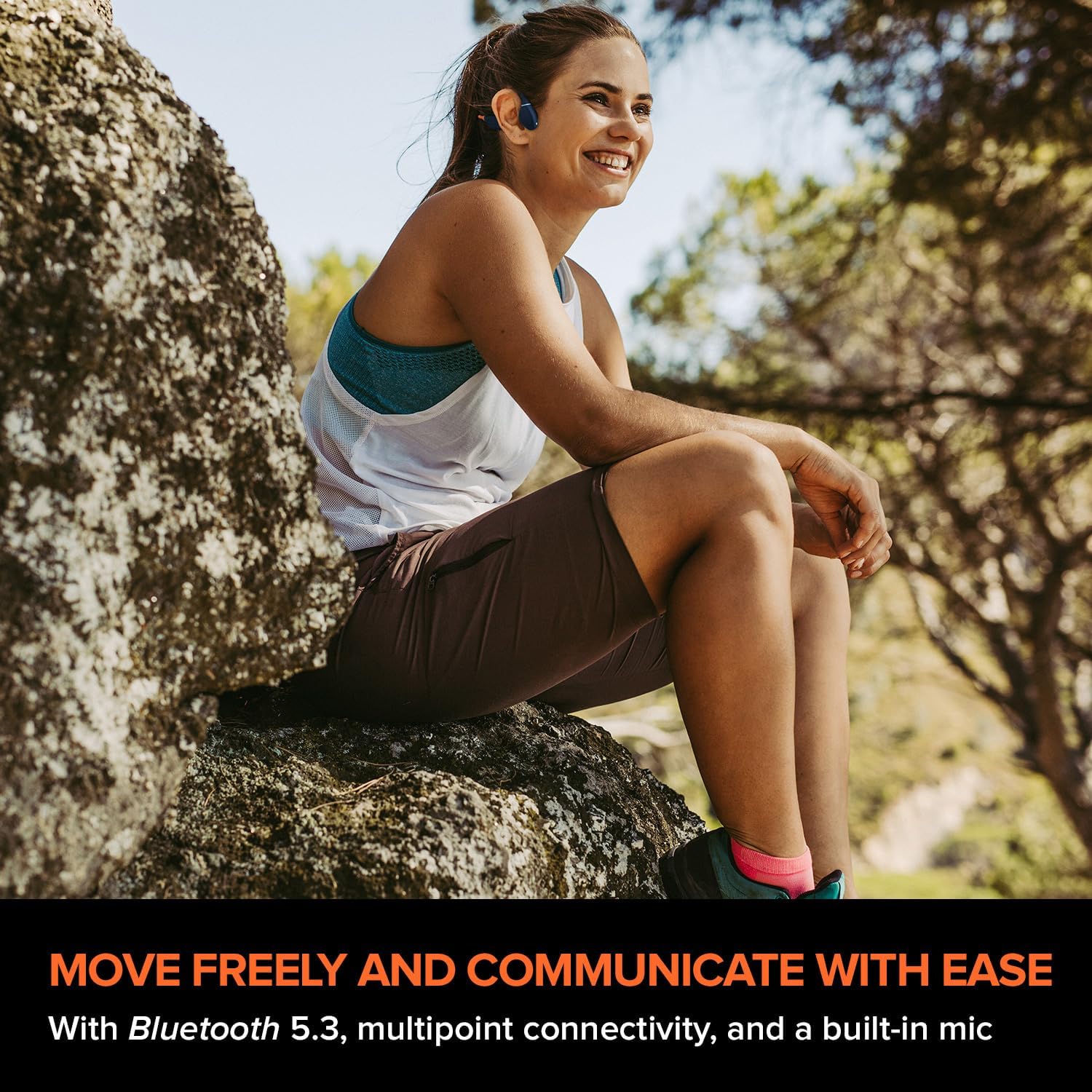
Image: A person relaxing in a pool while wearing the Creative Outlier Free Pro+ headphones, demonstrating their suitability for water activities.
4. Kushughulikia Simu
- Jibu/Maliza Simu: Single press the Power/Multi-function button.
- Kataa Simu: Press and hold the Power/Multi-function button for 2 seconds.
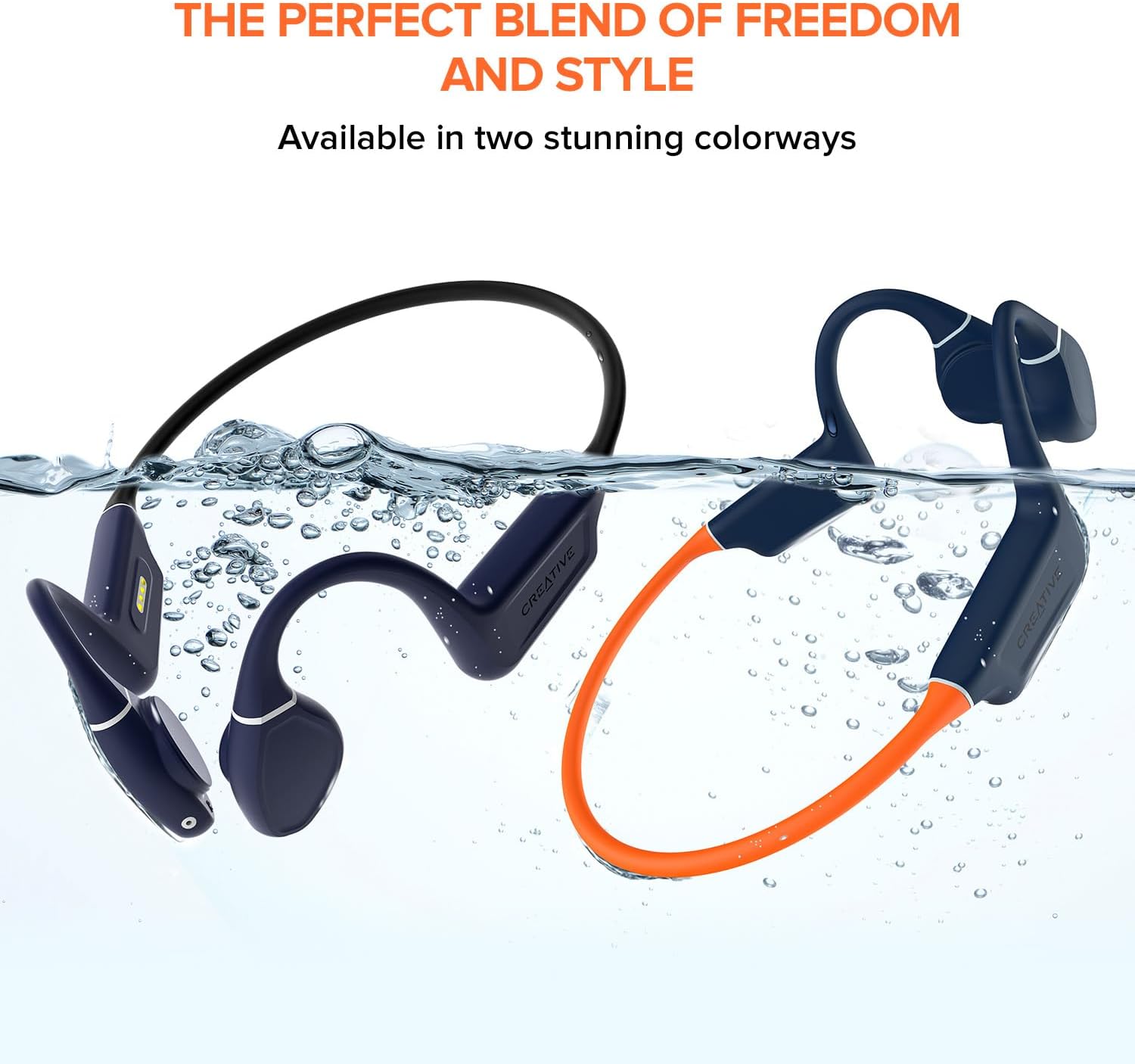
Image: A person wearing the Creative Outlier Free Pro+ headphones while sitting outdoors, illustrating their use for communication and music during activities.
Matengenezo
1. Kusafisha
Futa vichwa vya sauti kwa laini, damp cloth. Avoid using harsh chemicals or abrasive materials. Ensure the charging port is dry before charging.
2. Hifadhi
Hifadhi vipokea sauti vya masikioni mahali pakavu na penye baridi mbali na jua moja kwa moja na halijoto kali. Epuka kuweka vitu vizito juu yake.
3. Utunzaji wa Betri
Ili kuongeza muda wa matumizi ya betri, epuka kutoa vipokea sauti vinavyobanwa kichwani mara kwa mara. Zichaji mara kwa mara, hata kama hazitumiki kwa muda mrefu.

Image: Hands demonstrating the flexibility of the Creative Outlier Free Pro+ headphones, highlighting their durable and comfortable design.
Kutatua matatizo
- Hakuna Nguvu: Ensure the headphones are fully charged. Connect to the charger and check the LED indicator.
- Hakuna Sauti: Check the volume level on both the headphones and the connected device. Ensure the headphones are correctly paired via Bluetooth or in MP3 mode.
- Masuala ya Kuoanisha: Ensure the headphones are in pairing mode (flashing red and blue). Turn off and on Bluetooth on your device. Try unpairing and re-pairing.
- MP3 Playback Issues: Thibitisha kuwa sauti files are in a supported format (MP3, FLAC, WAV, APE) and correctly transferred to the headphones' internal storage.
- Ubora duni wa Sauti: Adjust the transducers for optimal placement on your cheekbones. Ensure there is no obstruction.
- Weka Upya Kifaa: If experiencing persistent issues, consult the Creative support website for instructions on how to perform a factory reset.
Vipimo
| Kipengele | Maelezo |
|---|---|
| Jina la Mfano | Outlier Free Pro+ |
| Teknolojia ya Uunganisho | Bluetooth 5.3, Isiyotumia Waya |
| Teknolojia ya Mawasiliano ya Wireless | Bluetooth |
| Nyenzo | Silicone |
| Uzito wa Kipengee | 1.12 wakia |
| Kiwango cha Upinzani wa Maji | Isiyopitisha maji (IPX8) |
| Masafa ya Marudio | 20 Hz - 18,000 Hz |
| Maisha ya Betri | Hadi Saa 10 |
| Aina ya Kiendesha Sauti | Kiendeshaji cha Uendeshaji wa Mfupa |
| Msururu wa Bluetooth | Mita 10 |
| Hifadhi Iliyojengwa | 8 GB MP3 Player |
| Aina ya Kudhibiti | Udhibiti wa Vyombo vya Habari, Programu |
| Mtengenezaji | Maabara ya Ubunifu |
| Vipimo vya Bidhaa | Inchi 4.17 x 5.39 x 1.73 |
| Nambari ya mfano wa bidhaa | EF1081 |
Udhamini na Msaada
Creative products are covered by a limited hardware warranty. For detailed warranty information, product registration, technical support, and frequently asked questions, please visit the official Creative support website. You can find the most up-to-date information and contact options there.
Kwa usaidizi zaidi, tafadhali tembelea: Usaidizi wa Ubunifu


