1. Utangulizi
This manual provides instructions for the installation, operation, and maintenance of your WiZ Smart LED Imageo Spotlight Plate. This smart lighting system offers versatile illumination with adjustable white and colored light, motion detection via SpaceSense technology, and voice control capabilities.

Kielelezo cha 1: WiZ Smart LED Imageo Spotlight Plate with three GU10 bulbs and its product packaging.
2. Yaliyomo kwenye Kifurushi
- 1x WiZ Smart LED Imageo Spotlight Plate (White)
- 3x GU10 5W Smart LED Bulbs
- Vifaa vya Ufungaji (skrubu, plagi za ukutani)
- Mwongozo wa Mtumiaji (hati hii)
3. Taarifa za Usalama
- Hakikisha umeme umekatika kabla ya usakinishaji au matengenezo.
- Ufungaji unapaswa kufanywa na fundi umeme aliyehitimu ikiwa huna uhakika.
- Do not expose the product to water or excessive moisture.
- Use only GU10 bulbs as specified.
4. Ufungaji
- Zima umeme: Turn off the main power supply at the circuit breaker before beginning installation.
- Kuweka Bamba: Secure the circular ceiling plate to your desired location using the provided screws and wall plugs. Ensure the mounting surface is suitable to support the fixture's weight.
- Wiring: Connect the electrical wires from your ceiling to the terminal block on the spotlight plate. Follow local electrical codes and ensure proper grounding.
- Weka Balbu: Gently insert the three GU10 smart LED bulbs into the spotlight sockets.
- Rekebisha Viangazio: Adjust the direction of each spotlight as needed.
- Washa: Restore power at the circuit breaker. The lights should turn on.

Kielelezo cha 2: Visual guide for installing WiZ smart lights and downloading the app.
5. Usanidi wa Awali na Muunganisho wa Programu
- Pakua Programu ya WiZ: Download the WiZ app from the Apple App Store or Google Play Store.
- Fungua Akaunti: Fungua programu na ufuate maagizo yaliyo kwenye skrini ili kuunda akaunti mpya ya WiZ au kuingia kwenye akaunti iliyopo.
- Kuoanisha: In the app, select "Add Device" and follow the pairing process. Ensure your Wi-Fi network is active and your phone is connected to the 2.4GHz band during setup.
- Room Assignment: Assign your new spotlight plate to a room within the app for organized control.
6. Operating Your WiZ Smart LED Spotlight
6.1. Basic Control (WiZ App)
- Washa/Zima: Toggle the lights on or off directly from the app.
- Kupunguza: Adjust the brightness level using the dimmer slider in the app.
- White Light Adjustment: Change the white light from warm (yellowish) to cool (bluish) tones to suit your preference or time of day.
- Uchaguzi wa Rangi: Choose from millions of colors to create various ambiances.
- Matukio Yaliyowekwa Awali: Utilize pre-programmed lighting scenes for different activities or moods.

Kielelezo cha 3: The WiZ spotlight plate can produce light from warm white to cool white.

Kielelezo cha 4: The WiZ spotlight plate offers millions of color options for personalized lighting.
6.2. SpaceSense Motion Detection
The WiZ SpaceSense technology uses Wi-Fi signals to detect movement in a room without requiring additional sensors. This allows your lights to turn on automatically when you enter and off when you leave.
- Uwezeshaji: Enable SpaceSense in the WiZ app for the desired room.
- Marekebisho ya Unyeti: Adjust the sensitivity settings in the app to fine-tune motion detection. You can set it to detect all movement or only human movement, ignoring pets.
- No Extra Sensors: This feature works using the existing WiZ lights and your Wi-Fi network, eliminating the need for separate motion sensors or batteries.
Video ya 1: Demonstration of WiZ SpaceSense technology, showing lights automatically turning on and off based on movement detection.
6.3. Udhibiti wa Sauti
The WiZ Smart LED Spotlight Plate is compatible with popular voice assistants, allowing for hands-free control.
- Mifumo Inayotumika: Works with Amazon Alexa, Apple HomeKit, and Google Home.
- Sanidi: Link your WiZ account to your preferred voice assistant app (e.g., Alexa app, Google Home app).
- Amri: Use voice commands such as "Alexa, turn on the living room lights," "Hey Google, dim the kitchen spotlights to 50%," or "Siri, set the bedroom lights to blue."
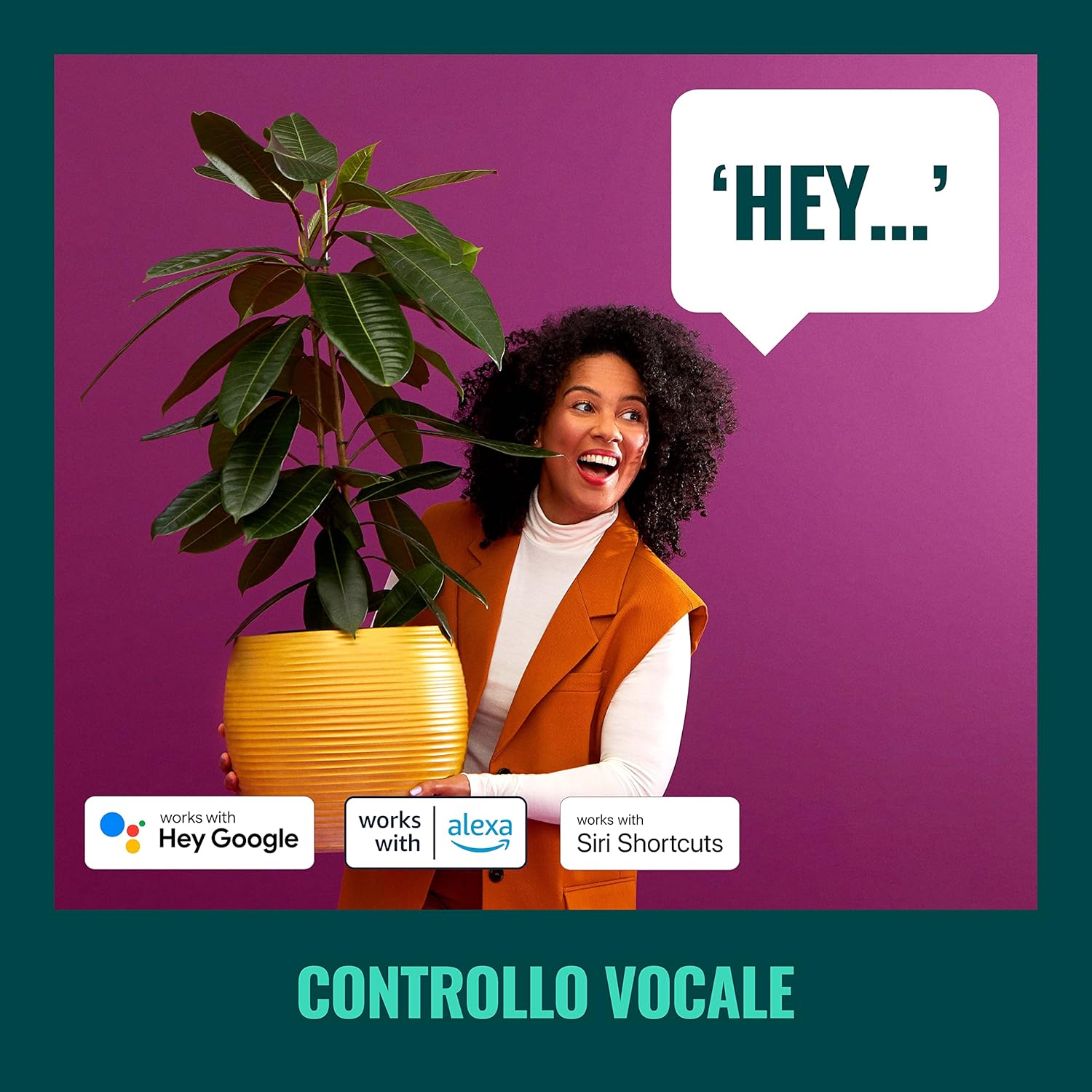
Kielelezo cha 5: The WiZ system supports voice control via popular smart home platforms.
6.4. Schedules and Routines
Automate your lighting to fit your daily routine.
- Kuratibu: Set specific times for lights to turn on/off, change brightness, or alter color.
- Mdundo wa Circadian: Enable Circadian Rhythm to automatically adjust light color and brightness throughout the day to mimic natural light patterns, promoting well-being.

Kielelezo cha 6: Zaidiview of advanced control features including scene personalization, remote control, scheduling, and circadian rhythm.
7. Matengenezo
- Kusafisha: Disconnect power before cleaning. Wipe the fixture with a soft, dry cloth. Do not use abrasive cleaners or solvents.
- Kubadilisha Balbu: Ensure power is off. Allow bulbs to cool before handling. Twist and pull to remove old GU10 bulbs, then insert new ones by aligning and twisting.
- Masasisho ya Programu: Angalia programu ya WiZ mara kwa mara kwa masasisho ya programu dhibiti ili kuhakikisha utendaji bora na ufikiaji wa vipengele vipya.
8. Utatuzi wa shida
- Taa hazijibu:
- Check if the main power switch is on.
- Ensure your Wi-Fi network is active and stable.
- Verify that the WiZ app is connected to the correct Wi-Fi network.
- Try power cycling the spotlight plate (turn off for 10 seconds, then on).
- Difficulty Pairing:
- Ensure your phone is connected to a 2.4GHz Wi-Fi network during pairing.
- Move closer to your Wi-Fi router.
- Reset the bulbs by turning them on/off three times (on for 1-2 seconds, off for 1-2 seconds) until they flash.
- SpaceSense Not Detecting Movement:
- Increase the sensitivity setting in the WiZ app.
- Ensure there are at least two WiZ lights in the room for optimal detection.
- Check for obstructions that might block Wi-Fi signals.
- Masuala ya Kudhibiti Sauti:
- Confirm that your WiZ account is correctly linked to your voice assistant.
- Angalia muunganisho wako wa mtandao.
- Ensure the device name in the WiZ app matches the name used in voice commands.
9. Vipimo
| Kipengele | Vipimo |
|---|---|
| Chapa | WiZ |
| Nambari ya Mfano | 929003210801 |
| Vipimo vya Bidhaa | 12 x 11 x 26 cm |
| Uzito | 1 kg |
| Rangi | Nyeupe |
| Nyenzo | Metal (fixture), Plastic (shade) |
| Mtindo | Kisasa |
| Idadi ya Taa | 3 |
| Aina ya Balbu | LED |
| Msingi wa Balbu | GU10 |
| Wattage (kwa balbu) | 5 Watt |
| Mwangaza wa Flux | 1350 lumens (total) |
| Voltage | Volti 230 (AC) |
| Ukadiriaji wa IP | IP20 |
| Wastani wa Maisha | Saa 15,000 |
| Vipengele Maalum | Dimmable, Energy Saving, SpaceSense Technology, Voice Control |
10. Udhamini na Msaada
For warranty information and technical support, please refer to the official WiZ webtovuti au wasiliana na huduma kwa wateja wao. Weka risiti yako ya ununuzi kama uthibitisho wa ununuzi.
Rasilimali za Mtandaoni: Tembelea WiZ Brand Store kwa maelezo ya ziada ya bidhaa na usaidizi.


