Bidhaa Imeishaview
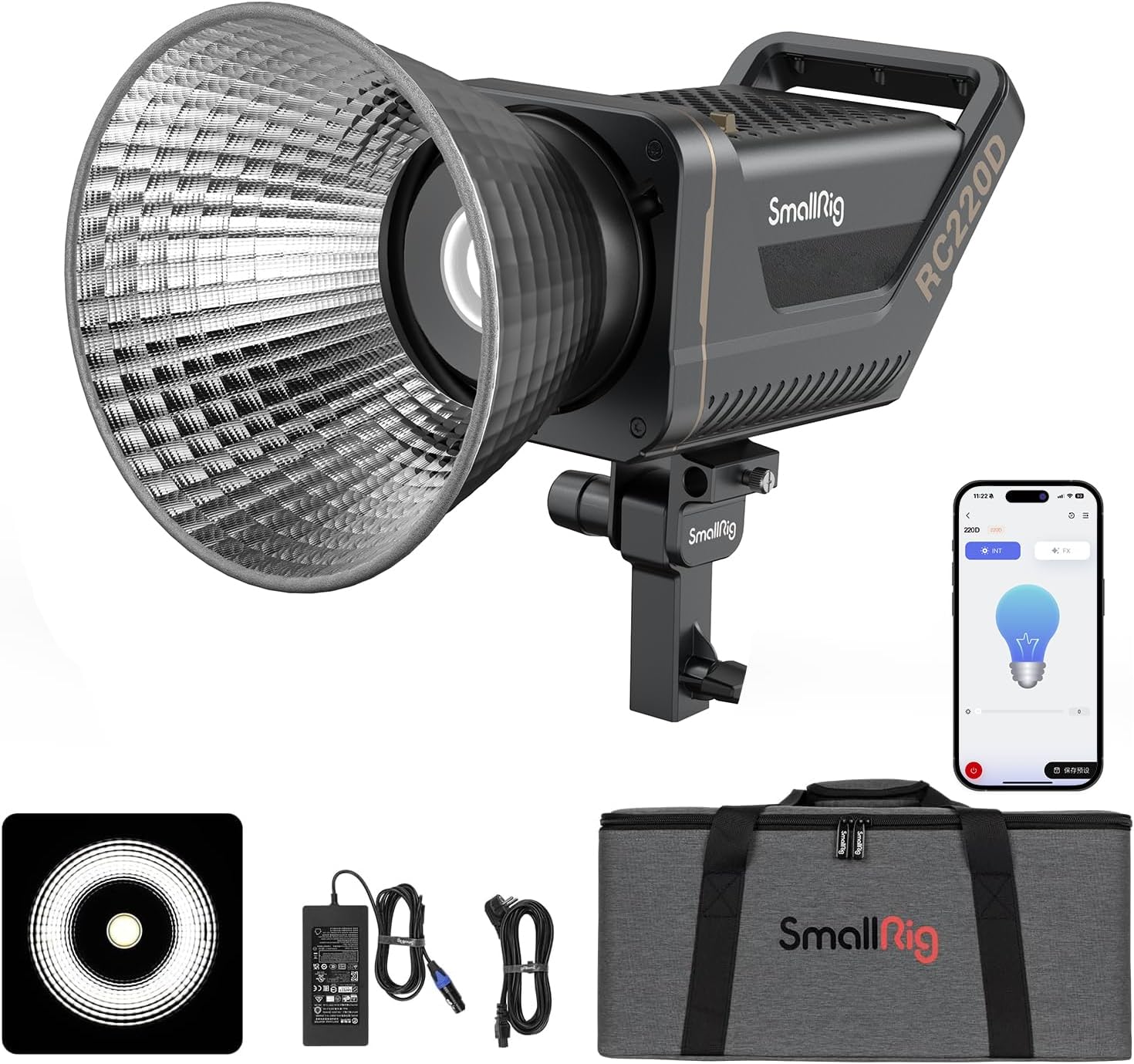
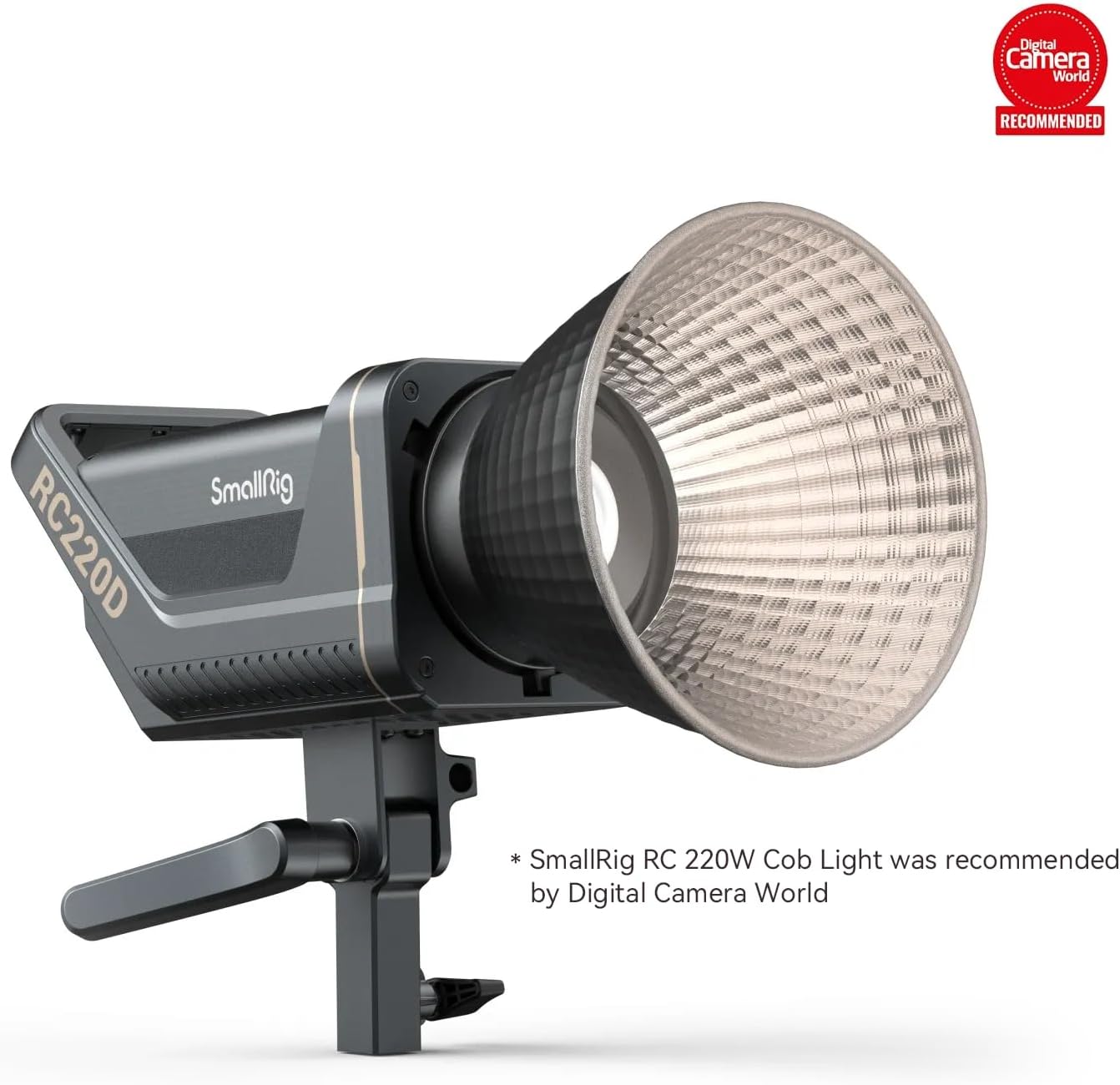
The SmallRig RC 220D is a 220W LED video light designed for continuous output, offering high brightness and precise lighting control. It features a fixed color temperature of 5600K and is suitable for various video and photography applications.
Sifa Muhimu:
- High Mwangaza: Delivers 10,100 lux at 1M (3.3ft) without reflector and 98,700 lux at 1M (3.3ft) with the included hyper reflector.
- Silent Cooling Fan: Features a built-in silent mode, producing approximately 30dB ± 2dB at 1 meter. Power is reduced in silent mode.
- Mlima wa Bowens: Compatible with a wide range of lighting modifiers.
- Precise Lighting Adjustment: CRI 95+, TLCI 96+, 5600K color temperature, and 9 light effects. Brightness adjustable from 0% to 100%.
- Intelligent Wireless Control: Adjust settings via the SmallGoGo App on a mobile phone.
- Njia mbili za Ugavi wa Nguvu: Operates directly from an AC power adapter or a 14.4V/26V V-mount battery (not included).
Yaliyomo kwenye Kifurushi
The SmallRig RC 220D LED Video Light package includes the following items:
- RC 220D Light x 1
- Kifuniko cha Ulinzi x 1
- Kiakisi cha Juu x 1
- Adapter ya AC x 1
- Cable ya Nguvu x 1
- Mfuko wa Kubebea x 1 (Ukubwa wa mfuko: 500 x 260 x 220mm)
- Mwongozo wa Mtumiaji x 1

Mwongozo wa Kuweka
1. Attaching the Hyper-Reflector
- Align the hyper-reflector with the Bowens mount on the front of the RC 220D light.
- Zungusha kiakisi kwa mwendo wa saa hadi kijifunge vizuri mahali pake.
- To remove, press the release button on the Bowens mount and twist counter-clockwise.
2. Ugavi wa Nguvu
The RC 220D supports two power supply methods:
- Adapta ya Nguvu ya AC: Connect the provided AC adapter to the light's DC input (12-30V) and then plug it into a standard wall outlet. The power cable length is 6m (19.6ft).
- V-mount Battery (Optional): For portable use, the light can be powered by a 14.4V/26V V-mount battery (not included). A special V-mount battery plate 3676 (not included) is recommended to attach the battery to a light stand.


3. Kuweka Nuru
The RC 220D can be mounted on a light stand using its integrated bracket. The bracket allows for angle adjustment up to 270 degrees. It also includes a built-in umbrella hole for attaching umbrella lighting accessories.

Maagizo ya Uendeshaji
1. Washa/Zima
Locate the power switch on the back of the unit. Flip the switch to turn the light on or off. The display screen will illuminate upon powering on.
2. Udhibiti wa Mwongozo
The light features control knobs on the back panel for manual adjustments:
- Intensity (INT) Knob: Rotate to adjust the brightness from 0% to 100%.
- Kisu cha FX: Rotate to cycle through 9 built-in light effects. Press to select an effect.
- Badilisha Kitufe: Used for various functions, including activating/deactivating silent mode (press three times).

3. App Control (SmallGoGo App)
For intelligent wireless control, download the SmallGoGo App on your mobile phone. The light connects via Bluetooth, allowing remote adjustment of brightness, light effects, and monitoring data on the LED screen.


4. Silent Cooling Mode
The light features a silent mode for quiet operation. To activate or deactivate, press the Reset button three times. Note that power output is reduced when silent mode is active.
Maonyesho ya Bidhaa
SmallRig COB Video Light Series - Softbox and Light Stand
Video: This video demonstrates the SmallRig COB Video Light Series, including various softboxes and light stands, showcasing their assembly and use in different lighting setups.
SmallRig 220W LED Video Light Bowens Mount
Video: This video highlights the SmallRig 220W LED Video Light with its Bowens mount, demonstrating its compatibility with various light modifiers and its application in professional studio settings.
Vipimo vya Kiufundi
| Kipengele | Maelezo |
|---|---|
| Vipimo vya Bidhaa | Inchi 4.8 x 9.35 x 9.45 |
| Uzito wa Kipengee | Pauni 12.23 |
| Nambari ya Mfano wa Kipengee | 3472-220D |
| Chapa | SMALLRIG |
| Mtengenezaji | NdogoRig |
| Teknolojia ya Uunganisho | Bluetooth |
| Kiunzi cha vifaa | Umeme |
| Tarehe ya Kwanza Inapatikana | Februari 18, 2022 |
Kutatua matatizo
- Kelele za Mashabiki: The built-in fan operates to cool the unit. In silent mode, the fan noise is reduced, but so is the light's power output. If fan noise becomes excessively loud or unusual, ensure proper ventilation around the unit.
- Masuala ya Muunganisho wa Programu: If the SmallGoGo App loses connection with the light, try the following steps:
- Hakikisha kuwa Bluetooth imewashwa kwenye kifaa chako cha mkononi.
- Restart the SmallGoGo App.
- If issues persist, remove the light from the app and re-pair it.
- Light Output Reduction: If the light output seems lower than expected, check if the silent cooling mode is active. Deactivating silent mode will restore full power.


