1. Bidhaa Imeishaview
The Dzees 360° PTZ Security Camera is a versatile wireless outdoor WiFi camera designed to provide comprehensive surveillance for your home. Featuring 2K resolution, pan-tilt-zoom capabilities, color night vision, two-way audio, and AI motion detection, it offers robust security features. This manual provides detailed instructions for setting up, operating, and maintaining your camera.

Figure 1.1: Dzees 360° PTZ Security Camera (Front View)
1.1 Sifa Muhimu
- Video ya HD ya 2K: Captures clear 2048 x 1536 resolution footage.
- 360° PTZ Control: 355° pan and 95° tilt for wide area monitoring.
- Maono ya Usiku ya Rangi: Provides full-color video even in low-light conditions up to 100ft.
- Sauti ya Njia Mbili: Maikrofoni na spika iliyojengewa ndani kwa ajili ya mawasiliano ya muda halisi.
- Ugunduzi wa Mwendo wa AI: Reduces false alerts and identifies people, pets, and vehicles (paid feature for AI recognition and customizable motion area).
- Wire-Free & Battery Powered: 9000mAh rechargeable battery, compatible with USB-C solar panels.
- IP66 isiyo na hali ya hewa: Designed for outdoor use in various weather conditions.
- Chaguzi Nyingi za Hifadhi: Supports Micro SD card (up to 128GB, not included) and cloud storage.
1.2 Yaliyomo kwenye Kifurushi
Thibitisha kuwa vipengee vyote vipo kwenye kifurushi:
- Dzees 360° PTZ Security Camera
- Kuweka Bracket
- Aina ya C ya Kuchaji
- Screws Set
- Fungua Pin
- Mwongozo wa Mtumiaji

Figure 1.2: Included Accessories and Camera Dimensions
2. Mwongozo wa Kuweka
2.1 Kuchaji Awali
Before first use, fully charge the camera using the provided Type-C charging cable. A full charge typically takes approximately 8 hours. The camera's 9000mAh battery provides 3-8 months of use depending on activity.
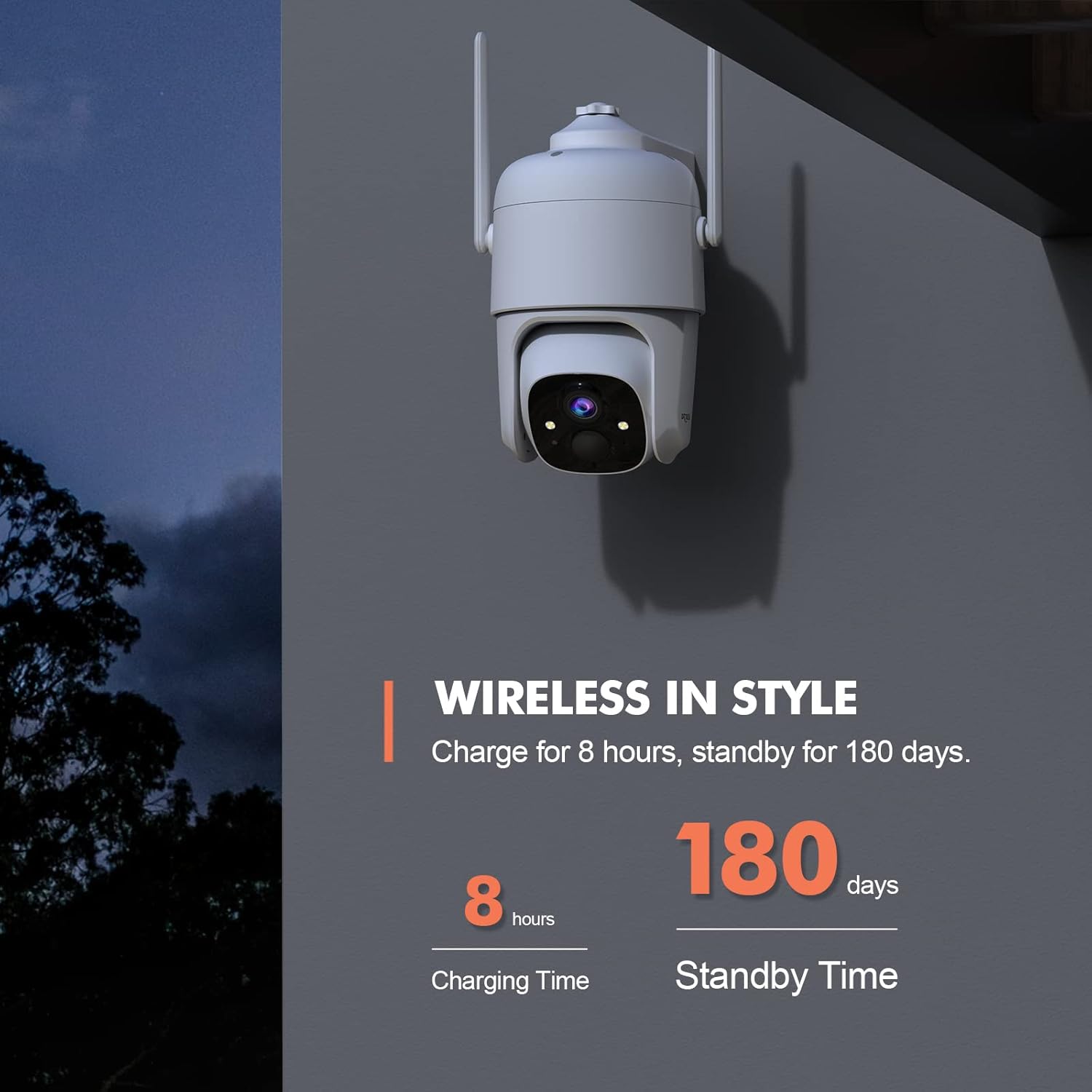
Figure 2.1: Charging and Standby Time Information
For continuous power, the camera is compatible with USB-C port solar panels (sold separately). Tafuta B0CT2LHQRD to purchase a compatible solar panel.

Figure 2.2: Solar Panel Charging Option
2.2 App Installation and Account Setup
Download the "Dzees" or "Vicohome" app from your device's app store (iOS/Android). Follow the in-app instructions to create an account and add your camera. Ensure your mobile device is connected to a 2.4GHz Wi-Fi network during setup, as the camera does not support 5GHz Wi-Fi.

Figure 2.3: Camera Features and App Compatibility
2.3 Kuweka Kamera
Select a suitable location for mounting the camera, ensuring it has a clear view of the area you wish to monitor and is within range of your 2.4GHz Wi-Fi network. Use the provided mounting bracket and screws to securely attach the camera to a wall or other stable surface. The camera is designed for both indoor and outdoor use.
3. Maagizo ya Uendeshaji
3.1 Pan, Tilt, and Digital Zoom Control
Utilize the Dzees or Vicohome app to remotely control the camera's pan (355°) and tilt (95°) movements, allowing you to monitor a wide area. The camera also supports 4x digital zoom to view details. You can set up to 5 preset points within the app for quick access to specific viewpembe za pembe.

Figure 3.1: Pan, Tilt, and Digital Zoom Capabilities

Figure 3.2: Setting Preset Viewing Vyeo
3.2 Night Vision and Image Quality
The camera provides 2K HD (2048 x 1536) resolution for clear images. It features advanced color night vision, capturing full-color footage up to 100ft even in complete darkness, unlike traditional black and white night vision.

Figure 3.3: Color Night Vision Performance
3.3 Sauti ya Njia Mbili
The integrated microphone and speaker enable two-way communication. You can listen to audio from the camera's location and speak through the camera using the app, allowing you to interact with visitors or deter intruders.

Kielelezo cha 3.4: Utendaji wa Sauti wa Njia Mbili
3.4 Utambuzi wa Mwendo na Tahadhari
The camera features AI motion detection to identify people, pets, and vehicles, reducing false alarms. You can customize motion detection areas and adjust sensitivity settings within the app (AI recognition and customizable motion area are paid features). When motion is detected, the camera can trigger a siren, flashlight warning, and send real-time push notifications to your phone.

Figure 3.5: Multi-Alarm System for Property Protection

Figure 3.6: Instant Security Alerts via App

Figure 3.7: AI Motion Recording Capabilities
Uhifadhi wa Video 3.5
Recordings can be stored locally on a Micro SD card (up to 128GB, not included) or via cloud storage. Cloud storage offers a 3-day loop and 0.5GB space for free, with subscription options for extended storage and features.
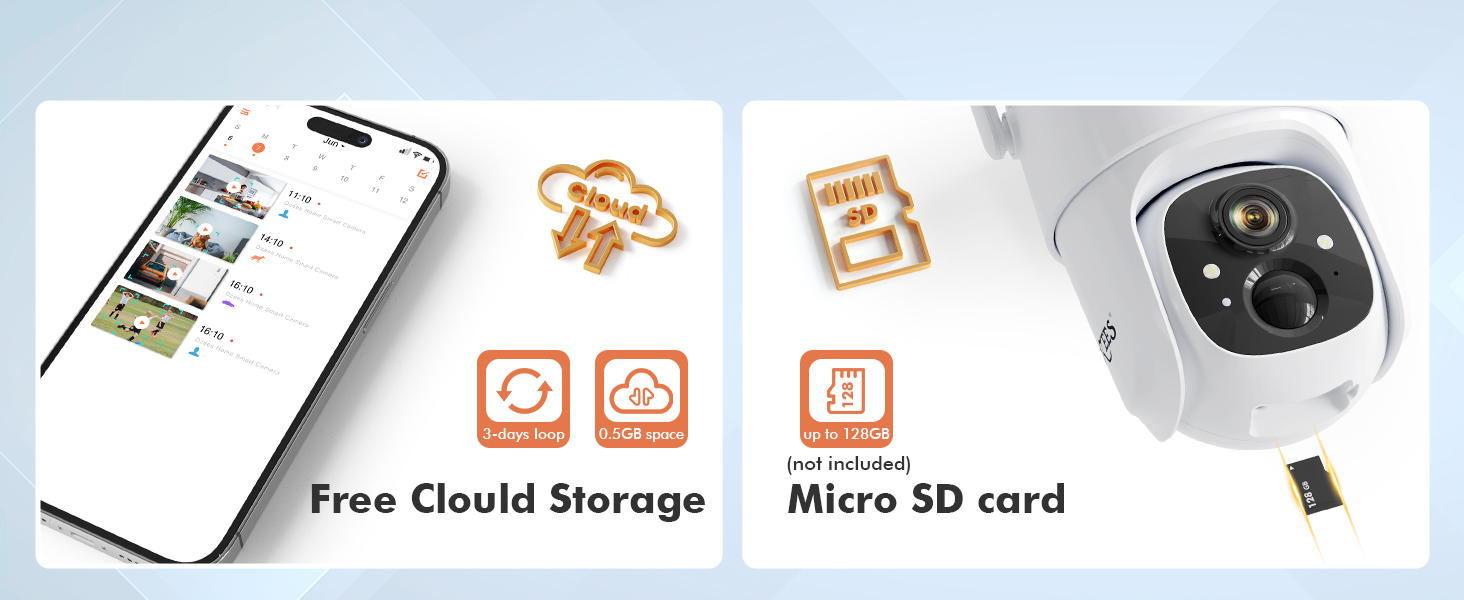
Figure 3.8: Storage Options
3.6 Kushiriki kwa Familia
The Dzees app allows you to share camera access with up to 5 accounts, enabling multiple family members to live view, control, and receive alerts from the camera. You can manage limitless Dzees cameras within a single app.

Figure 3.9: All-in-one Dzees App Controls
4. Matengenezo
4.1 Usimamizi wa Betri
The camera's 9000mAh rechargeable battery provides extended usage. Monitor the battery level through the Dzees app and recharge as needed. For optimal performance and longevity, consider connecting a compatible USB-C solar panel for continuous charging, especially for outdoor installations.
4.2 Upinzani wa Hali ya Hewa
The Dzees camera is rated IP66 weatherproof, meaning it is protected against dust and powerful water jets. This makes it suitable for outdoor use in various weather conditions. Periodically inspect the camera and its mounting for any signs of wear or damage, and clean the lens gently with a soft cloth to ensure clear image quality.

Figure 4.1: IP66 Weatherproof Design
5. Utatuzi wa shida
This section addresses common issues you might encounter with your Dzees security camera.
| Tatizo | Sababu inayowezekana | Suluhisho |
|---|---|---|
| Kamera haiunganishi kwenye Wi-Fi | Incorrect Wi-Fi password; Camera too far from router; 5GHz Wi-Fi network being used. | Ensure correct 2.4GHz Wi-Fi password. Move camera closer to router. Confirm router is broadcasting 2.4GHz. |
| Frequent false motion alerts | High sensitivity setting; Unwanted motion areas included. | Adjust motion detection sensitivity in the app. Define custom activity zones to exclude irrelevant areas (paid feature). |
| Maisha mafupi ya betri | Kugundua mwendo mara kwa mara; Moja kwa moja view usage; Cold weather. | Punguza unyeti wa kugundua mwendo. Punguza mwangaza wa moja kwa moja. view time. Consider solar panel charging. Battery performance may decrease in extreme cold. |
| Hakuna kurekodi video | SD card full/corrupted; Cloud storage subscription expired; Motion detection not enabled. | Check SD card status, format or replace if necessary. Verify cloud storage subscription. Ensure motion detection is active. |
| Masuala ya sauti ya njia mbili | Microphone/speaker blocked; App volume too low; Network latency. | Ensure no obstructions. Adjust volume in app. Check network connection stability. |
6. Vipimo
Detailed technical specifications for the Dzees 360° PTZ Security Camera (Model D3).
| Kipengele | Vipimo |
|---|---|
| Nambari ya Mfano | D3 |
| Azimio la Video | 2K (2048 x 1536), 3MP Effective Still Resolution |
| Pembe ya Kusonga | 355 Digrii |
| Pembe ya Kuinamisha | 95 Digrii |
| Zoom ya dijiti | 4x |
| Mbele ya Maono ya Usiku | Up to 100ft (Color Night Vision) |
| Muunganisho | Wi-Fi ya GHz 2.4 (IEEE 802.11b/g/n) |
| Chanzo cha Nguvu | 9000mAh Rechargeable Battery / Solar Powered (USB-C) |
| Upinzani wa hali ya hewa | IP66 |
| Chaguzi za Hifadhi | Kadi Ndogo ya SD (hadi GB 128), Hifadhi ya Wingu |
| Sauti | Sauti ya Njia Mbili |
| Utambuzi wa Mwendo | AI Motion Detection (Person, Pet, Vehicle) |
| Joto la Uendeshaji | Not specified in provided data, typical for outdoor cameras. |
| Vipimo (L x W x H) | 1 x 1 x 1 inches (approximate, based on product data) |
| Uzito | 1.76 ounces (approximate, based on product data) |
7. Udhamini na Msaada
Dzees provides customer support for their products. For technical assistance, warranty claims, or general inquiries, please refer to the contact information provided in your product packaging or visit the official Dzees website. Dzees offers online email support and call service (9AM-5PM EST).

Figure 7.1: Dzees Customer Support Information


