Utangulizi
This manual provides comprehensive instructions for the Contixo Kids Tablet V10 7-inch HD. It covers setup, operation, maintenance, and troubleshooting to ensure a safe and enjoyable experience for young users.
Nini Pamoja
- Contixo Kids Tablet V10 (Purple)
- Kesi Isiyoweza Kuzuia Watoto
- Stylus
- Kebo ya Kuchaji ya USB
- Mwongozo wa Mtumiaji
Sifa Muhimu
- Pre-loaded Disney Storybooks: Over 50 Disney Storybooks apps pre-installed, accessible without Wi-Fi.
- Parental Control (Kids Place): Manage screen time and content, filter websites, apps, and video channels. Designed to be ad-free and prevent unauthorized in-app purchases.
- Full Android Tablet Functionality: GMS Certified, providing access to Google Services like Gmail, YouTube, Disney+, and the Google Play Store.
- Kid-Proof Design: Easy for young children to hold, with a protective case designed to absorb impacts. Includes a built-in kickstand for hands-free viewing.
- Stylus Imejumuishwa: Designed for small hands to facilitate precise interaction with the screen.
- Online Learning Ready: Wi-Fi connectivity and Google Services support educational apps.
- Performance & Storage: 1.6 GHz Quad Core Processor, 2 GB RAM for smooth operation. 32GB internal storage, expandable up to 128GB via microSD card.
Mwongozo wa Kuweka
Uchaji wa Awali
Before first use, fully charge the tablet. Connect the provided USB charging cable to the tablet's charging port and a compatible power adapter.
Kuwasha/Kuzima
To power on, press and hold the power button located on the side of the tablet until the screen illuminates. To power off, press and hold the power button, then select "Power Off" from the options.
Mpangilio wa Awali
Fuata vidokezo kwenye skrini ili kuchagua lugha yako, unganisha kwenye mtandao wa Wi-Fi, na usanidi akaunti yako ya Google.
Parental Control Setup
Access the "Kids Place" application to configure parental controls. This allows you to set screen time limits, manage accessible content, and filter webtovuti.
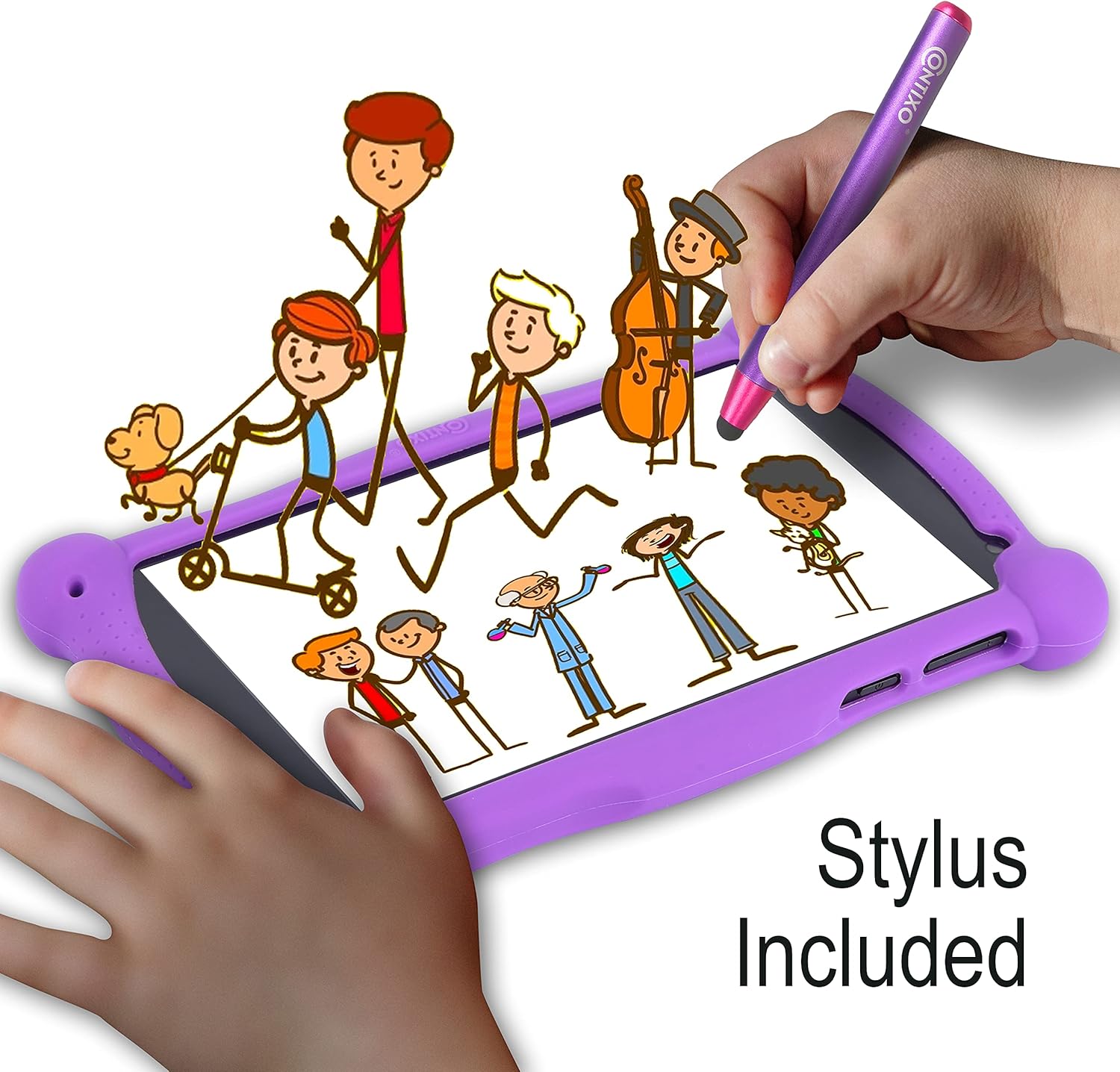
Image: A close-up of the tablet screen displaying parental control settings within the Kids Place app, showing options for managing apps and setting time limits.
Video: An official seller video demonstrating the Google Kids Space and parental control features on the Contixo V10 tablet, highlighting how parents can manage content and screen time.
Maagizo ya Uendeshaji
Kuelekeza Kiolesura
The tablet runs on Android. Swipe left or right to navigate between home screens. Tap app icons to launch applications.
Accessing Disney Storybooks
Locate the "Disney Storybooks" app icon on the home screen. Tap to open and browse the collection of pre-installed storybooks. No internet connection is required for these books.

Image: The Contixo V10 tablet in its purple kid-proof case, displaying the Disney Storybooks app with various book covers on the screen. A purple stylus is visible next to the tablet.
Video: An official seller video showcasing the pre-loaded Disney e-books feature on the Contixo Kids Tablet, demonstrating how to access and view the storybooks.
Using the Google Play Store
For additional apps and games, tap the "Google Play Store" icon. A Wi-Fi connection is required to download new content.
Kutumia Stylus
The included stylus can be used for precise interaction with the screen, especially useful for drawing apps or navigating small elements.

Image: A child's hand using the purple stylus on the Contixo V10 tablet screen, which displays a drawing application. The tablet is in its purple kid-proof case.
Utendaji wa Kamera
The tablet features front and rear cameras. Tap the camera icon to launch the camera app and capture photos or videos.

Image: A diagram of the Contixo V10 tablet highlighting its physical features, including the front-facing camera, rear-facing camera, headphone port, charging port, and volume controls.
Matengenezo
Kusafisha
Use a soft, lint-free cloth to clean the screen and exterior. Avoid abrasive cleaners or solvents.
Utunzaji wa Betri
To prolong battery life, avoid extreme temperatures and fully charge the tablet regularly.
Sasisho za Programu
Periodically check for system updates in the Settings menu to ensure optimal performance and security.
Kutatua matatizo
Tablet Not Turning On
- Ensure the tablet is fully charged. Connect to a power source and wait a few minutes before attempting to power on again.
- Bonyeza na ushikilie kitufe cha kuwasha/kuzima kwa sekunde 10-15 ili urejeshe upya kwa bidii.
Programu Zinazovunjika au Kuganda
- Funga na uanze tena programu.
- Clear the app's cache in Settings > Apps > [App Name] > Storage > Clear Cache.
- Hakikisha programu ya kompyuta kibao imesasishwa.
Masuala ya Muunganisho wa Wi-Fi
- Restart the tablet and your Wi-Fi router.
- Forget the network in Settings > Network & Internet > Wi-Fi, then reconnect.
- Hakikisha kompyuta kibao iko ndani ya umbali wa mawimbi ya Wi-Fi.
Vipimo
| Kipengele | Maelezo |
|---|---|
| Ukubwa wa onyesho la skrini iliyosimama | Inchi 7 |
| Azimio la skrini | 1024x600 |
| Ubora wa Juu wa Skrini | 1024 x 600 Pixels |
| Kichakataji | Kiini Nne cha GHz 1.5 (Kifaa cha Allwinner) |
| RAM | GB 2 |
| Hifadhi Ngumu / Ukubwa wa Kumbukumbu ya Flash | GB 32 |
| Aina ya Wireless | 802.11a |
| Wastani wa Maisha ya Betri | Saa 10 |
| Mfumo wa Uendeshaji | Android |
| Uzito wa Kipengee | Pauni 1.46 |
| Vipimo vya Bidhaa | Inchi 7.36 x 4.31 x 0.39 |
| Rangi | Zambarau |
| Nyuma Webcam Azimio | 2 Mbunge |
| Idadi ya Wachakataji | 4 |
| Betri | Betri 1 za Lithium Ion zinahitajika (pamoja na) |
Udhamini na Msaada
For warranty information and technical support, please refer to the official Contixo webtovuti au wasiliana na huduma kwa wateja wao. Hifadhi risiti yako ya ununuzi kwa madai ya udhamini.


