Utangulizi
Thank you for choosing the AGFA Digital Personal Scale. This manual provides essential information for the safe and effective use of your new scale. Please read these instructions thoroughly before operation and retain them for future reference.
Taarifa Muhimu za Usalama
- Place the scale on a hard, flat surface for accurate readings. Avoid carpets or uneven floors.
- Usitumie magamba kwenye nyuso zenye unyevunyevu au zinazoteleza ili kuzuia kuanguka.
- Usizamishe magamba kwenye maji au kutumia visafishaji vya kukwaruza. Futa kwa tangazoamp kitambaa.
- This scale is designed for personal use only and is not intended for medical diagnosis or treatment.
- Weka betri mbali na watoto. Tupa betri zilizotumika kwa uwajibikaji.
- Usizidi uzito wa juu wa uwezo wa kilo 150 (lbs 330).
Yaliyomo kwenye Kifurushi
Tafadhali angalia kifurushi kwa vitu vifuatavyo:
- AGFA Digital Personal Scale
- Mwongozo wa Mtumiaji (hati hii)
- (Batteries may or may not be included depending on the retailer. Please check packaging.)
Maagizo ya Kuweka
- Fungua Mizani: Ondoa kwa uangalifu ganda kutoka kwenye kifungashio chake.
- Sakinisha Betri: Locate the battery compartment on the underside of the scale. Open the cover and insert the required batteries (typically AAA or CR2032, check the compartment for specific type and polarity). Close the battery cover securely.
- Uwekaji: Place the scale on a firm, flat, and stable surface. Ensure it is not on carpet, rugs, or uneven tiles, as this can affect accuracy.
- Initial Calibration (First Use): For the first use or after moving the scale, gently press down on the center of the scale with your foot until the display lights up and shows "0.0" or "CAL". Remove your foot. The scale is now calibrated and ready for use.

Picha 1: Yenye pembe view of the AGFA Digital Personal Scale, highlighting its digital display and overall design.
Maagizo ya Uendeshaji
- Endelea: Gently step onto the center of the scale with bare feet. Stand still and distribute your weight evenly.
- Kipimo cha kusoma: Onyesho litaonyesha uzito wako. Subiri usomaji utulie na uangaze mara chache kabla ya kuondoka.
- Shut-otomatiki: Kipimo kitazimika kiotomatiki baada ya sekunde chache za kutofanya kazi ili kuhifadhi muda wa matumizi ya betri.
- Unit Conversion (if applicable): If your scale supports multiple units (e.g., kg, lb, st), there is usually a button on the underside or side of the scale to switch between them. Press this button while the scale is on to cycle through the available units.
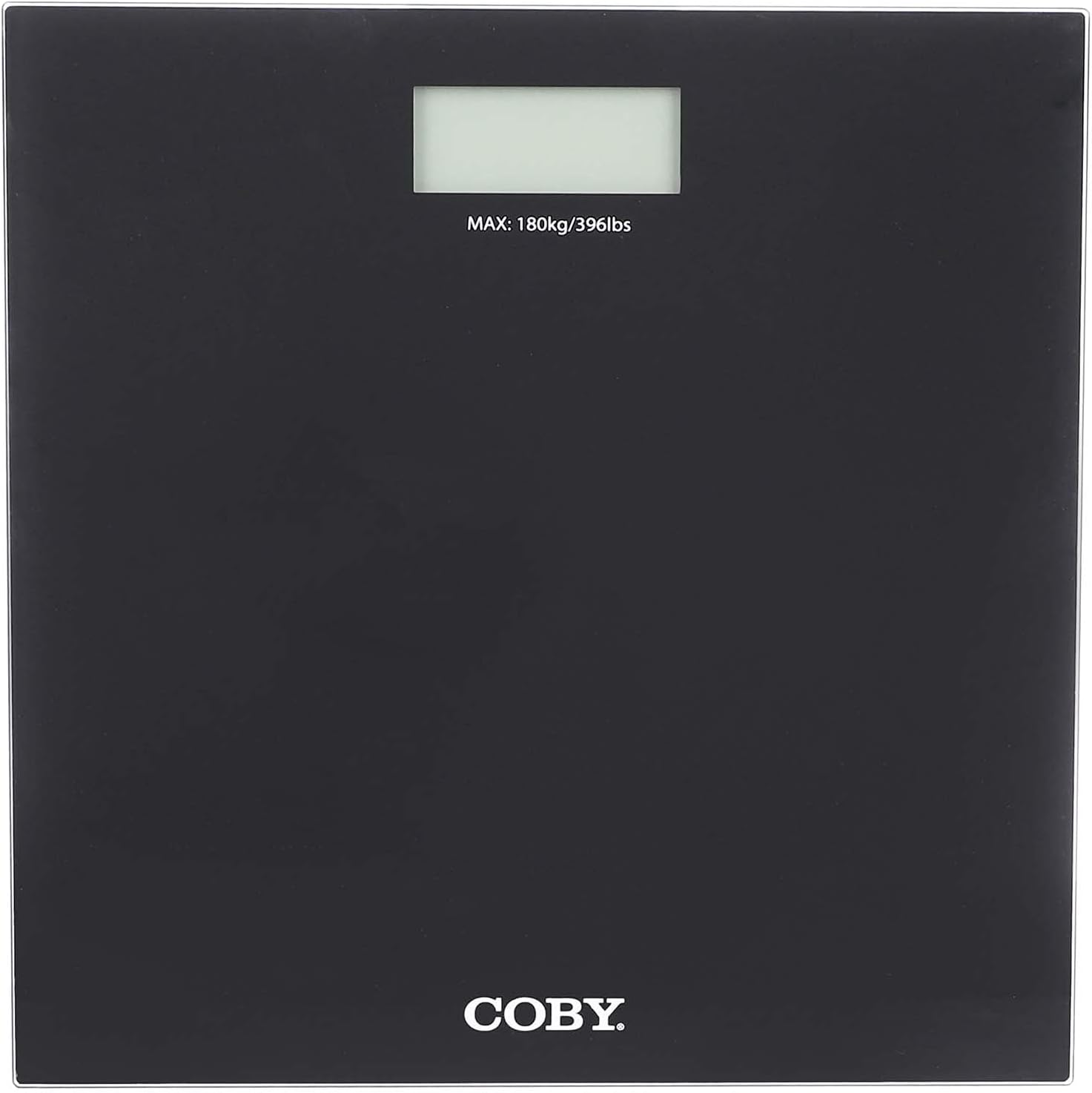
Picha 2: Juu-chini view of the AGFA Digital Personal Scale, illustrating the digital display and the maximum weight indication.
Utunzaji na Utunzaji
- Kusafisha: Futa uso wa mizani kwa laini, damp cloth. Do not use chemical cleaning agents or abrasive materials.
- Hifadhi: Hifadhi ganda mahali pakavu na penye baridi. Epuka halijoto kali na jua moja kwa moja.
- Ubadilishaji wa Betri: When the display shows "Lo" or becomes dim, replace the batteries immediately.
- Epuka Athari: Do not drop the scale or subject it to strong impacts, as this may damage the internal components.
Kutatua matatizo
| Tatizo | Sababu inayowezekana | Suluhisho |
|---|---|---|
| "Lo" au hakuna onyesho | Nguvu ya chini ya betri. | Badilisha betri. |
| Usomaji sahihi | Scale on uneven surface; not calibrated; moved recently. | Place on a hard, flat surface. Perform initial calibration (step on, wait for "0.0", step off). |
| Ujumbe wa "Kosa" | Overload (weight exceeds 150 kg); unstable reading. | Step off the scale if overloaded. Ensure stable footing during measurement. |
Vipimo vya Bidhaa
- Chapa: AgfaPhoto
- Mfano: B098RH2FDD
- Aina: Kiwango cha Kibinafsi cha Dijiti
- Kiwango cha Juu cha Uzito: 150 kg
- Onyesha: LCD ya dijiti
- Vipimo: Takriban 29 x 29 x 4 cm
- Chanzo cha Nguvu: Betri (aina iliyoainishwa katika sehemu ya betri)
- Nyenzo: High-quality materials (e.g., tempered glass platform)
Udhamini na Msaada
For warranty information and customer support, please refer to the warranty card included with your purchase or visit the official AgfaPhoto webtovuti. Weka risiti yako ya ununuzi kama uthibitisho wa ununuzi.
For further assistance, you may contact AgfaPhoto customer service through their official channels.


