Utangulizi
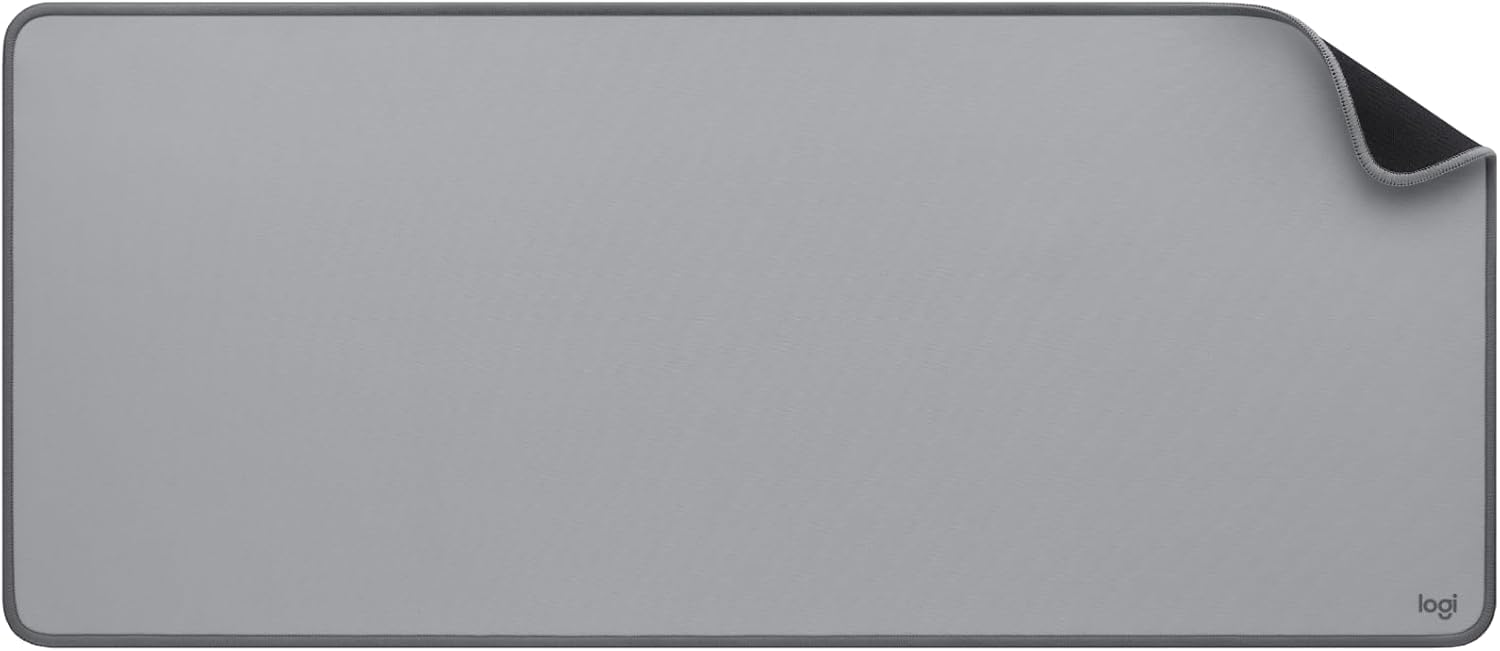
This manual provides instructions for the Logitech 956-000052 Desk Mat. This product is designed to provide a smooth, comfortable surface for mouse operation and to protect your desk from scratches and spills. It is suitable for various workspace setups.
Sanidi
To set up your Logitech Desk Mat:
- Unroll the desk mat completely on your desired surface.
- Allow some time for the mat to flatten out naturally, especially if it was stored rolled. Gentle pressure or placing flat objects on the edges can assist in this process.
- Position your keyboard, mouse, and other desk accessories on the mat as desired.

Maelezo ya Picha: A Logitech Desk Mat is shown on a wooden desk, providing a surface for a keyboard and mouse. Other desk accessories are also visible, demonstrating the mat's size and integration into a workspace.
Uendeshaji
The Logitech Desk Mat provides an optimized surface for mouse tracking and movement. Simply place your mouse on the mat for smooth and precise navigation. The mat's large surface area accommodates both your keyboard and mouse, enhancing comfort and efficiency during use.
Maelezo ya Picha: Karibu-up view of a computer mouse positioned on the Logitech Desk Mat, highlighting the smooth texture of the mat's surface designed for effortless mouse movement.
Matengenezo
To maintain the quality and appearance of your desk mat:
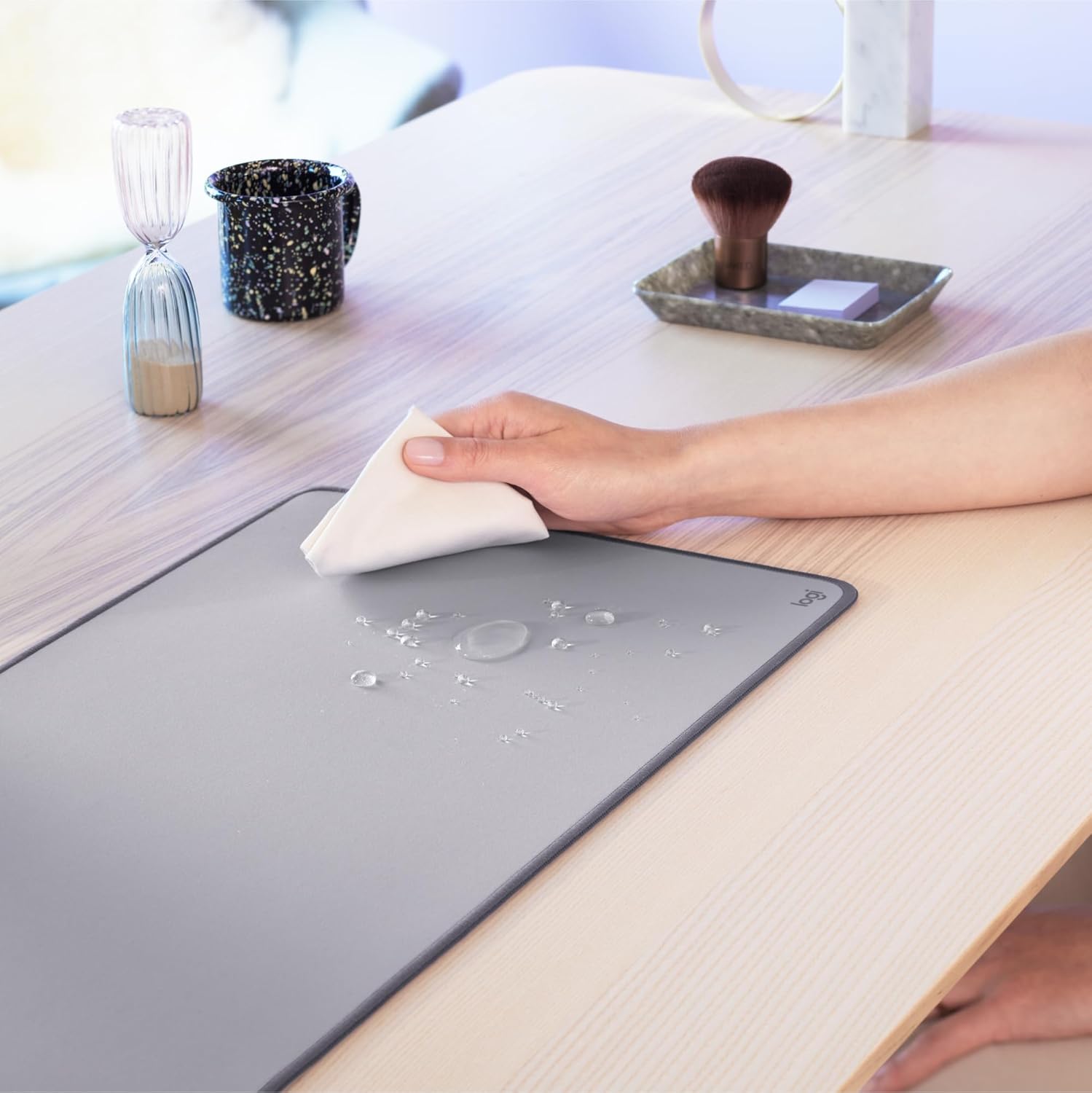
- Maji ya kusafisha: The mat features a spill-resistant surface. In case of liquid spills, wipe immediately with a damp cloth. For best results, clean within 2 minutes of the spill.
- Usafishaji wa jumla: For routine cleaning, use a soft, damp cloth and mild soap if necessary. Avoid harsh chemicals or abrasive materials, as these may damage the mat's surface.
- Kukausha: Allow the mat to air dry completely before reuse.
Maelezo ya Picha: This image illustrates the spill-resistant feature of the Logitech Desk Mat, with a hand using a cloth to wipe away water droplets from its surface.
Kutatua matatizo
- Mat not lying completely flat: If the mat does not immediately lie flat after unrolling, allow it some time to relax. Placing heavy, flat objects on the edges overnight can help accelerate the flattening process.
- Matatizo ya ufuatiliaji wa panya: Ensure your mouse sensor is clean and free from debris. The mat's surface is designed for optimal tracking, but external factors can affect performance.
Vipimo
| Kipengele | Maelezo |
|---|---|
| Nambari ya Mfano | 956-000052 |
| Vipimo | Sentimita 70 (Urefu) x 30 cm (Upana) |
| Unene | 2 mm (rubber base) |
| Uzito | 330 g |
| Rangi | All Grey |
| Nyenzo | Rubber (base), Recycled Polyester (surface) |
| Umbo | Mstatili |
Udhamini na Msaada
For warranty information and customer support, please refer to the official Logitech website or contact Logitech customer service directly. Keep your purchase receipt for warranty claims.
Kumbuka Muhimu: This product contains natural rubber/latex, which may cause allergic reactions in some individuals.


