Utangulizi
The FosPower Emergency Weather Radio (Model A1) is engineered to provide reliable communication, power, and illumination during emergencies. With multiple power sources and essential features, it's an indispensable tool for any emergency kit, camping trip, or outdoor adventure.
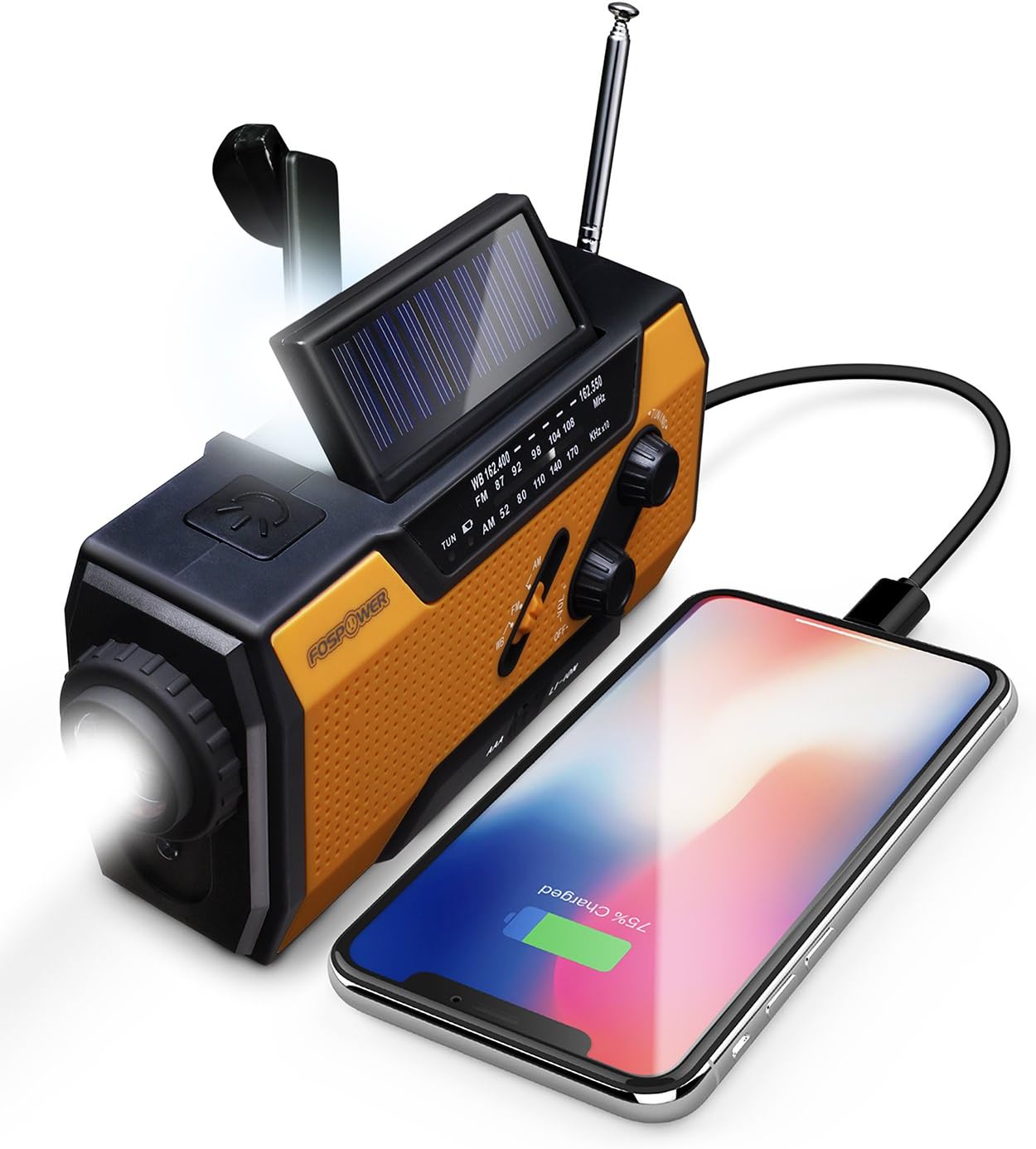
The FosPower Emergency Weather Radio, shown charging a smartphone via its USB port, highlighting its power bank capability.
Kuweka na Matumizi ya Awali
Battery Installation and Selection
The radio operates on a built-in Lithium-Ion battery or 3 AAA batteries (not included). To use AAA batteries, open the battery compartment on the back and insert them according to polarity. Ensure the battery selector switch (located near the AAA compartment) is set to 'AAA' for AAA battery use or 'LI-ION' for the internal Lithium-Ion battery.
Kuchaji Battery ya ndani
- Kuchaji USB: Connect the included USB cable to the radio's Micro USB port and to a USB power source (e.g., wall adapter, computer). The 'Charge' indicator light will illuminate during charging.
- Kuchaji kwa jua: Place the radio with its solar panel facing direct sunlight. The solar panel will slowly charge the internal battery. This method is ideal for maintaining charge or for emergency top-ups.
- Kuchaji Crank ya Mkono: Extend the hand crank handle from the back of the radio. Rotate the crank clockwise or counter-clockwise at a steady pace (approx. 130-150 RPM) to generate power. A red indicator light will show when power is being generated. One minute of cranking can provide approximately 20 minutes of light or 15 minutes of radio use.
Maagizo ya Uendeshaji
Uendeshaji wa Redio (AM/FM/NOAA)
To turn on the radio, rotate the 'Volume' knob clockwise. Select your desired band (AM, FM, or WB for Weather Band) using the selector switch. Extend the telescopic antenna for better reception. Rotate the 'Tuning' knob to find your desired station or NOAA weather broadcast. The 'Tune' indicator light will illuminate when a strong signal is received.

The radio provides access to AM/FM and NOAA Weather Radio broadcasts, crucial for staying informed during emergencies.
Vyanzo vya Mwanga
- Tochi: Press the flashlight button on the front of the radio to turn it on/off. The flashlight features an adjustable beam; rotate the lens bezel to switch between a broad floodlight and a focused spotlight.
- Nuru ya Kusoma: Lift the solar panel to reveal the 4-LED reading light. This provides a broader, softer illumination suitable for reading or general area lighting.

Equipped with a powerful 1W LED flashlight and a 4-LED reading light for versatile illumination.
Benki ya Nguvu ya kubeba
The radio features a 7400mWh (2000mAh) power bank. To charge external devices, connect your device's USB charging cable to the radio's USB output port. Ensure the SOS/Charge selector switch (on the side) is set to the 'Charge' position (downwards, indicated by a battery icon). This feature is designed for emergency power to small tablets or phones.
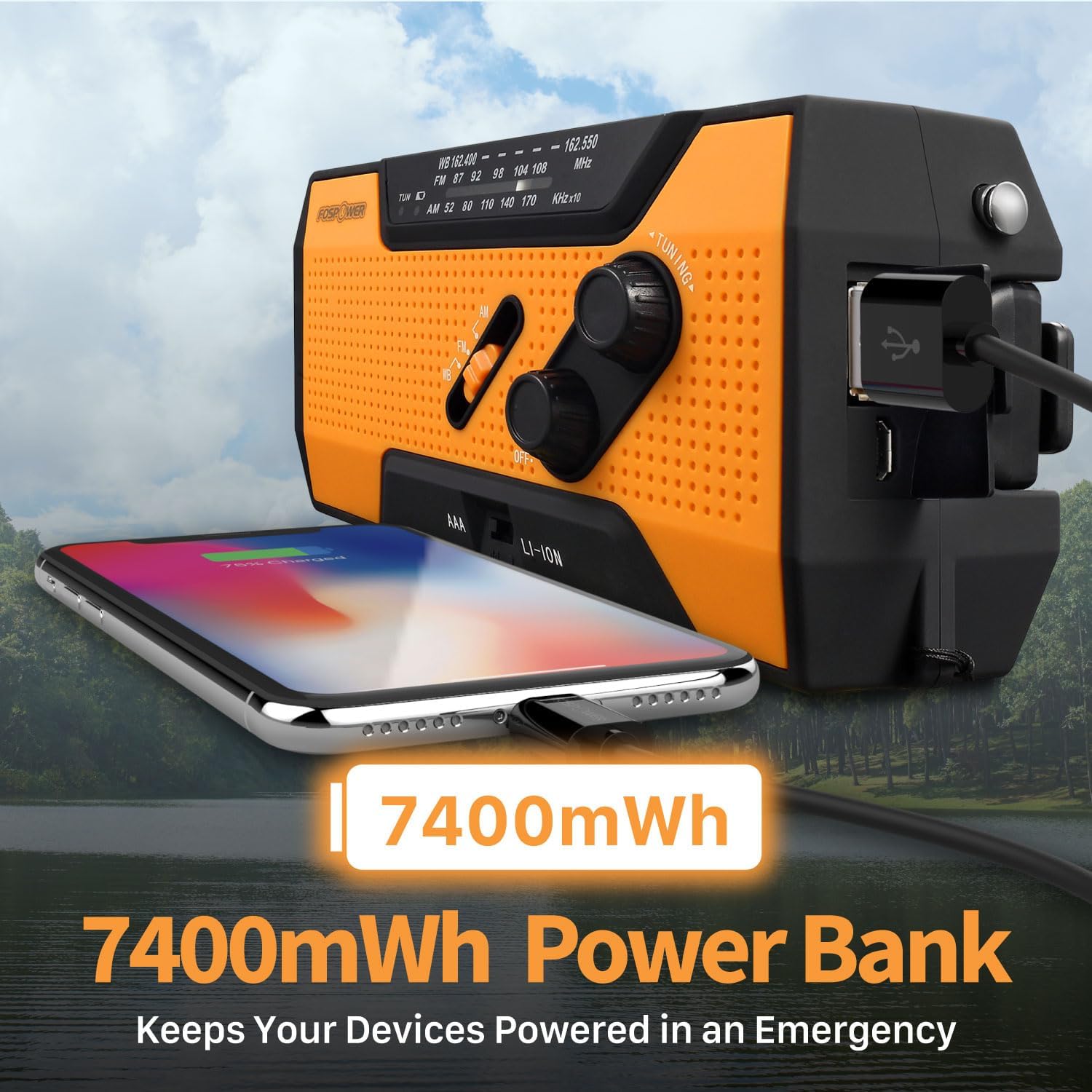
The built-in 7400mWh power bank provides emergency charging for your mobile devices.
SOS Alarm Function
In an emergency, slide the SOS/Charge selector switch to the 'SOS' position (upwards). This will activate a loud 115dB alarm and a flashing light to attract attention. To deactivate, slide the switch back to the middle (off) or 'Charge' position.
Activate the loud 115dB SOS alarm and flashing light for emergency signaling.
Matengenezo
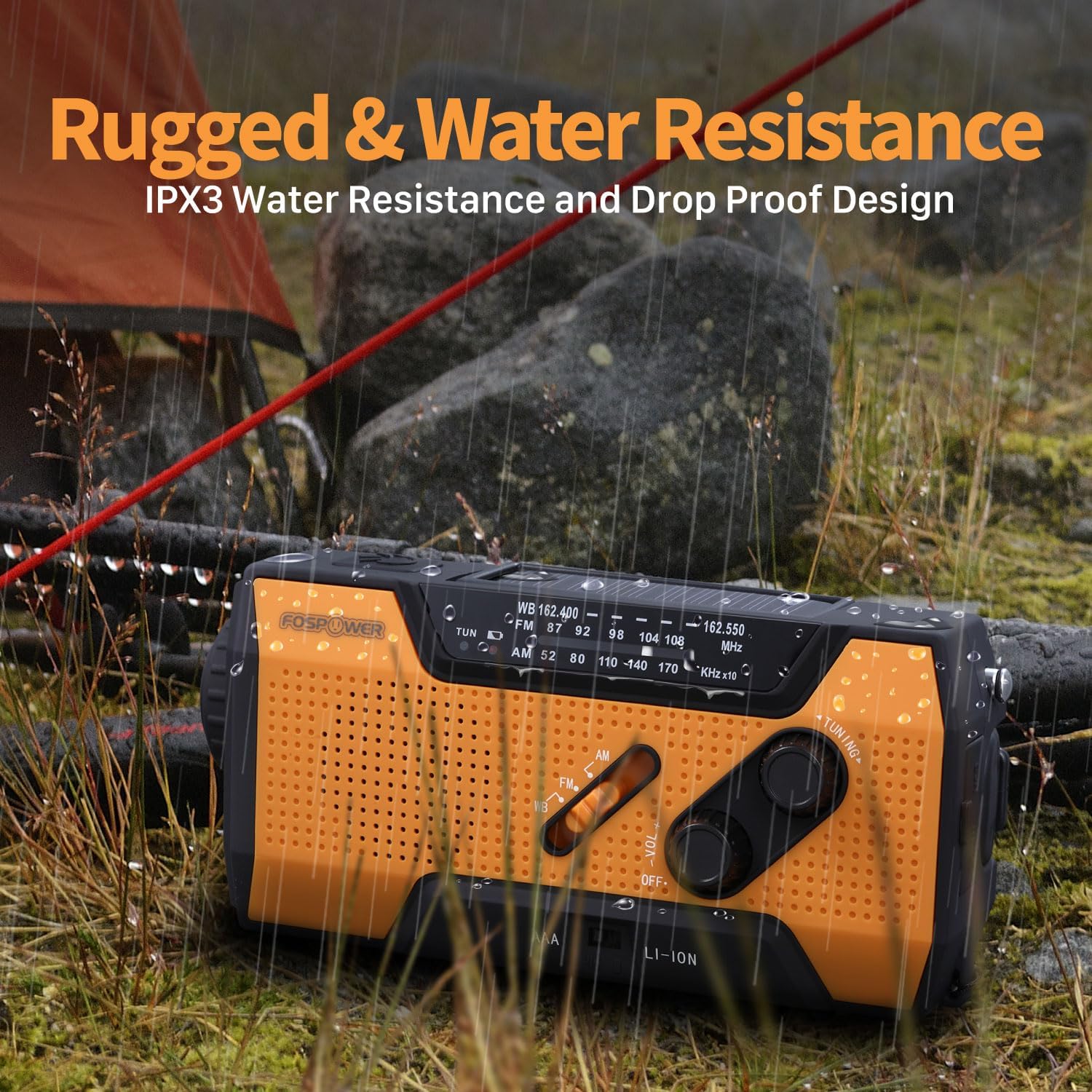
Keep the radio clean by wiping it with a soft, dry cloth. Avoid using harsh chemicals or abrasive cleaners. Store the radio in a cool, dry place away from direct sunlight and extreme temperatures when not in use. For long-term storage, ensure the internal Lithium-Ion battery is partially charged (around 50%) to prolong its lifespan. The radio features an IPX3 water resistance rating, meaning it can withstand light rain or splashes, but it is not designed for submersion.

The radio's rugged and IPX3 water-resistant design ensures durability in various outdoor conditions.
Kutatua matatizo
- Hakuna Nguvu: Check the battery selector switch is set correctly (AAA or LI-ION). Ensure AAA batteries are inserted with correct polarity and are not depleted. If using the internal battery, try charging via USB, solar, or hand crank.
- Mapokezi Mabaya ya Redio: Fully extend the telescopic antenna. Try repositioning the radio for a clearer signal. Adjust the tuning knob slowly.
- Kifaa cha Nje Hakichaji: Ensure the SOS/Charge switch is set to the 'Charge' position. Verify your device's charging cable is properly connected. Check if the radio's internal battery has sufficient charge.
- SOS Alarm Not Activating: Ensure the SOS/Charge switch is fully slid to the 'SOS' position.
Vipimo
| Kipengele | Maelezo |
|---|---|
| Vipimo vya Bidhaa | Inchi 6.2 x 2.9 x 2.1 (6.2"L x 2.1"W x 2.9"H) |
| Uzito wa Kipengee | 14.8 wakia |
| Nambari ya Mfano | FOSPWB-2376 |
| Chanzo cha Nguvu | Solar, Battery (Internal Li-Ion, 3xAAA), Handcrank |
| Uwezo wa Betri ya Ndani | 7400mWh (2000mAh) |
| Bendi za Redio Zinatumika | FM, WB (NOAA Weather Band), AM |
| Teknolojia ya Tuner | AM/FM/WB |
| Teknolojia ya Uunganisho | USB C (for charging radio) |
| Kipengele Maalum | Portable, SOS Alarm, Flashlight, Reading Light |
| Upinzani wa Maji | IPX3 |
Udhamini & Msaada
The FosPower Emergency Weather Radio comes with a Udhamini Mdogo wa Maisha. For more information regarding warranty claims or product support, please visit the official FosPower webtovuti au wasiliana na huduma kwa wateja wao moja kwa moja.
An Owner's Manual is included with your purchase for detailed instructions and information.


