1. Utangulizi
This manual provides detailed instructions for the MARATHON CL030068 Atomic Wall Clock. This clock is designed to automatically synchronize with the NIST radio signal for precise timekeeping, and it displays time, date, day of the week, and indoor temperature.

Image 1.1: The MARATHON CL030068 Atomic Wall Clock, showcasing its large digital display and sleek design.
2. Yaliyomo kwenye Kifurushi
- MARATHON CL030068 Atomic Wall Clock
- AA Alkaline Batteries (included)
- Mwongozo wa Mtumiaji (hati hii)
3. Kuweka
3.1 Ufungaji wa Betri
- Tafuta sehemu ya betri nyuma ya saa.
- Insert the included AA batteries, ensuring correct polarity (+ and -).
- Funga kifuniko cha sehemu ya betri.
3.2 Initial Synchronization and Time Zone Selection
Upon battery insertion, the clock will automatically begin searching for the NIST atomic time signal. This process may take several minutes to several hours, depending on your location and signal strength. The atomic time signal is broadcast from Colorado, USA, and is primarily effective in North America.
- Saa za Eneo: Locate the time zone switch or button on the back of the clock. Select your appropriate North American time zone: Pacific, Mountain, Central, Eastern, Atlantic, Newfoundland, Alaska, or Hawaii.
- Mapokezi ya Mawimbi: For optimal signal reception, place the clock near a window, away from electronic devices that may cause interference. The signal is often strongest during nighttime hours.

Image 3.1: The atomic wall clock mounted on a wall, demonstrating its suitability for various environments.
4. Maagizo ya Uendeshaji
Njia za Kuonyesha
The clock offers multiple display modes. Use the 'MODE' button (if available) or refer to specific buttons on the back of your clock to cycle through the following displays:
- Onyesho la Wakati: Choose between AM/PM or 24-hour format.
- Tarehe ya Kuonyesha: Shows the month, weekday, and date.
- Uonyesho wa Joto: Displays the indoor room temperature in Celsius or Fahrenheit. Use the ‘C/F’ button to switch between units.
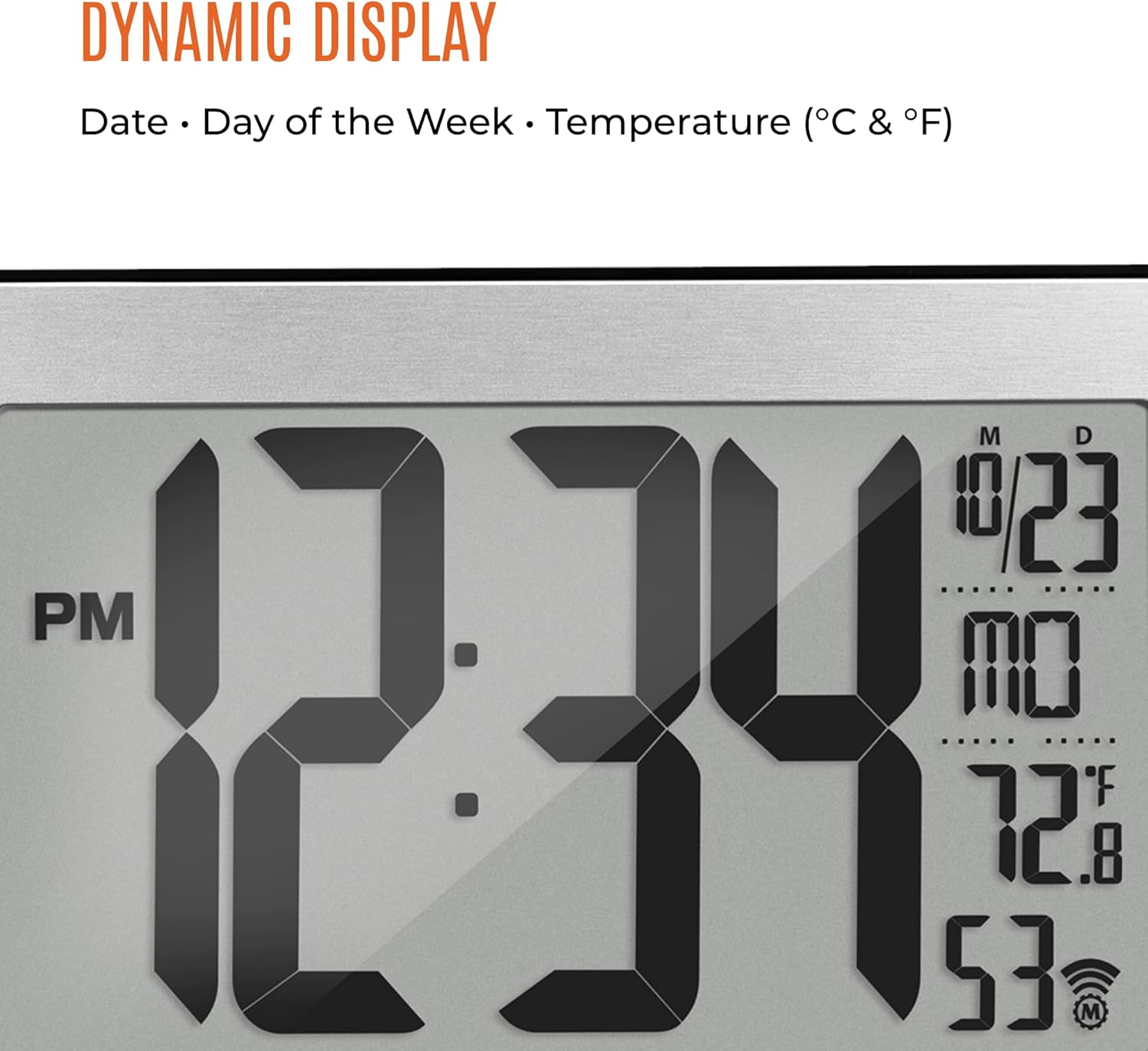
Picha 4.1: Kukaribiana view of the clock's dynamic display, showing time, date, day, and temperature.
Mpangilio wa Muda wa Mwongozo
In the event that the atomic signal cannot be received, or if you wish to set the time manually, follow these steps:
- Press and hold the 'SET' button (or similar) until the time display begins to flash.
- Use the '+' or '-' buttons to adjust the hour, then press 'SET' to confirm.
- Rudia kwa dakika, mwaka, mwezi, na siku.
- Press 'SET' one last time to exit manual setting mode.
5. Vipengele Juuview
- Self-Setting and Self-Adjusting: Automatically synchronizes with the NIST atomic clock signal for accurate time, including Daylight Saving Time adjustments.
- Onyesho Kubwa: Features a 9-inch display with large 4-inch digits for easy readability from a distance.
- Njia Nyingi za Maonyesho: Provides options for AM/PM or 24-hour time, full date (month, weekday, date), and indoor temperature in Celsius or Fahrenheit.
- Eight North American Time Zones: Supports Pacific, Mountain, Central, Eastern, Atlantic, Newfoundland, Alaska, and Hawaii standard times.
- Uwekaji Sahihi: Designed for both wall mounting and tabletop use with a sturdy fold-out stand.
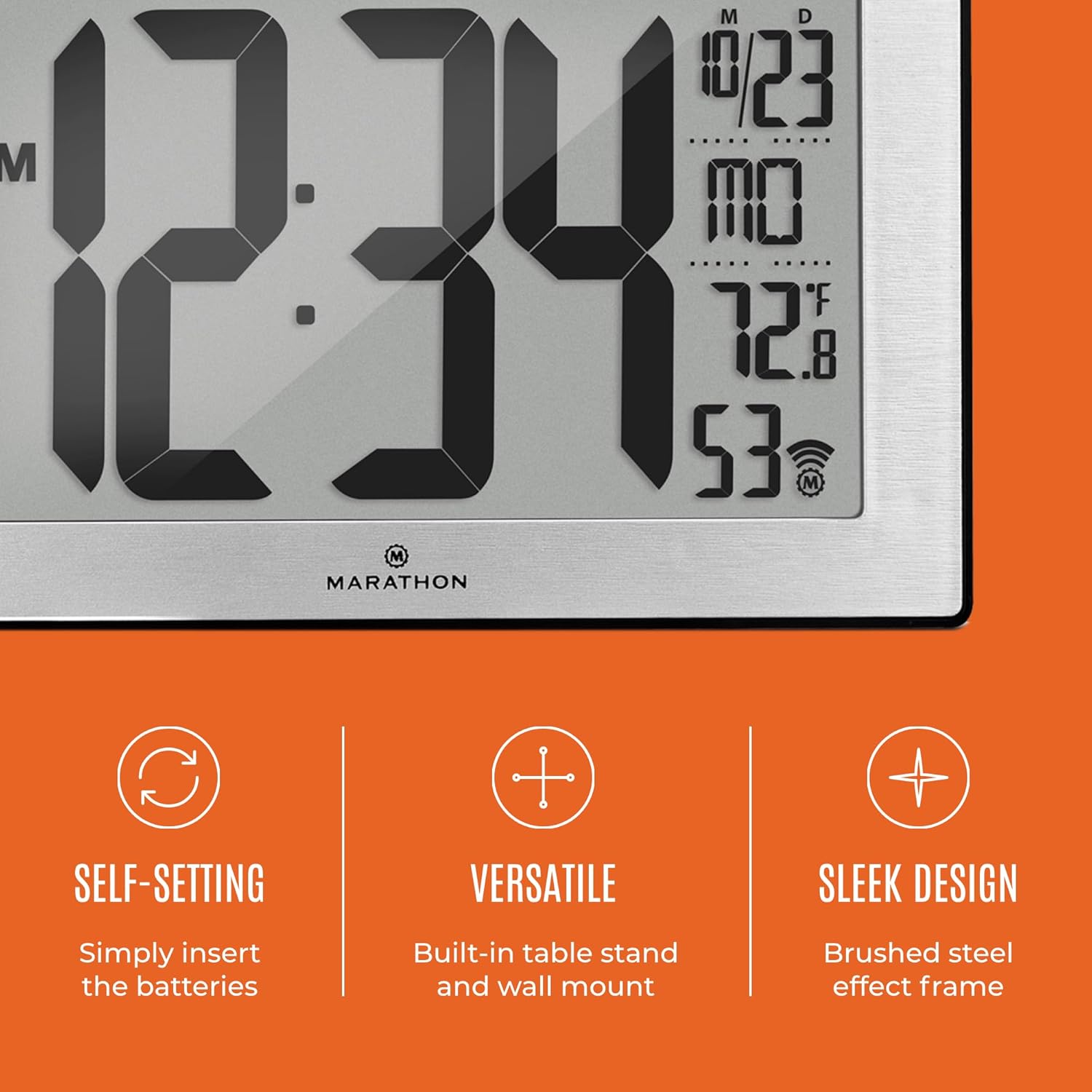
Image 5.1: Key features of the clock, including its self-setting capability, versatile placement options, and sleek design.
6. Kuweka na Kuweka
6.1 Kuweka Ukuta
The clock features a keyhole slot on the back for easy wall mounting. Ensure the wall is suitable for supporting the clock's weight (approximately 558g).
6.2 Uwekaji wa Tabletop
Utilize the integrated fold-out stand on the back of the clock to place it securely on any flat surface, such as a desk, shelf, or table.
6.3 Optimal Signal Reception
For best atomic signal reception, position the clock:
- Near a window.
- Away from large metal objects or electronic devices that may cause interference (e.g., televisions, computers, microwaves).
- In an area with minimal structural obstructions.

Image 6.1: The clock displayed in a home environment, illustrating its ease of placement and clear visibility.
7. Matengenezo
7.1 Ubadilishaji wa Betri
When the display dims or becomes erratic, it is time to replace the batteries. Always replace all batteries at the same time with new, high-quality AA alkaline batteries. Do not mix old and new batteries or different types of batteries.
7.2 Kusafisha
Ili kusafisha saa, tumia kitambaa laini na kikavu. Usitumie visafishaji vya kukwaruza, miyeyusho, au dawa za kunyunyizia kemikali, kwani hizi zinaweza kuharibu onyesho auasing.
8. Utatuzi wa shida
| Tatizo | Sababu inayowezekana | Suluhisho |
|---|---|---|
| Clock does not display anything. | Betri zimekufa au kusakinishwa vibaya. | Angalia polari ya betri. Badilisha na betri mpya za AA. |
| Clock does not synchronize with atomic signal. | Mapokezi mabaya ya mawimbi kutokana na eneo au kuingiliwa. | Move the clock to a different location, preferably near a window and away from electronics. Allow several hours, especially overnight, for synchronization. Manually set the time if necessary. |
| Wakati usio sahihi umeonyeshwa. | Incorrect time zone selected or atomic signal not received. | Verify the correct time zone is selected. Attempt to resynchronize or manually set the time. |
| Usomaji wa halijoto si sahihi. | Clock placed near a heat source or vent. | Hamisha saa hadi eneo lenye halijoto ya kawaida thabiti. |
9. Vipimo
| Kipengele | Maelezo |
|---|---|
| Nambari ya Mfano | CL030068 |
| Chapa | MARATHONI |
| Aina ya Kuonyesha | Dijitali |
| Rangi | Black Frame with Steel Inset |
| Vipimo vya Bidhaa | Sentimita 24 x 3.81 x 16 (inchi 9.4 x 1.5 x 6.3) |
| Uzito wa Kipengee | Gramu 558 (pauni 1.23) |
| Chanzo cha Nguvu | Betri za AA (pamoja) |
| Vipengele Maalum | Atomic Time Synchronization, Calendar Display, Temperature Display |
| Kanda za Wakati | Kanda 8 za Saa za Amerika Kaskazini |

Image 9.1: Dimensions of the MARATHON CL030068 Atomic Wall Clock.
10. Udhamini na Msaada
Kwa maelezo ya udhamini na usaidizi kwa wateja, tafadhali rejelea afisa wa mtengenezaji webtovuti au wasiliana na idara yao ya huduma kwa wateja. Weka risiti yako ya ununuzi kama uthibitisho wa ununuzi.

Image 10.1: The MARATHON brand logo and a brief historical note about the company.


