Utangulizi
This manual provides detailed instructions for the installation, operation, and maintenance of the Altronix BC100 Battery Enclosure. Please read this manual thoroughly before installation and keep it for future reference.
The Altronix BC100 is a durable 19-gauge steel enclosure designed to house batteries for various security and surveillance applications. It can accommodate two 12VDC/4AH batteries or one 12VDC/7AH battery.
Bidhaa Imeishaview
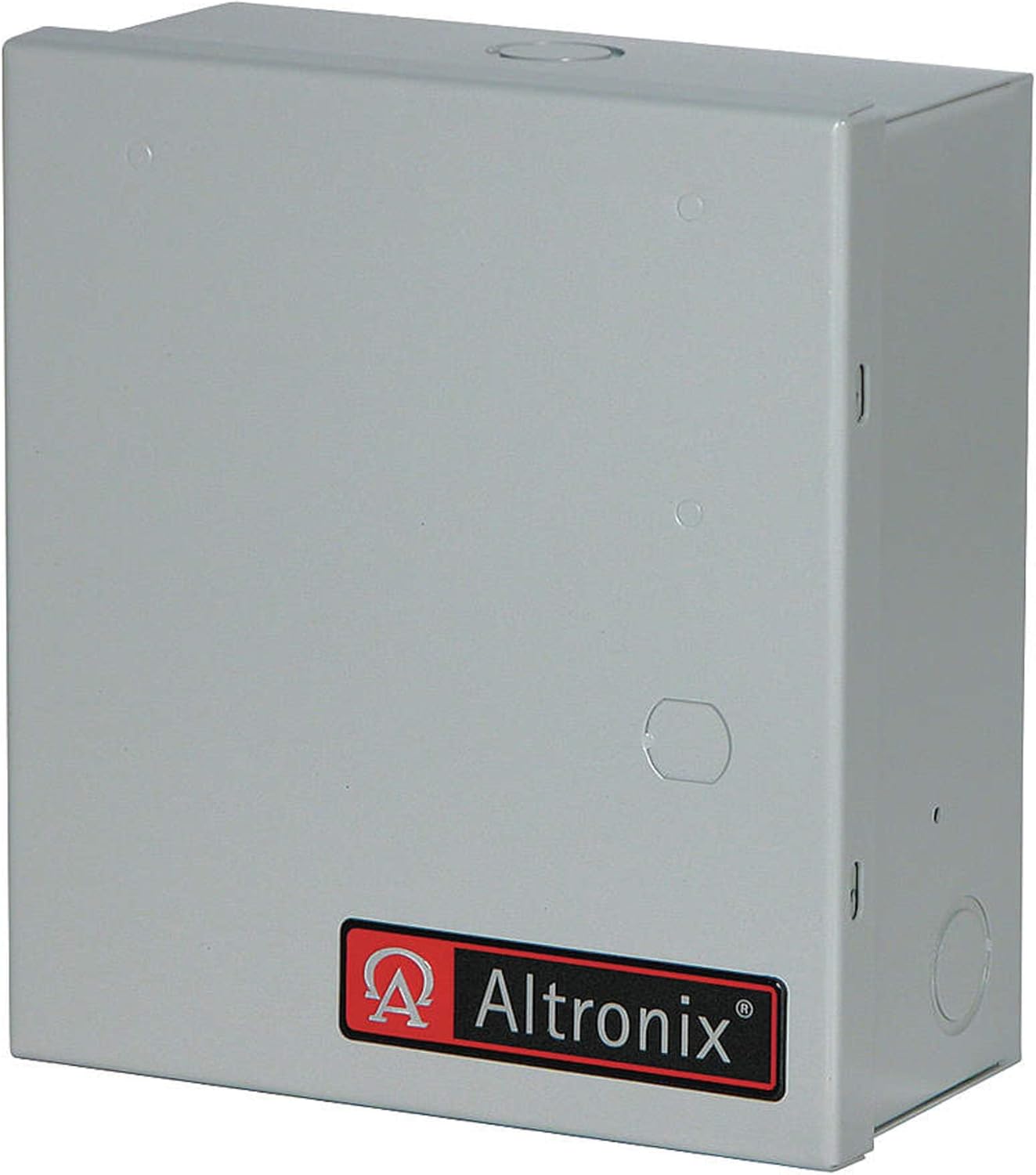
Kielelezo 1: Mbele view of the Altronix BC100 Battery Enclosure. The enclosure is grey with the Altronix logo on the front panel. It features knockouts for cable entry on the top and sides.
The BC100 enclosure is constructed from robust 19-gauge steel, providing a secure and protective housing for power supply batteries. Its compact design allows for versatile placement in various environments.
Vipimo
| Kipengele | Maelezo |
|---|---|
| Vipimo (H x W x D) | 8.5" x 7.5" x 3.5" |
| Nyenzo | Chuma cha kupima 19 |
| Uwezo wa Betri | Accommodates 2 x 12VDC/4AH batteries or 1 x 12VDC/7AH battery |
| Rangi | Grey finish |
| Aina ya Ufungaji | Screw-In |
Kuweka na Kuweka
1. Tahadhari za Usalama
- Ensure all power is disconnected before installation.
- Vaa vifaa vya kinga vya kibinafsi (PPE).
- Consult local electrical codes for proper wiring and grounding.
2. Mounting the Enclosure
- Select a suitable mounting location that is dry, secure, and provides adequate ventilation.
- Mark the desired mounting points on the wall using the enclosure's pre-drilled holes as a template.
- Drill pilot holes if necessary, then secure the enclosure to the wall using appropriate screws and anchors (installation hardware included).
3. Ufungaji wa Betri
- Fungua mlango wa kufungwa.
- Carefully place the batteries inside the enclosure. Ensure proper polarity when connecting battery terminals to the power supply unit (not included).
- Secure any loose wiring to prevent short circuits or damage.
Kumbuka: The enclosure is designed to fit two 12VDC/4AH batteries or one 12VDC/7AH battery. Do not force larger batteries into the enclosure.
Uendeshaji
The Altronix BC100 Battery Enclosure is a passive component designed to protect and house batteries for various electronic systems. Its operation is directly tied to the power supply and battery charging system it is connected to.
Uunganisho wa Nguvu
- Ensure the power supply unit (PSU) connected to the batteries within the enclosure is properly configured and operational.
- Verify that all battery connections are secure and correctly polarized.
- The enclosure itself does not require power; it merely provides a protective housing.
Matengenezo
Regular maintenance ensures the longevity and optimal performance of your Altronix BC100 Battery Enclosure and the batteries housed within it.
Ukaguzi wa Kawaida
- Kila mwezi: Inspect the enclosure for any signs of physical damage, corrosion, or loose connections.
- Kila robo: Check the battery terminals for corrosion. Clean if necessary using a wire brush and battery terminal cleaner.
- Kila mwaka: Verify the integrity of the mounting screws and ensure the enclosure remains securely fastened.
Kusafisha
Clean the exterior of the enclosure with a soft, damp kitambaa. Usitumie visafishaji vya abrasive au vimumunyisho, kwani vinaweza kuharibu umaliziaji.
Ubadilishaji wa Betri
Follow the battery manufacturer's guidelines for replacement intervals. Always replace batteries with the same type and rating to ensure compatibility and proper system function.
Kutatua matatizo
The Altronix BC100 is a passive enclosure. Most issues will relate to the batteries or the connected power supply/charging system. This section addresses common enclosure-related concerns.
| Tatizo | Sababu inayowezekana | Suluhisho |
|---|---|---|
| Enclosure door does not close properly | Obstruction inside; bent hinge/latch | Check for cables or batteries blocking the door. Inspect hinges and latch for damage and gently realign if possible. |
| Corrosion on battery terminals inside enclosure | Normal battery off-gassing; high humidity | Clean terminals with a wire brush and battery terminal cleaner. Ensure adequate ventilation if possible. |
| Enclosure feels hot | Overcharging batteries; faulty power supply | This indicates an issue with the batteries or the connected power supply. Disconnect power immediately and consult a qualified technician. The enclosure itself does not generate heat. |
Taarifa ya Udhamini
Altronix products are backed by a comprehensive warranty. For specific warranty terms and conditions, please refer to the official Altronix webtovuti au wasiliana na usaidizi kwa wateja wao. Weka uthibitisho wako wa ununuzi kwa madai ya udhamini.
Usaidizi wa Wateja
For technical assistance, product inquiries, or troubleshooting beyond this manual, please contact Altronix customer support:
- Webtovuti: www.altronix.com
- Simu: Refer to the Altronix webtovuti kwa nambari za mawasiliano za kikanda.
- Barua pepe: Refer to the Altronix webtovuti ya anwani za barua pepe za usaidizi.


