
1. Utangulizi
The TP-Link UB600 is a compact Bluetooth 6.0 USB adapter designed for PCs. It enhances connection security and stability compared to previous Bluetooth generations, providing reliable wireless connectivity for various Bluetooth-enabled devices. Its ultra-small nano design allows it to remain discreetly plugged into a USB port, making it ideal for mobile use or permanent connection.
This adapter supports Windows 11, 10, 8.1, and 7. For Windows 11, 10, and 8.1, it offers Plug & Play functionality. For Windows 7, driver installation is required.
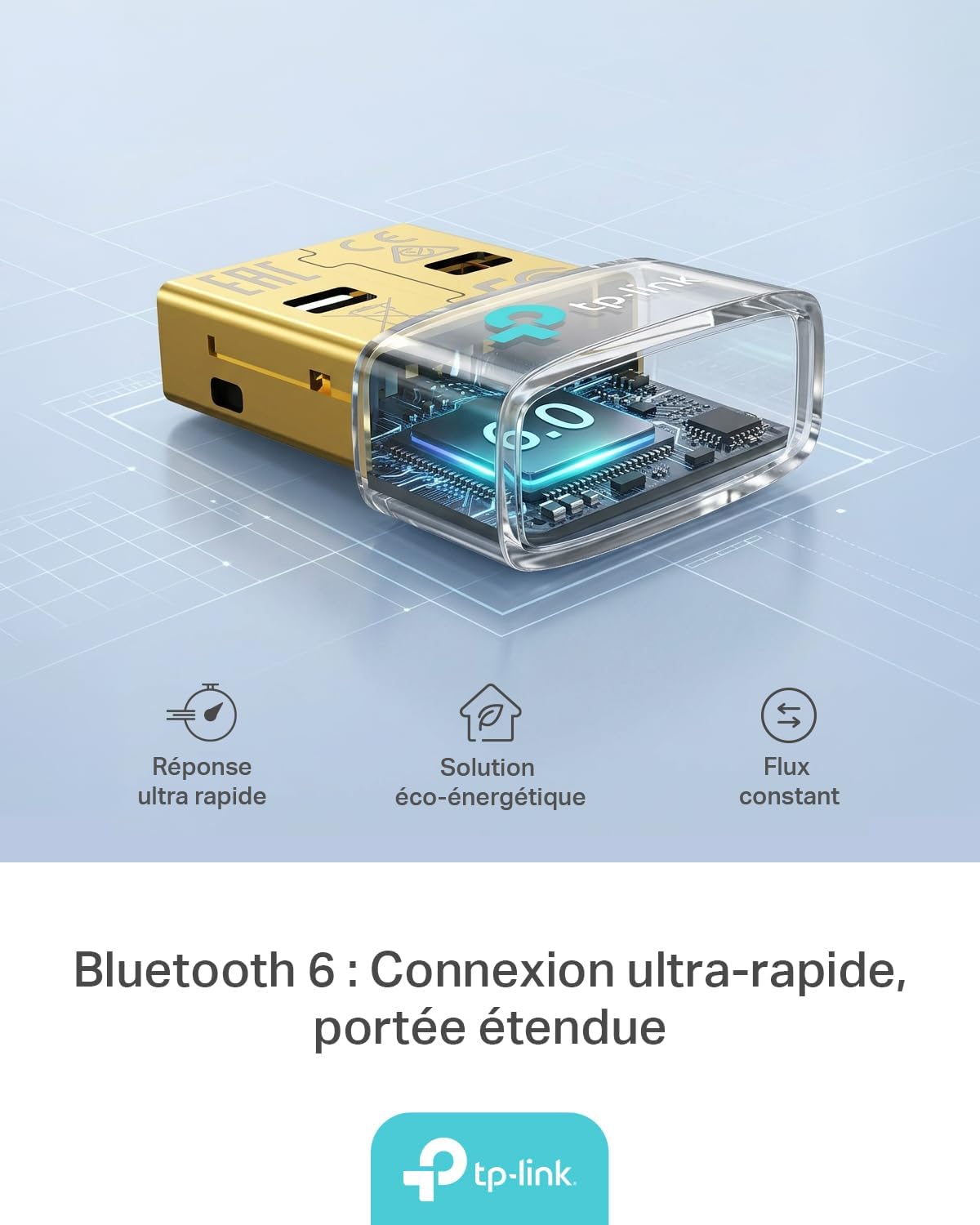
Figure 1: TP-Link UB600 Bluetooth 6.0 USB Adapter showcasing its key features: ultra-fast response, energy-saving solution, and constant data flow.
2. Maagizo ya Kuweka
2.1 Mahitaji ya Mfumo
- Operating System: Windows 11, Windows 10, Windows 8.1, Windows 7.
- Lango la USB linalopatikana.
2.2 Ufungaji
- Weka Adapta: Plug the TP-Link UB600 Bluetooth USB adapter into an available USB port on your computer.

Figure 2: The UB600 adapter discreetly plugged into a laptop's USB port, demonstrating its compact design.
- Ufungaji wa Dereva:
- For Windows 11, 10, 8.1: The adapter is Plug & Play. Your operating system should automatically detect and install the necessary drivers. No manual installation is typically required.
- Kwa Windows 7: Driver installation is required. Please visit the official TP-Link webtovuti (www.tp-link.com) to download the latest drivers for the UB600 model. Follow the on-screen instructions to complete the installation.

Figure 3: Visual representation of the UB600's compatibility with different Windows versions and various Bluetooth peripherals like smartphones, headphones, controllers, and keyboards.
- Uthibitishaji: After installation, check your computer's Device Manager to ensure the Bluetooth adapter is recognized and functioning correctly.
3. Maagizo ya Uendeshaji
3.1 Pairing Bluetooth Devices
Once the UB600 adapter is installed, you can pair it with your Bluetooth-enabled devices:
- Washa Bluetooth: Ensure Bluetooth is enabled on your computer. You can usually find this in the Windows Settings (Settings > Devices > Bluetooth & other devices).
- Put Device in Pairing Mode: Place your Bluetooth device (e.g., headphones, mouse, keyboard) into pairing mode. Refer to your device's manual for specific instructions.
- Ongeza Kifaa: On your computer, click "Add Bluetooth or other device" and select "Bluetooth".
- Chagua Kifaa: Your computer will scan for nearby Bluetooth devices. Select your device from the list and follow any on-screen prompts to complete the pairing process.
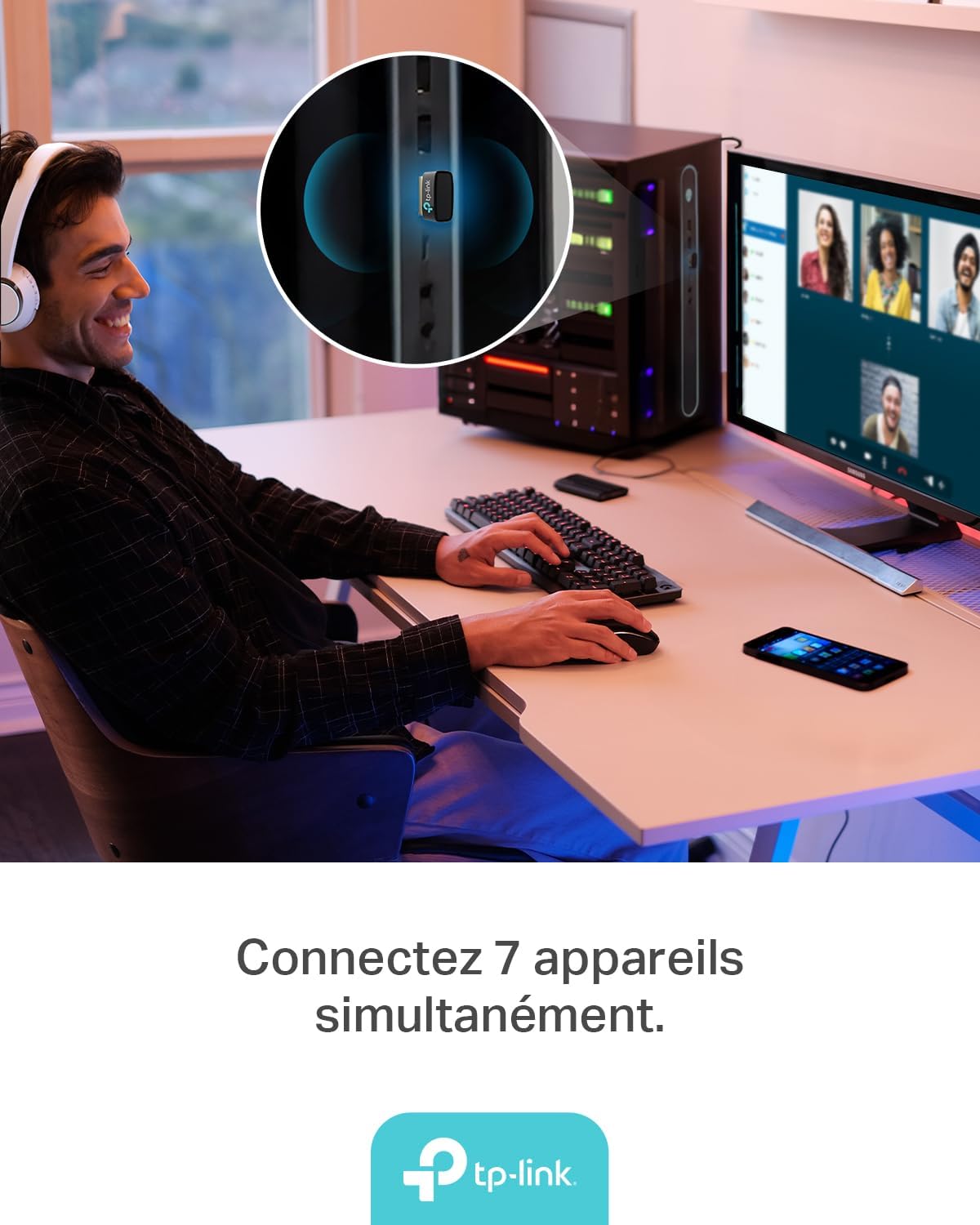
Figure 4: The UB600 adapter allows simultaneous connection of up to 7 Bluetooth devices, enhancing productivity and convenience.
3.2 Bluetooth 6.0 Advantages
The UB600 utilizes Bluetooth 6.0 technology, offering several improvements:
- Usalama Ulioimarishwa: Provides improved security features for your wireless connections.
- Utulivu Ulioongezeka: Offers a more stable and reliable connection compared to older Bluetooth versions.
- Faster Speeds (EDR): Supports Enhanced Data Rate (EDR) for quicker data transfer.
- Reduced Power Consumption (BLE): Utilizes Bluetooth Low Energy (BLE) for energy-efficient operation, especially beneficial for battery-powered devices.

Figure 5: The UB600 adapter contributes to daily efficiency with faster speeds (EDR) and reduced power consumption (BLE).
4. Matengenezo
The TP-Link UB600 is designed for durability and requires minimal maintenance. To ensure optimal performance and longevity:
- Weka Safi: Periodically clean the adapter's exterior with a soft, dry cloth. Avoid using liquid cleaners or solvents.
- Kinga dhidi ya uharibifu: While compact, avoid subjecting the adapter to physical shocks, extreme temperatures, or moisture.
- Muunganisho wa Kampuni: Ensure the adapter is securely plugged into the USB port to prevent intermittent connections.
5. Utatuzi wa shida
If you encounter issues with your TP-Link UB600 adapter, consider the following steps:
- Adapta Haijagunduliwa:
- Jaribu kuchomeka adapta kwenye mlango tofauti wa USB.
- Anzisha tena kompyuta yako.
- For Windows 7, ensure drivers are correctly installed from the TP-Link webtovuti.
- Haiwezi Kuoanisha Vifaa:
- Ensure Bluetooth is enabled on your computer and the device you are trying to pair.
- Make sure your device is in pairing mode.
- Check if the device is already paired with another computer or adapter.
- Move the device closer to the computer to rule out range issues.
- Muunganisho wa Mara kwa mara:
- Ensure there are no major obstructions between the adapter and the Bluetooth device.
- Epuka kuweka adapta karibu na vyanzo vya mwingiliano mkubwa wa sumakuumeme (km, ruta za Wi-Fi, maikrowevi).
- Update your computer's operating system and Bluetooth drivers to the latest versions.
Kwa usaidizi zaidi, tafadhali tembelea usaidizi rasmi wa TP-Link webtovuti.
6. Vipimo
| Kipengele | Maelezo |
|---|---|
| Nambari ya Mfano | UB600 |
| Kiolesura | USB |
| Toleo la Bluetooth | Bluetooth 6.0 |
| Kiwango cha Uhamisho wa Data | 2 Mbps |
| Mifumo Sambamba ya Uendeshaji | Windows 11, Windows 10, Windows 8.1, Windows 7 |
| Vifaa Sambamba | Computer, Laptop (for connecting mouse, keyboard, headset, smartphone, controller, etc.) |
| Vipimo (L x W x H) | 0.68 x 1.89 x 1.48 cm |
| Uzito | Gramu 10 |
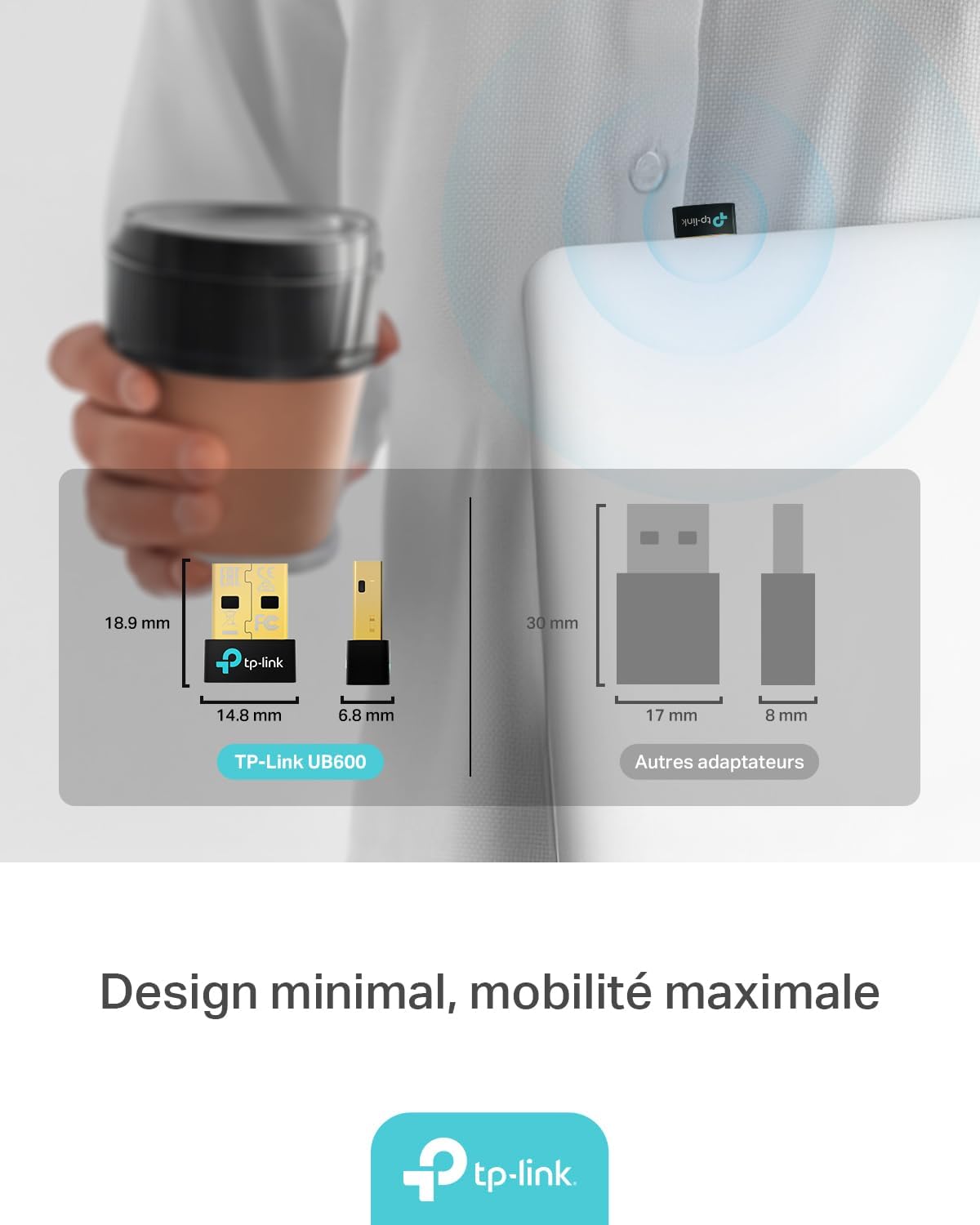
Figure 6: The UB600's minimal design ensures maximum mobility and discreet integration with your device.
7. Taarifa za Udhamini
Kwa maelezo ya kina kuhusu udhamini, tafadhali rejelea kadi ya udhamini iliyojumuishwa na bidhaa yako au tembelea Kiungo rasmi cha TP webtovuti. Sheria na masharti ya udhamini yanaweza kutofautiana kulingana na eneo.
8. Msaada wa Kiufundi
If you require technical assistance or have questions regarding your TP-Link UB600 Bluetooth USB Adapter, please visit the TP-Link support webtovuti:
You can find FAQs, driver downloads, and contact information for customer service on their webtovuti.