
1. Utangulizi
This manual provides essential instructions for the safe and effective use of your OMIZN GT5 4G LTE Watch Walkie Talkie. Please read this manual thoroughly before operating the device and retain it for future reference.
The OMIZN GT5 is a compact, wearable push-to-talk communication device designed for wide-area and global use. It utilizes 4G LTE networks for unlimited range communication, making it suitable for various professional and outdoor activities.
2. Bidhaa Imeishaview
The OMIZN GT5 Watch Walkie Talkie offers reliable and secure communication with advanced features. It is designed for ease of use and durability in diverse environments.
- 4G LTE Network Connectivity: Enables unlimited range communication across vast distances, supporting cross-city coordination and remote teamwork.
- Built-in SIM Card: Pre-installed for immediate use in up to 172 countries, requiring no contract or hidden fees.
- AES-256 Digital Encryption: Provides end-to-end communication encryption to protect privacy and prevent unauthorized listening.
- Kupunguza Kelele za Hali ya Juu: Filters background noise to ensure clear voice transmission in noisy environments.
- VOX (Usambazaji Ulioamilishwa kwa Sauti): Allows for hands-free operation, automatically transmitting when voice is detected.
- IP65 Ustahimilivu wa Vumbi na Maji: Lightweight PC housing designed to resist sweat, rain, and hand washing, suitable for outdoor and industrial use.
- Flexible Wearing Options: Can be worn on the wrist, neck, chest, or clipped to clothing to suit various scenarios.
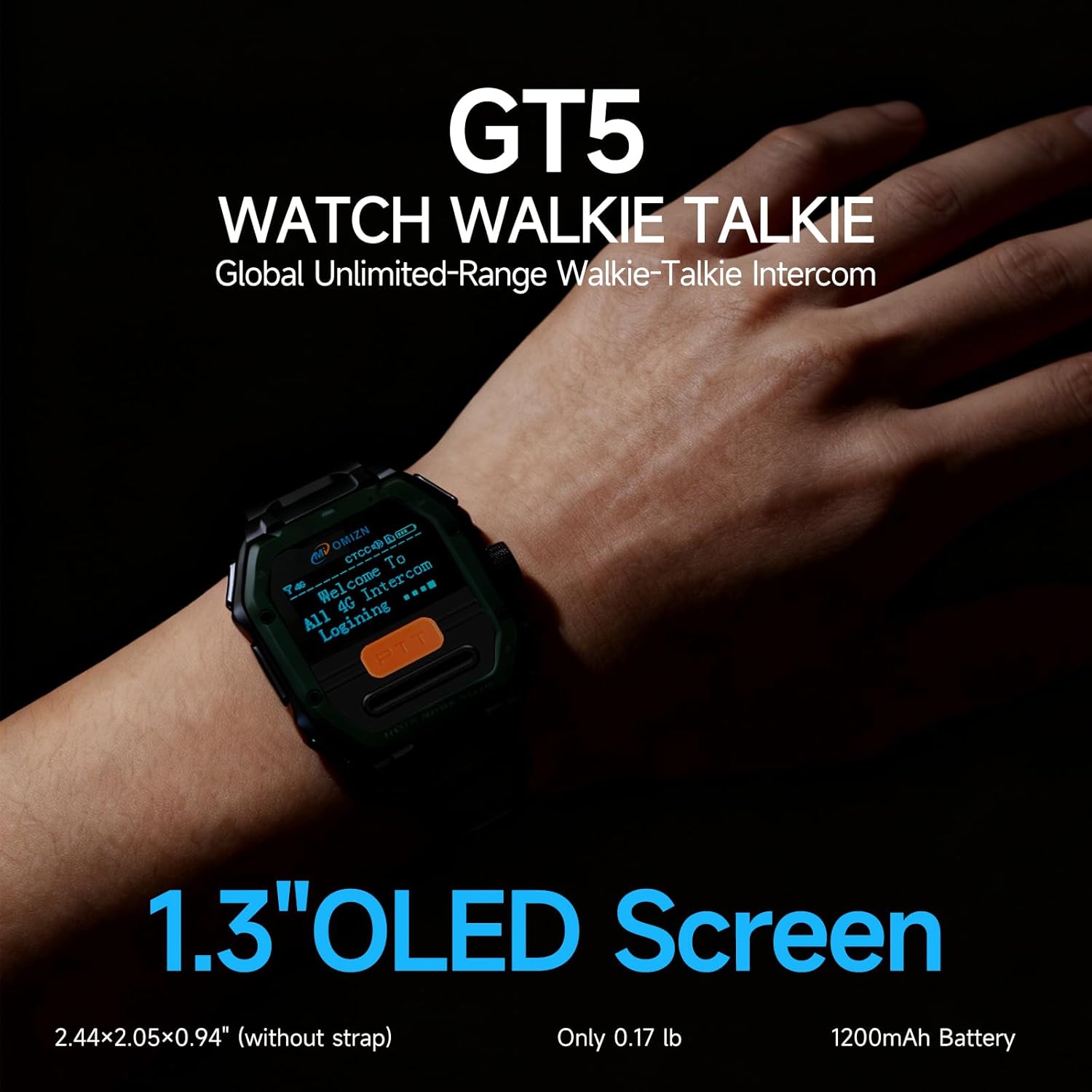
Figure 1: OMIZN GT5 Watch Walkie Talkie with 1.3-inch OLED screen.
3. Kuweka
3.1 Kuchaji Kifaa
Before first use, fully charge the device. Connect the provided charging cable to the charging port on the watch and a compatible USB power adapter. The charging indicator will show the charging status.
3.2 Kuwasha / Kuzima
- Kuwasha: Press and hold the Power button (usually located on the side) until the screen illuminates and the device starts up.
- Kuzima: Press and hold the Power button until a power-off option appears on the screen, then select to confirm.
3.3 Muunganisho wa Mtandao wa Awali
The device comes with a pre-installed SIM card. Upon powering on for the first time, the device will automatically attempt to connect to the 4G LTE network. Ensure you are in an area with network coverage. No complex programming or setup is required for basic operation.

Figure 2: The OMIZN GT5 is designed for simple, ready-to-use operation.
4. Maagizo ya Uendeshaji
4.1 Basic Communication (Push-to-Talk)
To transmit your voice, press and hold the dedicated Push-to-Talk (PTT) button on the side of the device. Speak clearly into the microphone. Release the PTT button to listen for incoming transmissions.
4.2 VOX (Voice-Activated Transmission)
The VOX feature allows for hands-free communication. When enabled, the device will automatically transmit when it detects your voice, eliminating the need to press the PTT button. Refer to the on-screen menu for instructions on how to enable or disable VOX.

Figure 3: VOX voice control enables hands-free communication.
4.3 Group and One-on-One Calling
The OMIZN GT5 supports various communication modes:
- One-on-One Calls: Communicate directly with a specific user.
- Group Calls: Communicate with multiple users simultaneously within a designated group. The device supports multi-group dispatch with up to 200 groups.
Navigate through the device's menu using the side buttons to select your desired contact or group for communication.
4.4 Marekebisho ya Kiasi
Adjust the speaker volume using the dedicated volume buttons or through the device's on-screen menu to ensure clear audio reception.

Figure 4: High-fidelity clear sound with AI noise reduction for optimal communication.
5. Matengenezo
5.1 Kusafisha
Futa kifaa kwa laini, damp cloth. Do not use harsh chemicals or abrasive cleaners. Ensure the charging port is dry before charging.
5.2 Ustahimilivu wa Maji (IP65)
The OMIZN GT5 has an IP65 rating, meaning it is dustproof and resistant to low-pressure water jets from any direction. It resists sweat, rain, and hand washing. However, it is sivyo designed for bathing, swimming, diving, or prolonged submersion in water.
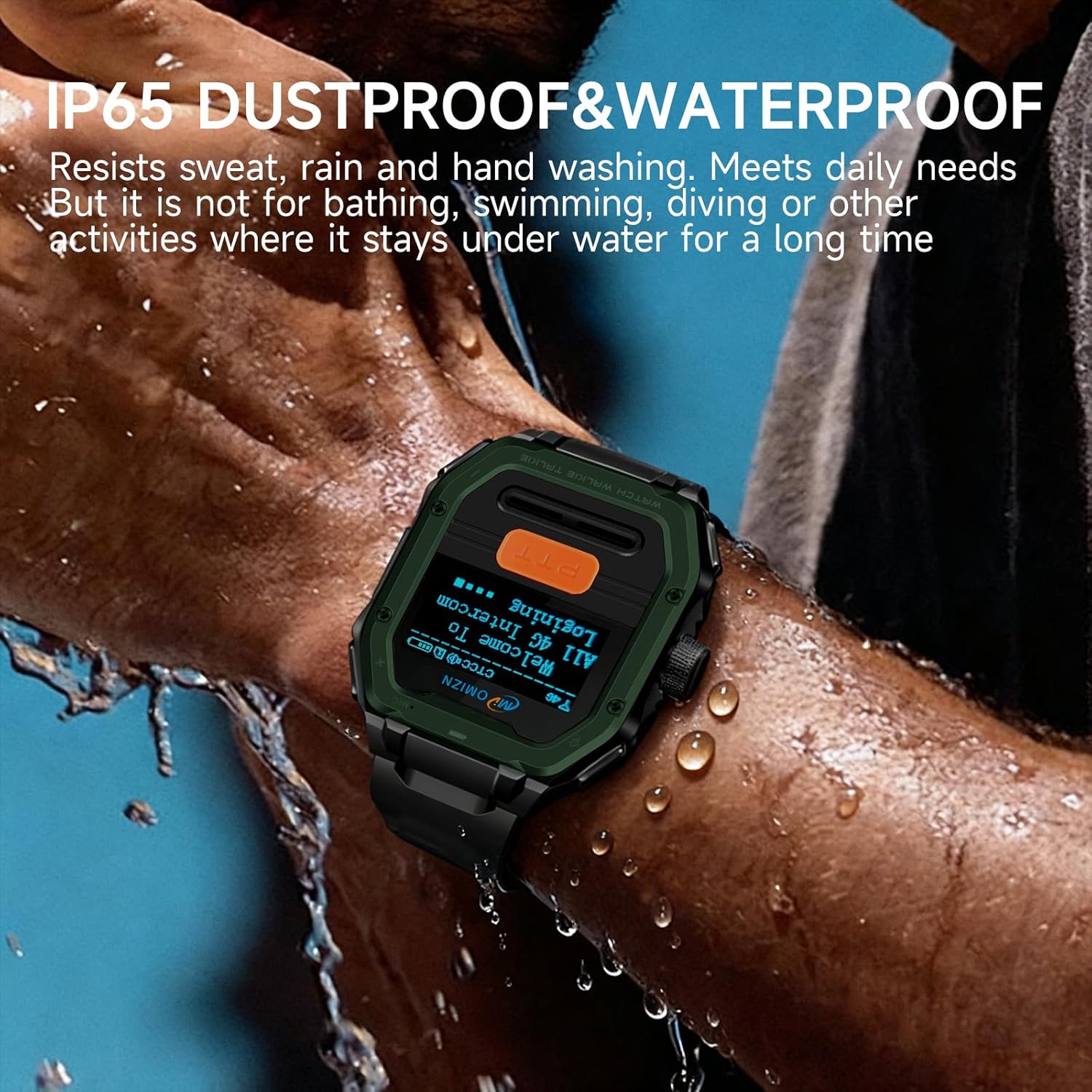
Figure 5: The device is IP65 rated for dust and water resistance.
5.3 Utunzaji wa Betri
Ili kuongeza muda wa matumizi ya betri, epuka kuweka kifaa kwenye halijoto kali. Chaji kifaa mara kwa mara, lakini epuka kuchaji kupita kiasi kwa muda mrefu.
5.4 Joto la Uendeshaji
The device is designed to operate within a temperature range of -20℃ to 60℃ (-4°F to 140°F).
6. Utatuzi wa shida
- Hakuna Nguvu: Ensure the device is fully charged. If it does not turn on, try connecting it to a charger.
- Hakuna Ishara ya Mtandao: Move to an area with better 4G LTE coverage. Restart the device.
- Haiwezi Kusambaza/Kupokea: Check if the device is connected to the network. Ensure you are in the correct group or have selected the intended recipient for one-on-one calls. Verify volume settings.
- Ubora duni wa Sauti: Ensure the microphone and speaker are not obstructed. If using VOX, adjust sensitivity if necessary.
- Kifaa Kimeshindwa Kujibu: Perform a soft reset by holding down the power button for an extended period (e.g., 10-15 seconds) until the device restarts.
7. Vipimo
| Kipengele | Vipimo |
|---|---|
| Chapa | OMIZN |
| Nambari ya Mfano | SBDJJ |
| Muunganisho | Mtandao wa 4G LTE |
| Mazungumzo mbalimbali | Unlimited (via 4G LTE Network) |
| Idadi ya Vituo | 200 |
| Usimbaji fiche | AES-256 |
| Ukadiriaji wa kuzuia maji | IP65 |
| Vipimo vya Bidhaa (D x W x H) | 0.94" x 2.05" x 2.44" |
| Uzito wa Kipengee | Pauni 0.88 |
| Voltage | Volti 3.7 (DC) |
| Kiwango cha Joto | -20 ℃ hadi 60 ℃ |
8. Udhamini na Msaada
8.1 Sera ya Kurudi
This product is typically eligible for a 30-day return period for refund or replacement, subject to the retailer's specific terms and conditions at the time of purchase.
8.2 Mipango ya Ulinzi
Extended protection plans may be available for purchase separately. Please refer to your retailer for details on available 2-Year or 3-Year protection plans.
8.3 Usaidizi kwa Wateja
For technical assistance or further inquiries, please contact the seller or refer to the customer support resources provided by your point of purchase.