
1. Utangulizi
Thank you for choosing the Homary 3-Drawer LED Smart Nightstand. This nightstand is designed to enhance your bedroom with convenient features including wireless charging, USB and Type-C ports, adjustable LED lighting, and ample storage. Please read this manual thoroughly before assembly and use to ensure proper function and longevity of your product.
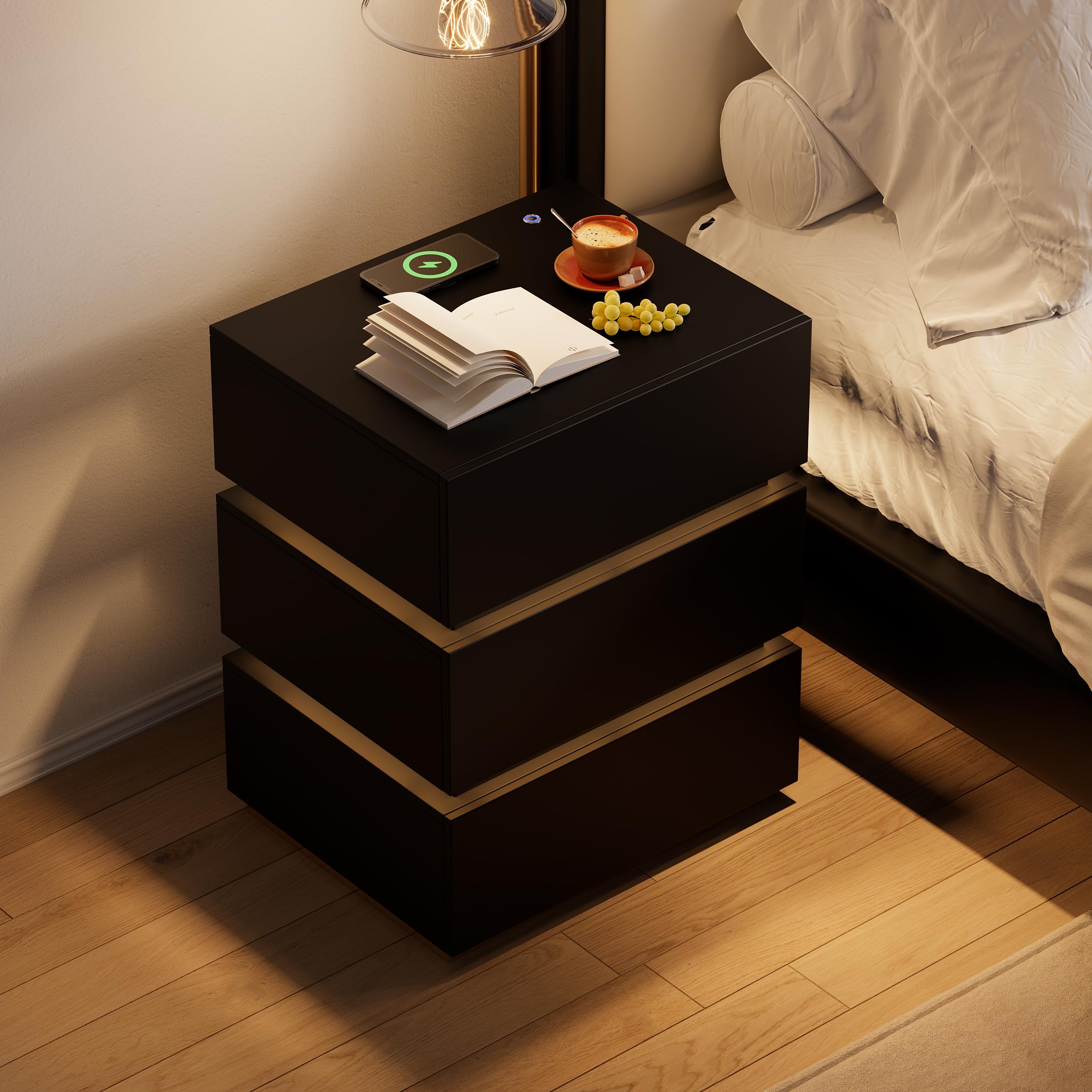
Image 1.1: The Homary 3-Drawer LED Smart Nightstand, showcasing its modern design and integrated features.
2. Taarifa za Usalama
- Weka vifaa vyote vya kufungashia mbali na watoto na wanyama kipenzi ili kuzuia hatari za kusongwa na koo.
- Ensure all screws and fasteners are securely tightened during assembly. Periodically check for loose connections.
- Do not exceed the maximum weight recommendation of 35 pounds on the top surface.
- Avoid placing liquids directly on the nightstand, especially near electrical components.
- Use only a dry cloth for cleaning. Do not use abrasive cleaners or harsh chemicals.
- This product is intended for indoor, residential use only.
3. Yaliyomo kwenye Kifurushi
Tafadhali hakikisha kwamba vipengele vyote vipo kabla ya kuanza kuunganisha. Ikiwa sehemu yoyote haipo au imeharibika, tafadhali wasiliana na huduma kwa wateja.
- Nightstand Panels (Top, Bottom, Sides, Back)
- Vipengele vya Droo (Mbele, Pande, Migongo, Chini)
- Drawer Slides and Hardware
- Msingi wa Chuma cha pua
- LED Light Strip and Power Adapter
- Wireless Charging Module with USB/Type-C Ports
- Vifaa vya Kuunganisha (Skurubu, Doweli, Kufuli za Kamera, n.k.)
- Assembly Guide (Included)
4. Kuweka na Kukusanya
Assembly is required for this nightstand. It is recommended that watu wawili perform the assembly. A screwdriver is the primary tool recommended for assembly.

Image 4.1: Product dimensions for planning placement and assembly.
Hatua za Mkutano:
- Fungua na Utambue Sehemu: Carefully remove all components from the packaging. Lay them out on a clean, soft surface to prevent scratches. Refer to the included Assembly Guide to identify each part.
- Kusanya Mfumo Mkuu: Follow the step-by-step instructions in the Assembly Guide to construct the outer frame of the nightstand using the provided hardware. Ensure all connections are tight and stable.
- Sakinisha Slaidi za Droo: Attach the drawer slides to the inner sides of the nightstand frame according to the guide. Pay attention to the orientation of the slides.
- Kukusanya Droo: Construct each of the three drawers. Attach the drawer slides to the assembled drawers.
- Ingiza Droo: Carefully slide the assembled drawers into the nightstand frame. Test their movement to ensure they open and close smoothly.
- Attach Stainless Steel Base: Secure the glossy stainless steel base to the bottom of the nightstand frame.
- Unganisha Vipengele vya Umeme: Install the LED light strip, wireless charging pad, and USB/Type-C module as directed in the Assembly Guide. Connect the power adapter.
- Ukaguzi wa Mwisho: Verify that all parts are correctly assembled and all fasteners are tightened.
5. Maagizo ya Uendeshaji
5.1. Taa ya LED
The nightstand features a built-in LED light for ambient illumination.
- Washa/Zima: Press the top button located on the nightstand's surface to turn the LED light on or off.
- Rekebisha Mwangaza: With the LED light on, press and hold the top button to adjust the brightness level. Release the button when the desired brightness is achieved.

Image 5.1: Location of the LED control button and wireless charging pad.
5.2. Kazi za malipo
The nightstand is equipped with a wireless charging pad, USB port, and Type-C port for convenient device charging.
- Kuchaji Bila Waya: Place your compatible smartphone or device directly on the wireless charging pad located on the top surface. Ensure the device is centered for optimal charging.
- Milango ya USB na Aina ya C: Connect your devices using appropriate cables to the USB and Type-C ports for wired charging.
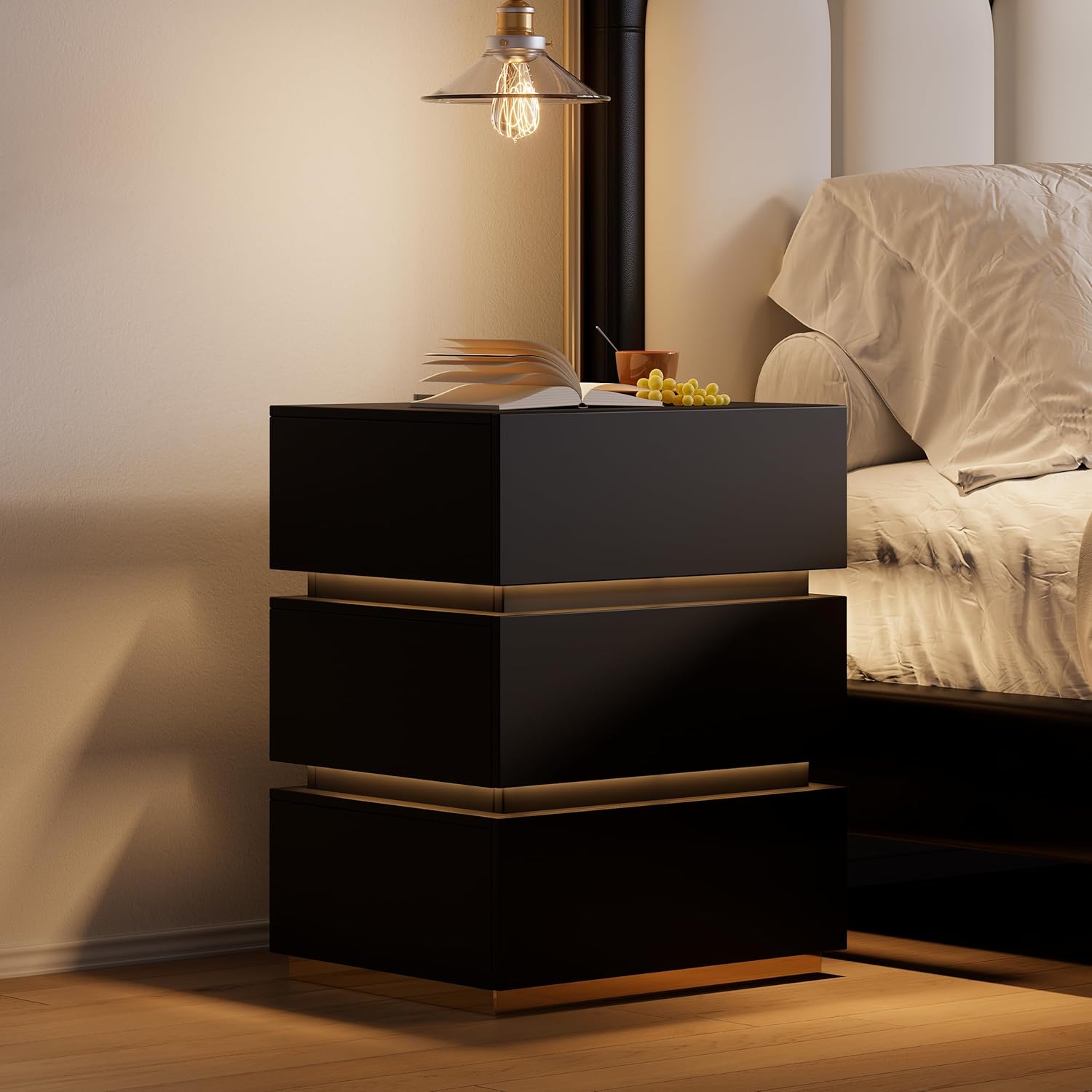
Image 5.2: Wireless charging in action and the illuminated LED button.
5.3. Droo za Kuhifadhia
The three spacious drawers provide organized storage for your personal items.

Picha 5.3: Droo zilizo wazi zinazoonyesha uwezo wa kuhifadhi.
6. Matengenezo
- Kusafisha: Wipe the nightstand surfaces with a dry, soft cloth. For stubborn marks, a slightly damp cloth followed immediately by a dry cloth can be used.
- Upinzani wa Madoa: The nightstand is designed to be stain resistant. Promptly wipe any spills to prevent potential staining.
- Ukaguzi wa maunzi: Mara kwa mara angalia skrubu na vifungashio vyote ili kuhakikisha vinabaki vimefungwa. Kaza ikiwa ni lazima ili kudumisha uthabiti.
- Vipengele vya Umeme: Ensure the power adapter and cables are not pinched or damaged. Do not attempt to repair electrical components yourself.
7. Utatuzi wa shida
7.1. Taa ya LED Haifanyi Kazi
- Ensure the nightstand is properly plugged into a working power outlet.
- Check that the power adapter is securely connected to the nightstand.
- Press the LED control button firmly to ensure it registers the input.
7.2. Wireless Charging Not Functioning
- Verify the nightstand is powered on and plugged in.
- Hakikisha kifaa chako kinaoana na chaji isiyotumia waya (kiwango cha Qi).
- Ondoa visanduku vizito vya simu ambavyo vinaweza kuingiliana na kuchaji bila waya.
- Reposition your device on the charging pad to ensure proper alignment.
- Avoid placing metal objects between your device and the charging pad.
7.3. USB/Type-C Ports Not Charging
- Confirm the nightstand is connected to power.
- Try a different USB or Type-C cable to rule out cable issues.
- Test with a different device to ensure the port is not faulty.
8. Vipimo
| Kipengele | Maelezo |
|---|---|
| Chapa | homary |
| Nambari ya Mfano | JJ140H93L4 |
| Vipimo vya Bidhaa (D x W x H) | 15.7" x 19.7" x 23.8" (400mm x 500mm x 605mm) |
| Uzito wa Kipengee | Pauni 62 |
| Mapendekezo ya Uzito wa Juu | Pauni 35 (Uso wa Juu) |
| Nyenzo ya Fremu | MDF; Stainless Steel |
| Aina ya Nyenzo ya Juu | Mbao iliyotengenezwa |
| Rangi | Black (with Gold Base Color) |
| Idadi ya Droo | 3 |
| Vipengele Maalum | With Drawers; Wireless Charging; Built-In USB Ports; LED Light |
| Bunge linalohitajika | Ndiyo |
| Idadi Iliyopendekezwa ya Watu kwa Mkutano | 2 |
| Zana Zinazopendekezwa kwa Bunge | Dereva wa Screw |
| Maelekezo ya Utunzaji wa Bidhaa | Futa kwa Kitambaa Kikavu |
9. Taarifa za Udhamini
This Homary product comes with a Udhamini mdogo. For specific details regarding warranty coverage, duration, and terms, please refer to the warranty documentation included with your purchase or contact Homary customer support.
10. Msaada
If you have any questions, require assistance with assembly, or encounter any issues with your Homary 3-Drawer LED Smart Nightstand, please do not hesitate to contact our customer support team.
Barua pepe: service@homary.com
When contacting support, please provide your order number and the product model number (JJ140H93L4) for faster service.