
1. Utangulizi
Thank you for choosing the Surge Wireless Pro Controller. This multi-platform Bluetooth controller is designed to enhance your gaming experience across various devices, including Nintendo Switch/Switch 2, Windows PC, Android, and iOS. Featuring Hall Effect sticks and triggers, adjustable turbo functionality, and customizable vibration feedback, this controller offers precision and comfort. Please read this manual thoroughly before use to ensure optimal performance and longevity of your device.
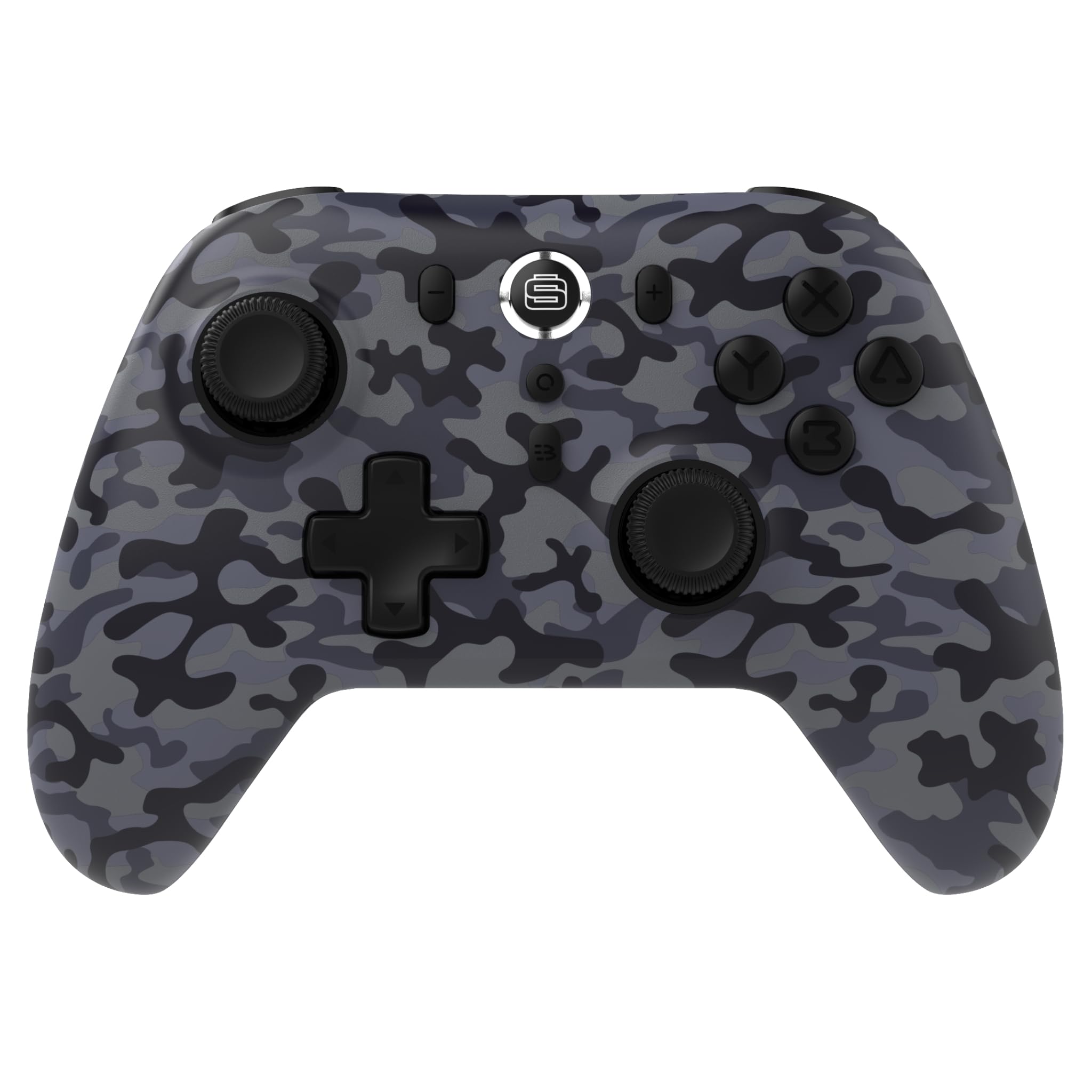
2. Bidhaa za Bidhaa
- Utangamano wa Majukwaa mengi: Compatible with Nintendo Switch/Switch 2 (Note: No C Button/Audio Port), Windows PC, Steam Deck, Android, and iOS devices.
- Hall Effect Thumb Sticks & Triggers: Delivers precision control and prevents stick drift, ensuring accurate input.
- Utendaji wa Turbo: Offers 3 adjustable turbo levels for rapid-fire control in compatible games.
- Maoni ya Mtetemo: Choose from 4 vibration levels for tailored haptic feedback, enhancing immersion.
- Vidhibiti vya Mwendo: Supports motion controls for compatible games on supported platforms.
- Console Wake Up: Ability to wake your Nintendo Switch console from sleep mode instantly (Nintendo Switch Only).
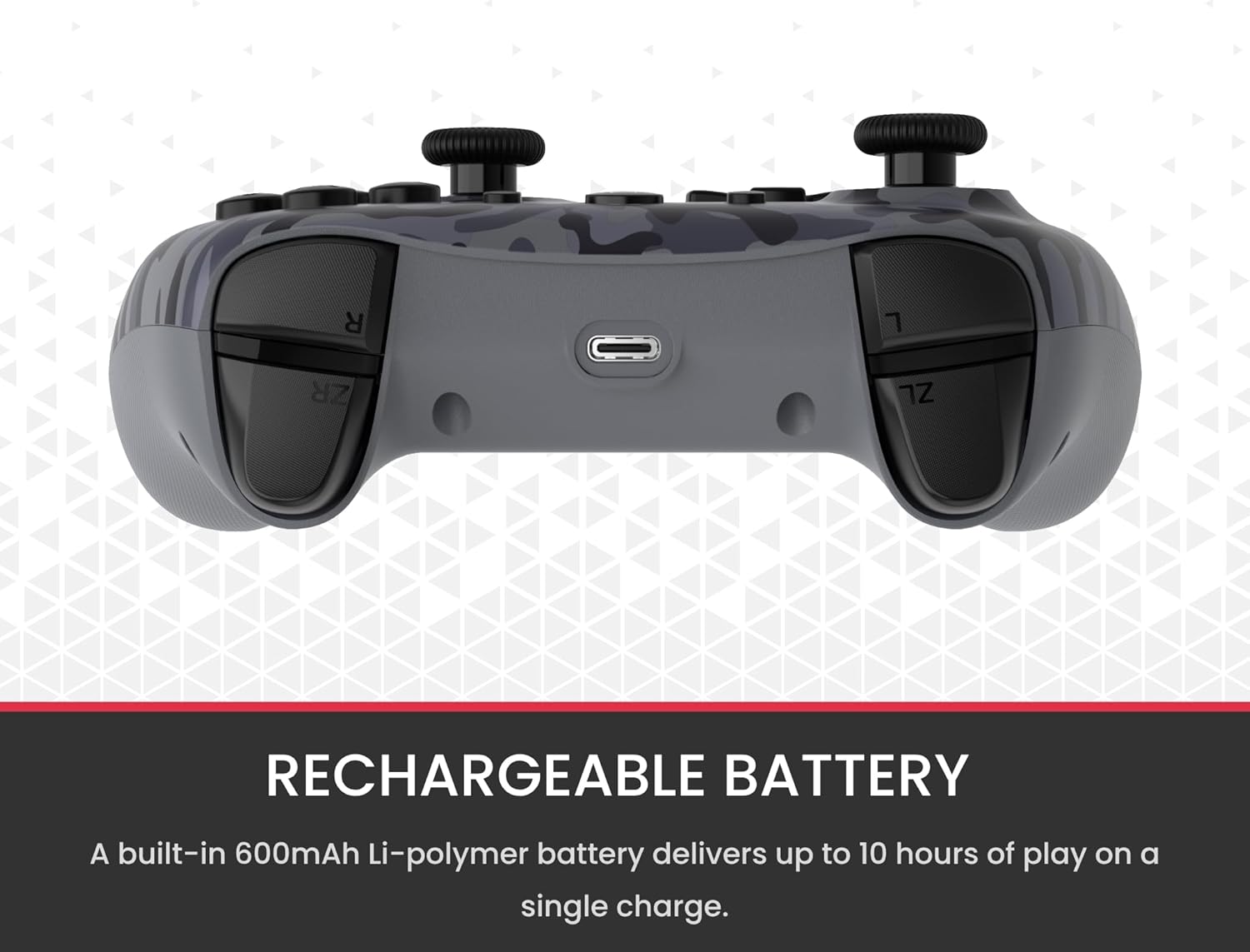
- Betri Inayoweza Kuchajiwa tena: A built-in 600mAh Li-polymer battery provides up to 10 hours of gameplay on a single charge.
- Kebo ya Kuchaji ya USB-C: Includes a 1-meter USB-C cable for convenient recharging.

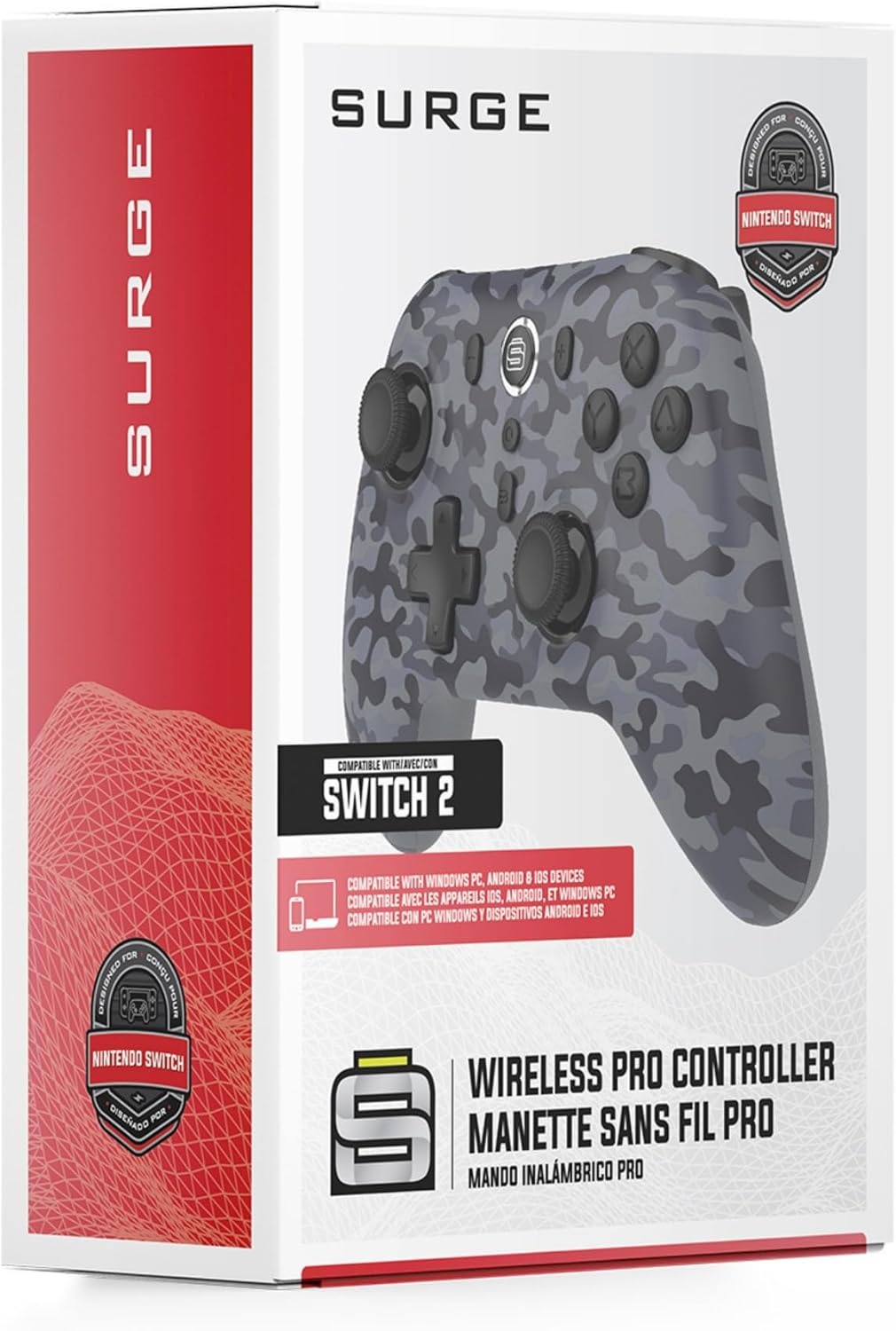
3. Yaliyomo kwenye Kifurushi
Tafadhali hakikisha vitu vyote vipo kwenye kifurushi chako:
- 1 x Surge Wireless Pro Controller (Model: SG60096)
- 1 x Kebo ya Kuchaji ya USB-C (mita 1)
- 1 x Mwongozo wa Mtumiaji
4. Kuweka na Kuoanisha
4.1. Kuchaji Kidhibiti
Before first use, fully charge the controller using the provided USB-C cable. Connect the USB-C end to the controller's charging port and the USB-A end to a power source (e.g., console, PC, USB wall adapter). The LED indicators on the controller will show charging status.
4.2. Pairing with Nintendo Switch/Switch 2
- Kutoka kwenye Menyu ya NYUMBANI, chagua Vidhibiti, basi Badilisha Mshiko/Agizo.
- Kwenye kidhibiti, bonyeza na ushikilie Kitufe cha Kuoanisha (usually a small button on the top edge or back) for a few seconds until the player LEDs begin to flash.
- Mara baada ya kuunganishwa, mchezaji wa LED (s) zinazofanana na nambari ya mtawala zitabaki kuwaka.
- To wake the console from sleep mode, press the Kitufe cha Nyumbani juu ya mtawala.
4.3. Pairing with Windows PC
- Hakikisha kuwa PC yako imewashwa Bluetooth.
- Kwenye kidhibiti, bonyeza na ushikilie Kitufe cha Kuoanisha until the LEDs flash rapidly.
- Kwenye PC yako, nenda kwa Bluetooth & other devices settings, basi Ongeza Bluetooth au kifaa kingine.
- Chagua Bluetooth na kuchagua
Ask a question about this manual
Ask about setup, troubleshooting, compatibility, parts, safety, or missing instructions. Manuals+ will review the question and use this page’s manual context to help answer it.