
1. Bidhaa Imeishaview
The BUGANI Luster Bluetooth Speaker is a portable wireless stereo speaker designed for high-quality audio output with dynamic colorful lighting. It features Bluetooth 5.3 connectivity, IPX6 waterproofing, and extended playtime, making it suitable for various indoor and outdoor environments.

Image: The BUGANI Luster Bluetooth Speaker, showcasing its design and the vibrant light effects, surrounded by water splashes to highlight its waterproof capabilities.
2. Ni nini kwenye Sanduku
- BUGANI Luster Bluetooth Speaker
- Kebo ya Kuchaji ya USB-C
- Cable ya AUX
- Mwongozo wa Kuanza Haraka
- Lanyard inayoweza kutengwa
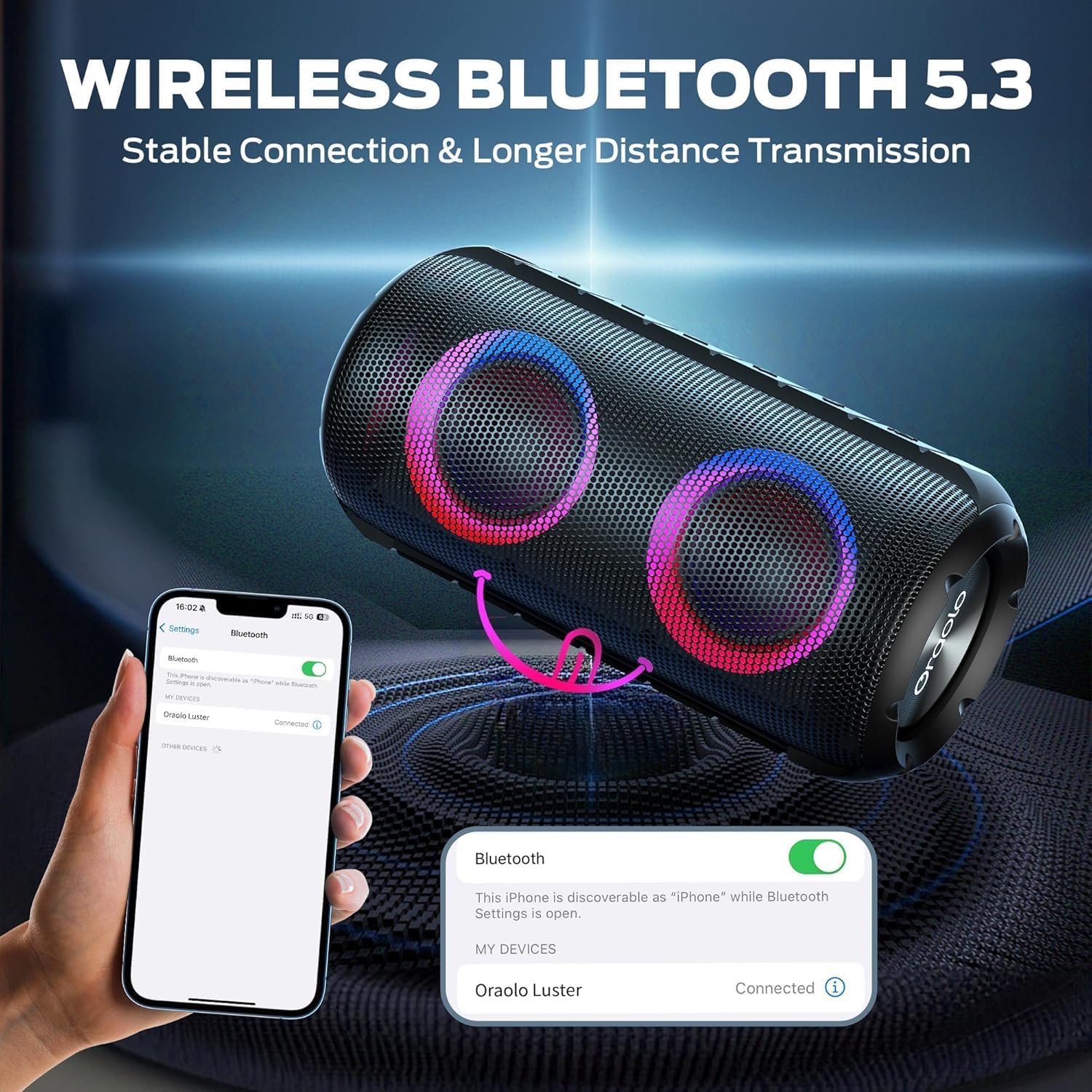
Image: The BUGANI Luster Bluetooth Speaker with its detachable lanyard, illustrating its portability and ease of carrying.
3. Kuweka
3.1 Kuchaji Awali
Before first use, fully charge the speaker. Connect the provided USB-C cable to the speaker's charging port and the other end to a USB power adapter (not included) or a computer's USB port. The charging indicator light will show the charging status.
3.2 Washa/Zima
- Washa: Bonyeza na ushikilie kitufe cha Nguvu (⏻) for 2-3 seconds until you hear an audible prompt and the lights illuminate.
- Zima umeme: Bonyeza na ushikilie kitufe cha Nguvu (⏻) for 2-3 seconds until you hear an audible prompt and the lights turn off.
3.3 Kuoanisha Bluetooth
- Hakikisha spika imewashwa na iko katika hali ya kuoanisha ya Bluetooth (inayoonyeshwa na mwanga wa bluu unaowaka).
- Kwenye kifaa chako (simu mahiri, kompyuta kibao, n.k.), washa Bluetooth na utafute vifaa vinavyopatikana.
- Select "BUGANI Luster" from the list of devices.
- Once connected, you will hear a confirmation sound, and the Bluetooth indicator light will become solid blue.
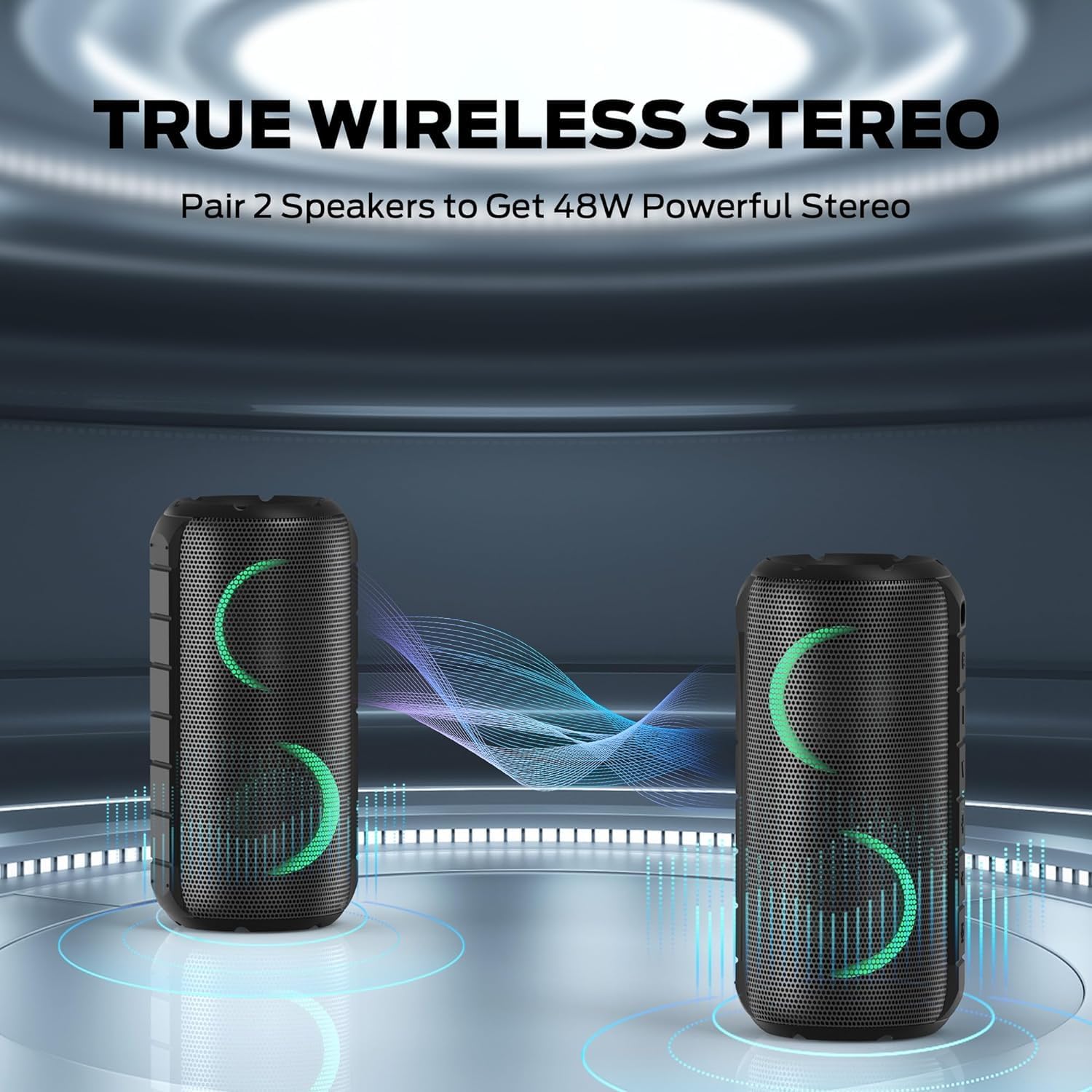
Image: A smartphone displaying its Bluetooth settings, showing a successful connection to the "Oraolo Luster" (BUGANI Luster) speaker, demonstrating the ease of Bluetooth 5.3 pairing.
3.4 Uoanishaji wa Kweli wa Wireless Stereo (TWS).
To achieve a more immersive stereo sound, you can pair two BUGANI Luster speakers together.
- Hakikisha spika zote mbili zimewashwa na hazijaunganishwa kwenye kifaa chochote cha Bluetooth.
- On one speaker (this will be the primary speaker), press the TWS button (often indicated by two interlocking circles or a dedicated TWS icon). The speaker will enter TWS pairing mode.
- The primary speaker will automatically search for the secondary speaker. Once connected, you will hear a confirmation sound, and the lights on both speakers will synchronize.
- Now, connect your device to the primary speaker via Bluetooth as described in section 3.3. Audio will play through both speakers in stereo.

Image: Two BUGANI Luster speakers positioned to illustrate their True Wireless Stereo (TWS) pairing capability, creating a wider soundstage.
3.5 AUX-in Connection
For non-Bluetooth devices, use the provided 3.5mm AUX-in cable.
- Unganisha ncha moja ya kebo ya AUX-in ya 3.5mm kwenye mlango wa AUX-in wa spika.
- Unganisha upande mwingine kwenye jeki ya kutoa sauti ya kifaa chako.
- The speaker will automatically switch to AUX-in mode.
4. Maagizo ya Uendeshaji
4.1 Kazi za Kitufe

Picha: Karibu view of the BUGANI Luster speaker's top panel, clearly showing the control buttons for various functions.
| Kitufe | Kazi (Vyombo vya habari Fupi) | Kazi (Bonyeza kwa Muda Mrefu) |
|---|---|---|
| ⏻ (Nguvu) | N/A | Washa/Zima |
| + (Kuongeza sauti) | Volume Up | Wimbo Unaofuata |
| - (Punguza sauti) | Sauti Chini | Wimbo Uliopita |
| ▶‖ (Cheza/Sitisha) | Cheza/Sitisha; Jibu/Maliza Simu | Reject Call; Activate Voice Assistant |
| 💡 (Light Mode) | Cycle through Light Modes | Washa/Zima Taa |
| TWS (TWS Pairing) | N/A | Ingiza Modi ya Kuoanisha ya TWS |
4.2 Colorful Light Show
The speaker features a dynamic RGB light system with 7 colors and 5 light modes. Press the Light Mode button (💡) to cycle through the available modes. Long press the button to turn the lights on or off.

Image: The BUGANI Luster speaker showcasing its vibrant and dynamic colorful light patterns, which enhance the listening experience.
4.3 Kupiga Simu Bila Mikono
Inapounganishwa kupitia Bluetooth, maikrofoni iliyojengewa ndani ya spika inaruhusu simu zisizotumia mikono.
- Jibu/Maliza Simu: Bonyeza kitufe cha Cheza/Sitisha kwa muda mfupi (▶‖).
- Kataa Simu: Bonyeza kitufe cha Cheza/Sitisha kwa muda mrefu (▶‖).
4.4 Uwezeshaji Msaidizi wa Sauti
Bonyeza kitufe cha Cheza/Sitisha kwa muda mrefu (▶‖) to activate your phone's voice assistant (e.g., Siri, Google Assistant).
5. Matengenezo
5.1 Kusafisha
Futa spika kwa laini, damp kitambaa. Usitumie visafishaji vya kukwaruza, pombe, au miyeyusho ya kemikali, kwani hivi vinaweza kuharibu uso au vipengele vya ndani.
5.2 Utunzaji Usiopitisha Maji (IPX6)
The speaker has an IPX6 waterproof rating, meaning it is protected against powerful water jets. It is suitable for use in rainy conditions or near water bodies like pools and beaches. However, it is sivyo designed for submersion in water. Ensure the charging port cover is securely closed before exposing the speaker to water.
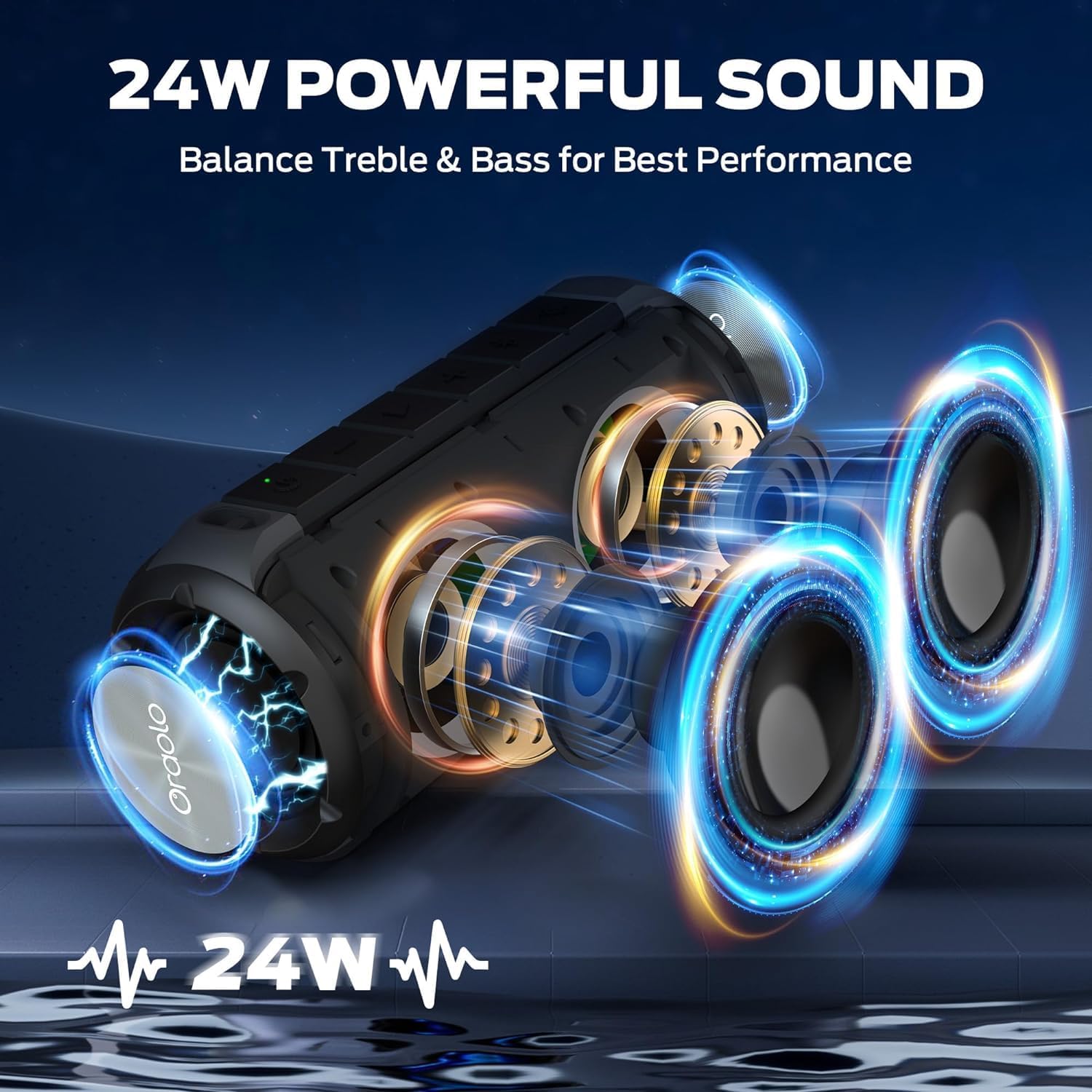
Image: The BUGANI Luster speaker resting on a wet rock with water droplets, visually confirming its IPX6 waterproof rating for outdoor use.
5.3 Hifadhi
Hifadhi spika mahali pakavu na penye baridi mbali na jua moja kwa moja na halijoto kali. Ikiwa itahifadhiwa kwa muda mrefu, chaji betri hadi takriban 50% kila baada ya miezi michache ili kudumisha afya ya betri.
6. Utatuzi wa shida
6.1 Hakuna Nguvu
- Hakikisha spika imejaa chaji.
- Press and hold the Power button for 2-3 seconds.
6.2 Hakuna Sauti
- Angalia kiwango cha sauti kwenye spika na kifaa chako kilichounganishwa.
- Ensure the speaker is correctly paired via Bluetooth or the AUX-in cable is securely connected.
- Ukitumia Bluetooth, jaribu kukata na kuunganisha kifaa upya.
6.3 Matatizo ya Kuoanisha Bluetooth
- Ensure the speaker is within the effective range (up to 33 feet/10 meters) of your device.
- Futa historia ya kuoanisha Bluetooth kwenye kifaa chako na ujaribu kuoanisha tena.
- Zima na uwashe spika na kifaa chako.
- Hakikisha kuwa hakuna vifaa vingine vya Bluetooth vinavyoingilia kati.
6.4 TWS Pairing Fails
- Ensure both speakers are fully charged and not connected to any other Bluetooth device.
- Place the speakers close to each other during the TWS pairing process.
- Follow the TWS pairing steps precisely as described in section 3.4.
7. Vipimo
| Kipengele | Maelezo |
|---|---|
| Chapa | BUGANI |
| Jina la Mfano | M166 |
| Aina ya Spika | Spika ya Stereo inayobebeka |
| Kiwango cha Juu cha Pato la Spika | 24 Watts |
| Teknolojia ya Uunganisho | Bluetooth 5.3, Auxiliary (3.5mm AUX-in) |
| Ukadiriaji wa kuzuia maji | IPX6 |
| Wakati wa kucheza | Up to 24 hours (at 50% volume, lights off) |
| Vipimo vya Bidhaa | 4"D x 8"W x 4"H |
| Uzito wa Kipengee | Pauni 1.34 (Kilo 0.61) |
| Betri | Betri 1 ya AA inahitajika (imejumuishwa) |
8. Udhamini na Msaada
BUGANI products are manufactured to high-quality standards. For specific warranty information and support, please refer to the warranty card included with your product or visit the official BUGANI webtovuti. Weka risiti yako ya ununuzi kama dhibitisho la ununuzi kwa madai ya udhamini.
For technical assistance or customer service inquiries, please contact BUGANI customer support through their official channels.