
1. Utangulizi
Thank you for choosing the WORKPRO Mini Electric Screwdriver. This precision tool is designed for delicate tasks requiring accuracy and efficiency, such as repairing smartphones, laptops, cameras, watches, and other small electronic devices. This manual provides essential information for safe operation, setup, maintenance, and troubleshooting to ensure optimal performance and longevity of your screwdriver.
2. Taarifa za Usalama
- Always wear appropriate eye protection when operating power tools.
- Keep the tool and its accessories out of reach of children.
- Usitumie bisibisi karibu na vimiminika au gesi zinazoweza kuwaka.
- Ensure the tool is fully charged before use to avoid interruptions during delicate tasks.
- Avoid applying excessive force, as this may damage the tool or the workpiece.
- Do not expose the tool to water or extreme temperatures.
3. Yaliyomo kwenye Kifurushi
Thibitisha kuwa vipengee vyote vipo kwenye kifurushi chako:
- WORKPRO Mini Electric Screwdriver (Model W121074AE)
- Magnetic Storage Case with Pop-Up Mechanism
- Vipande 36 vya Usahihi wa Chuma S2
- 2 Pry Bars
- Kebo ya kuchaji ya Type-C ya USB
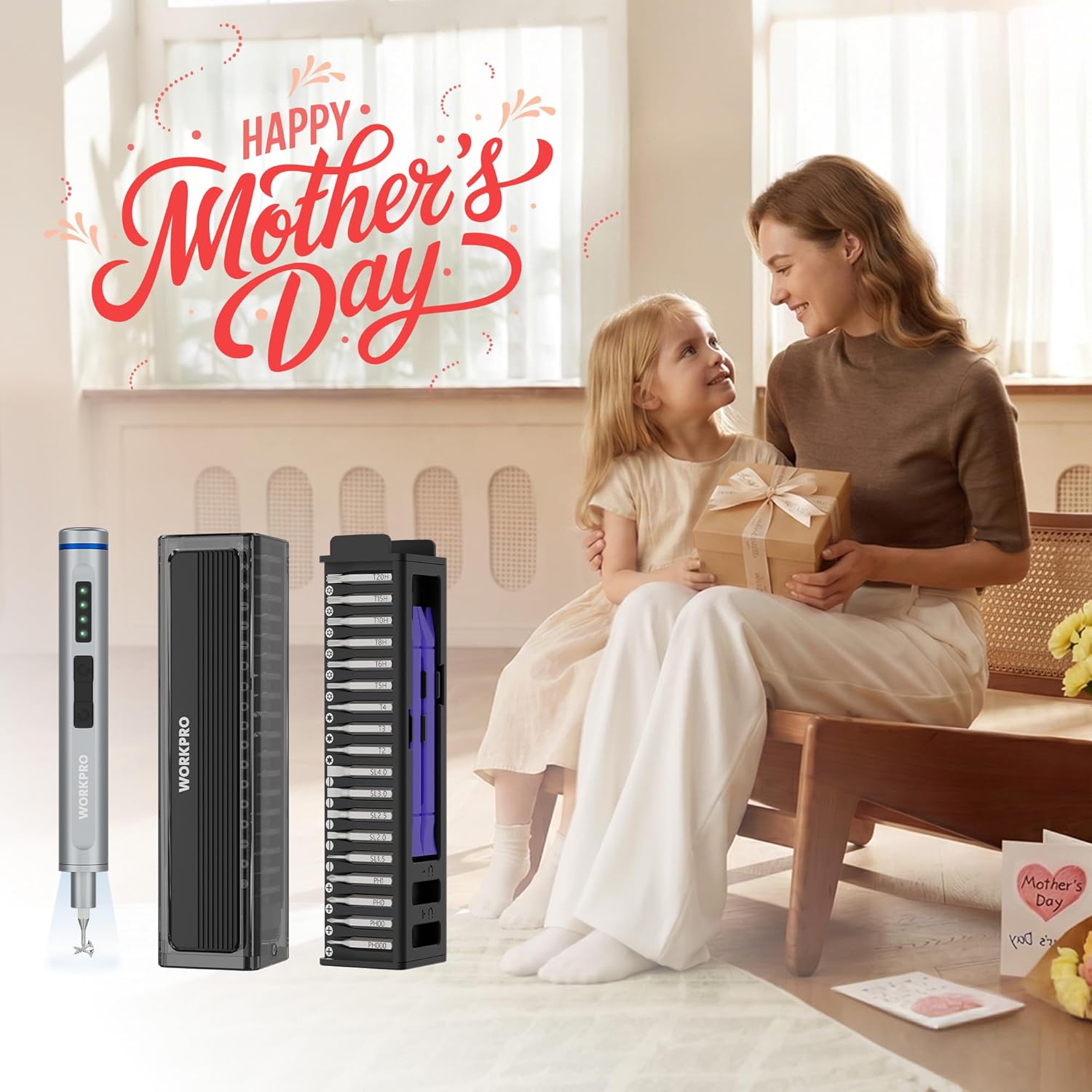
Figure 1: Complete WORKPRO Mini Electric Screwdriver set, including the screwdriver, magnetic bit case, and various S2 steel bits.
4. Bidhaa Imeishaview
The WORKPRO Mini Electric Screwdriver features a sleek aluminum alloy body, dual LED lights, and intuitive controls for efficient operation. The accompanying magnetic case not only stores the 36 S2 steel bits and 2 pry bars but also includes a built-in magnetizer/demagnetizer.

Figure 2: The WORKPRO Mini Electric Screwdriver in action, demonstrating its compact size and precision for intricate repairs on a drone.
5. Kuweka
5.1 Kuchaji bisibisi
Before first use, fully charge the screwdriver. Connect the provided USB Type-C charging cable to the charging port located at the end of the screwdriver and to a compatible USB power source. The LED indicators will show the charging status. A full charge takes approximately 60 minutes and provides enough power to tighten up to 410 screws.

Figure 3: The screwdriver connected via its Type-C port for charging, illustrating its 350mAh lithium-ion battery capacity.
5.2 Kuingiza na Kuondoa Vipande
The screwdriver features a magnetic chuck for easy bit insertion and removal. Simply push the desired S2 steel bit into the chuck until it is securely seated. To remove, pull the bit straight out. The magnetic design ensures bits are held firmly during use.
5.3 Using the Built-in Magnetizer/Demagnetizer
The magnetic storage case includes a magnetizer/demagnetizer. To magnetize a bit, slide it through the 'U+' slot. To demagnetize, slide it through the 'U-' slot. This feature helps hold tiny screws firmly to the bit, preventing drops.
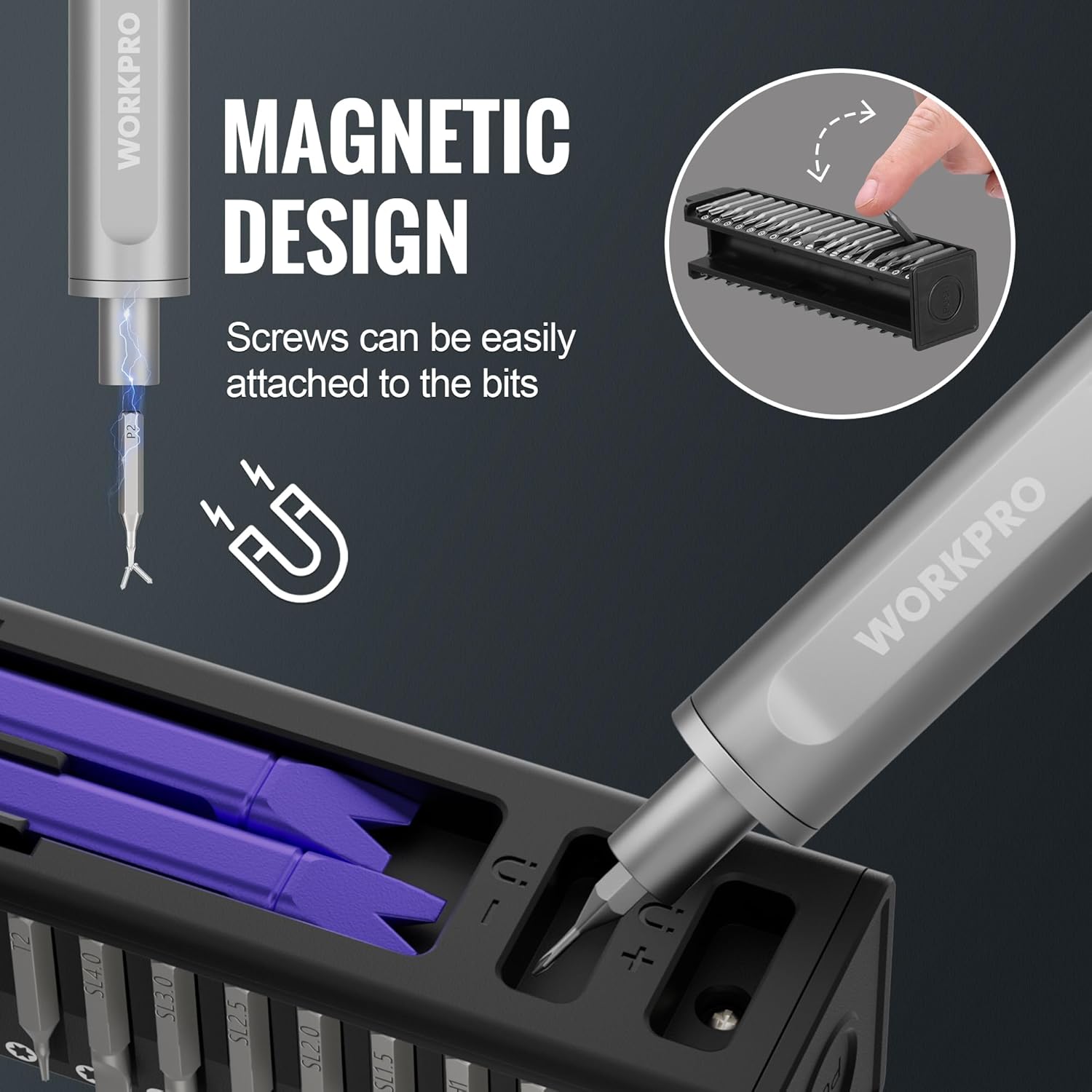
Figure 4: A screwdriver bit being magnetized using the dedicated slot in the storage case, enhancing its ability to hold small screws.
6. Maagizo ya Uendeshaji
6.1 Power On/Off and Rotation
The screwdriver has two buttons for operation:
- Bonyeza kwa upper button for forward (tightening) rotation.
- Bonyeza kwa lower button for reverse (loosening) rotation.
The screwdriver operates at 175 RPM with 0.3 N.m torque in electric mode. For tougher screws, you can continue to manually turn the screwdriver, providing up to 3 N.m of manual torque.
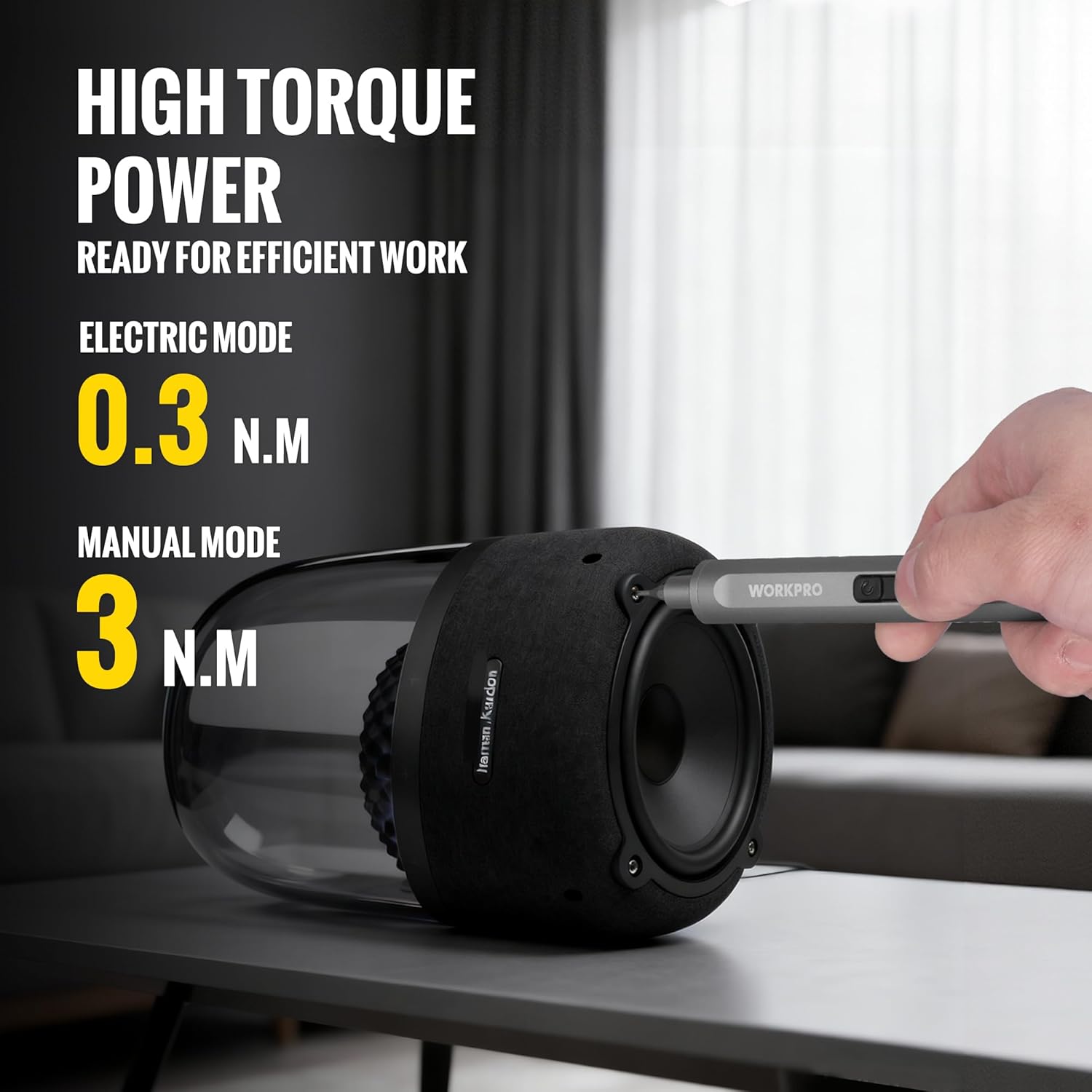
Figure 5: The screwdriver being used on a speaker, illustrating its dual electric and manual torque capabilities.
6.2 Mwanga wa Kazi wa LED
The screwdriver is equipped with dual LED lights that automatically illuminate when the screwdriver is in operation, providing clear visibility in dark or confined spaces.
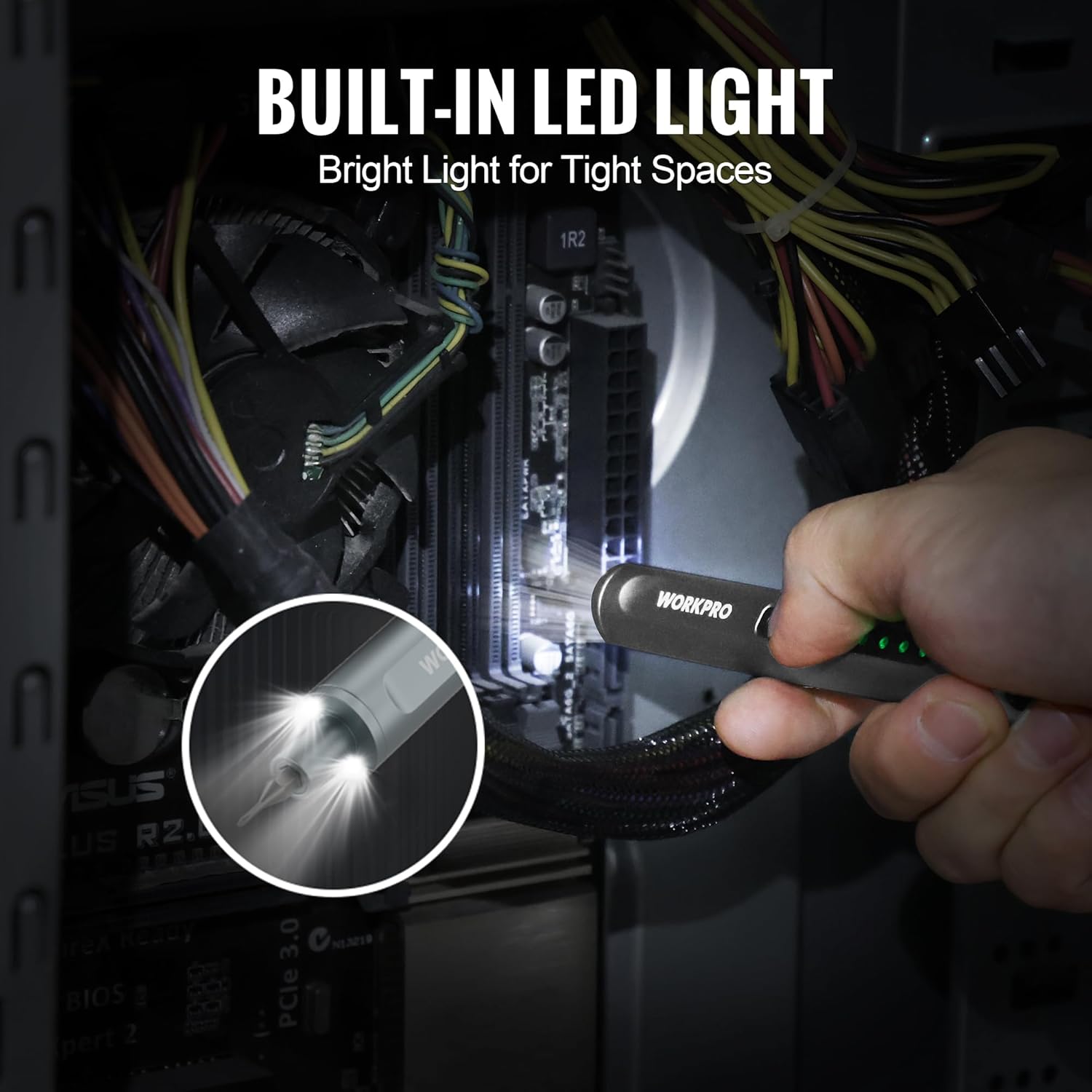
Figure 6: The screwdriver's LED lights illuminating the interior of a computer, highlighting its utility in low-light conditions.
6.3 Maombi ya kawaida
This precision screwdriver is ideal for:
- Inarekebisha simu mahiri na kompyuta kibao
- Servicing laptops and desktop computers
- Maintaining digital cameras and drones
- Adjusting eyeglasses and watches
- Small DIY projects and household repairs

Mchoro 7: Onyesho la kolagiasing the versatility of the screwdriver across various small electronic devices.
6.4 Product Video: Features and Operation
Video 1: This video demonstrates the pop-up mechanism of the bit case, the magnetic bit insertion, the screwdriver's operation (forward/reverse), and the LED light feature.
7. Matengenezo
7.1 Utunzaji wa Betri
To prolong the life of the 3.7V 350mAh lithium-ion battery, recharge the electric screwdriver every 3-6 months, especially if it is not used frequently.
7.2 Kusafisha na Kuhifadhi
Wipe the screwdriver and bits with a clean, dry cloth after each use. Store the screwdriver and all bits in the provided magnetic storage case to keep them organized and protected from dust and damage. The pop-up mechanism ensures easy access and secure storage.
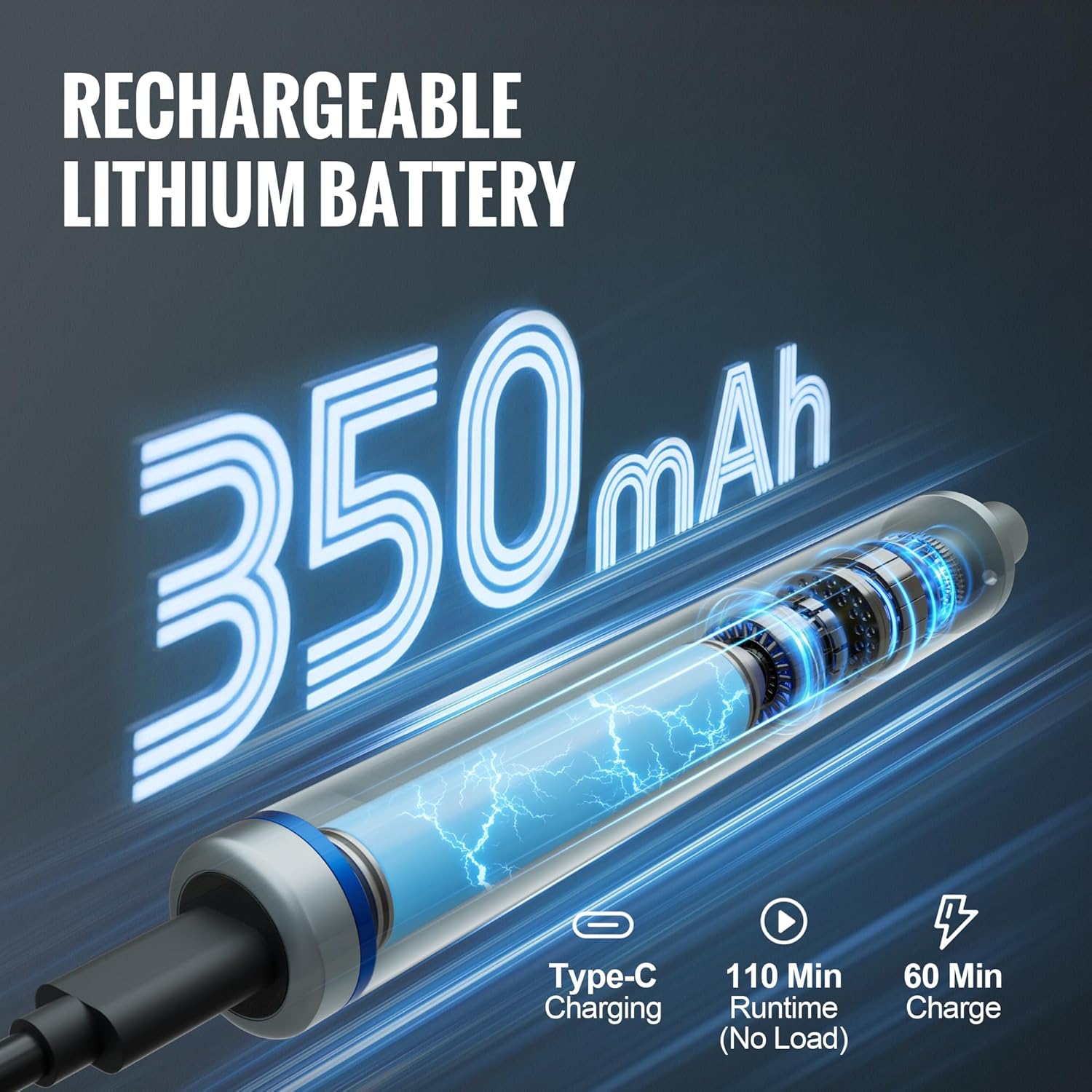
Figure 8: The magnetic storage case with its convenient pop-up mechanism, designed for organized and secure storage of the screwdriver and bits.
8. Utatuzi wa shida
If you encounter any issues with your WORKPRO Mini Electric Screwdriver, please refer to the following common solutions:
- Kiendeshi bisibisi hakiwaki: Ensure the battery is fully charged. If the issue persists, try charging with a different USB Type-C cable and power adapter.
- Vipande havishikiki kwa usalama: Verify that the bit is fully inserted into the magnetic chuck. If the bit's magnetism is weak, use the built-in magnetizer in the storage case.
- Insufficient torque: For very tight screws, apply manual force while operating the screwdriver in electric mode. The manual torque capability is 3 N.m.
9. Vipimo
| Kipengele | Vipimo |
|---|---|
| Chapa | WORKPRO |
| Nambari ya Mfano | W121074AE |
| Betri Voltage | 3.7V |
| Uwezo wa Betri | 350mAh Lithiamu-ioni |
| Kasi isiyo na mzigo | 175 RPM |
| Torque ya Umeme | 0.3 Nm |
| Torque ya Mwongozo | 3 Nm |
| Kuchaji Bandari | USB Type-C |
| Nyenzo kidogo | Chuma cha S2 |
| Idadi ya Bits | 36 |
| Vifaa vilivyojumuishwa | 2 Pry Bars, Magnetic Storage Case |
| Uzito wa Kipengee | Pauni 0.75 |
| Vipimo vya Kipengee (L x W x H) | Inchi 6.3 x 1.57 x 1.97 |
10. Udhamini na Msaada
For warranty information, technical support, or service inquiries, please refer to the contact details provided with your product packaging or visit the official WORKPRO webtovuti. Weka risiti yako ya ununuzi kama uthibitisho wa ununuzi.