
Utangulizi
Thank you for choosing the LEXIP Madara Design Headset. This manual provides detailed instructions for setting up, operating, and maintaining your headset. Please read this manual thoroughly before use to ensure optimal performance and longevity of your device.
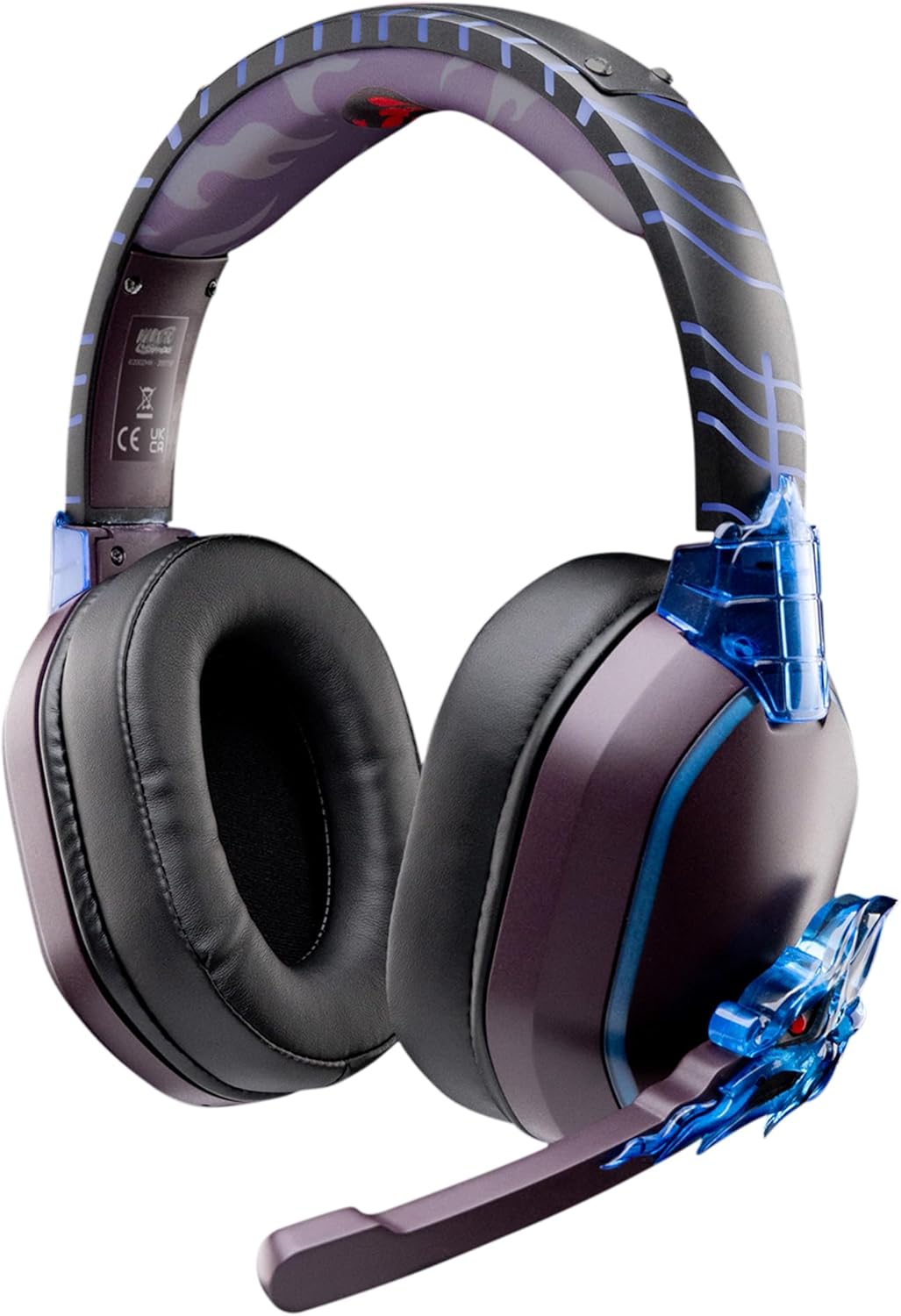
Image: The LEXIP Madara Design Headset, featuring a distinctive purple and blue color scheme with intricate design elements inspired by Madara.
Yaliyomo kwenye Kifurushi
Hakikisha bidhaa zote zipo kwenye kifurushi:
- LEXIP Madara Design Headset
- Maikrofoni inayoweza kutenganishwa
- Kebo ya Sauti ya 3.5mm
- Kebo ya Kuchaji ya USB
- Mwongozo wa Mtumiaji
Bidhaa Imeishaview
Familiarize yourself with the components and design features of your headset.

Image: Close-up of the headset's ear cup, highlighting the intricate blue dragon design element.

Picha: View of the soft earcups and adjustable headband, designed for comfort during extended use.
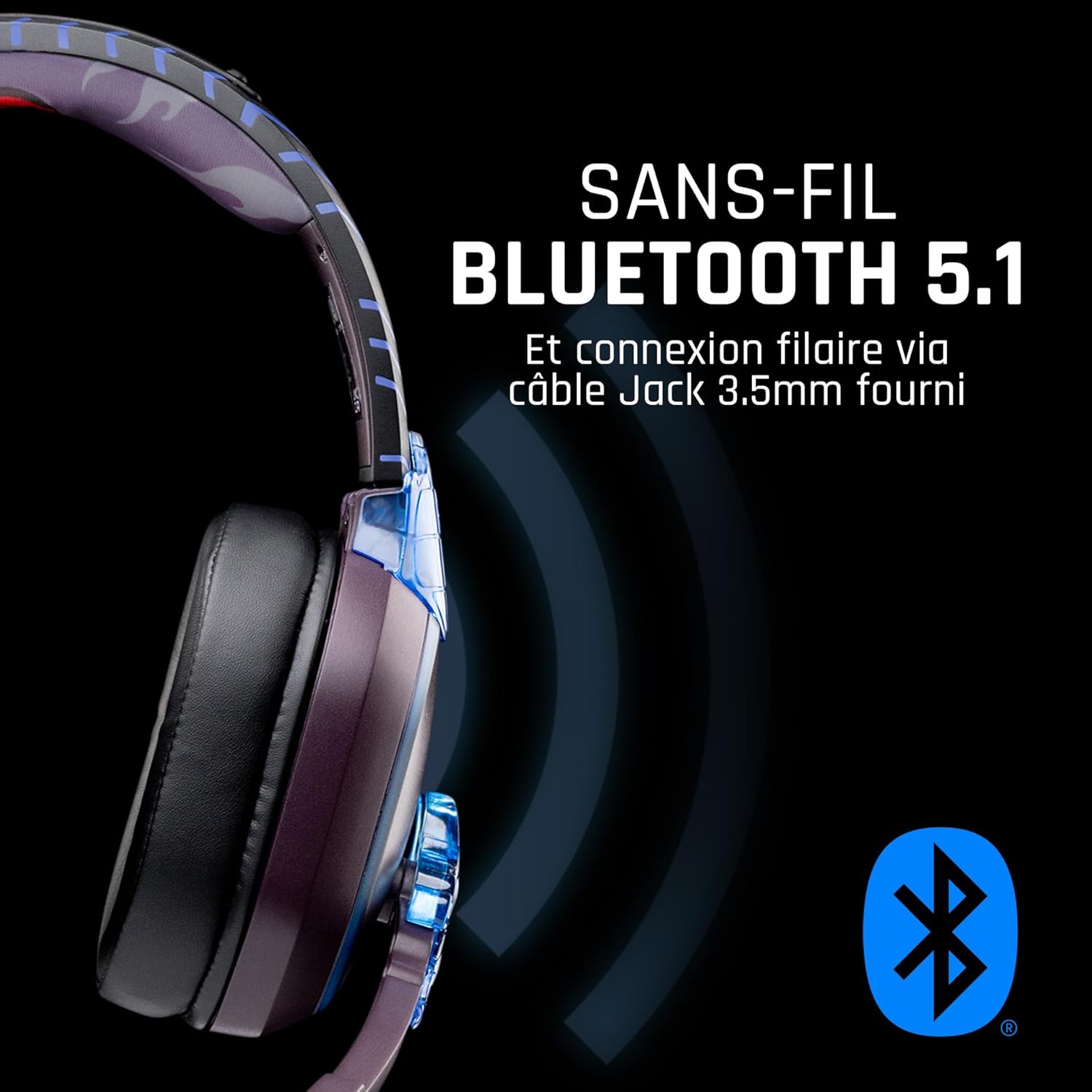
Picha: Upande view of the headset, illustrating its wireless Bluetooth 5.1 capability and connection points.

Image: The headset displayed on a stand, alongside a matching game controller, showcasing its gaming application.
Sifa Muhimu:
- Bluetooth isiyotumia waya 5.1: For seamless wireless audio.
- Uunganisho wa waya: Via the included 3.5mm Jack cable.
- Maikrofoni Inayoweza Kuondolewa: For clear communication and versatility.
- Udhibiti wa Sauti: Integrated controls for easy audio adjustment.
- Kutengwa kwa Kelele: Passive noise reduction for an immersive experience.
- Muundo wa Kustarehesha: Adjustable headband and over-ear form factor.
Sanidi
1. Kuchaji Kifaa cha Sauti
- Unganisha kebo ya kuchaji ya USB kwenye mlango wa kuchaji kwenye vifaa vya sauti.
- Unganisha ncha nyingine ya kebo ya USB kwenye chanzo cha nishati cha USB kinachooana (kwa mfano, mlango wa USB wa kompyuta, adapta ya ukutani ya USB).
- The LED indicator on the headset will show the charging status. A full charge typically takes approximately 2-3 hours.
2. Kuambatanisha Kipaza sauti
- Locate the microphone input port on the headset, usually on the left earcup.
- Align the detachable microphone connector with the port and gently push it in until it clicks into place.
- Rekebisha mkao wa maikrofoni ili upokeaji sauti bora zaidi.
Maagizo ya Uendeshaji
1. Kuwasha/Kuzima
- Kuwasha: Bonyeza na ushikilie kitufe cha Kuwasha kwa takriban sekunde 3 hadi kiashiria cha LED kiwake.
- Kuzima: Bonyeza na ushikilie kitufe cha Kuwasha kwa takriban sekunde 5 hadi kiashiria cha LED kizime.
2. Kuoanisha Bluetooth (Hali Isiyotumia Waya)
- Hakikisha kuwa vifaa vya sauti vimezimwa.
- Bonyeza na ushikilie kitufe cha Kuwasha kwa takriban sekunde 5-7 hadi kiashiria cha LED kiwake haraka, ikionyesha hali ya kuoanisha.
- On your device (Windows 10/11, Mac, PS5, PS4, Xbox Series X/S, Xbox One, Nintendo Switch, Android, iOS, tablets), navigate to Bluetooth settings.
- Tafuta available devices and select "LEXIP Madara Headset" (or similar name).
- Mara baada ya kuunganishwa, kiashiria cha LED kitaacha kuangaza na kubaki bluu imara.
3. Wired Connection (3.5mm Jack)
- Insert one end of the 3.5mm audio cable into the headset's audio jack.
- Insert the other end into the 3.5mm audio port of your desired device.
- The headset will operate in passive wired mode, even if the power is off.
4. Udhibiti wa Kiasi
- Use the volume control dial or buttons located on the headset to adjust the audio level.
Matengenezo
- Kusafisha: Tumia kitambaa laini na kavu kusafisha vifaa vya sauti. Usitumie visafishaji vya abrasive au vimumunyisho.
- Hifadhi: Hifadhi vifaa vya sauti mahali pa baridi, pakavu mbali na jua moja kwa moja na joto kali.
- Utunzaji wa Betri: Kwa muda bora wa matumizi ya betri, epuka kutoa chaji kamili ya vifaa vya sauti vya masikioni mara kwa mara. Ichaji mara kwa mara.
- Upinzani wa Maji: The headset is not waterproof. Avoid exposure to liquids.
Kutatua matatizo
| Tatizo | Sababu inayowezekana | Suluhisho |
|---|---|---|
| Hakuna sauti kutoka kwa vifaa vya sauti | Headset not powered on; Volume too low; Not paired/connected; Incorrect audio output selected on device. | Ensure headset is powered on and charged. Increase volume. Re-pair Bluetooth or check 3.5mm cable connection. Select headset as audio output on your device. |
| Haiwezi kuoanisha kupitia Bluetooth | Headset not in pairing mode; Device Bluetooth off; Too far from device; Interference. | Ensure headset is in pairing mode (flashing LED). Turn device Bluetooth off and on again. Move headset closer to device. Avoid strong Wi-Fi signals or other Bluetooth devices. |
| Maikrofoni haifanyi kazi | Microphone not properly attached; Muted on headset/device; Incorrect input selected on device. | Ensure microphone is securely attached. Check if microphone is muted. Select headset microphone as input device in your device's sound settings. |
| Maisha mafupi ya betri | Headset not fully charged; Old battery. | Ensure headset is fully charged before use. Battery performance may degrade over time. |
Vipimo
| Nambari ya Mfano | TSXLXHS0003 |
| Chapa | Lexip |
| Teknolojia ya Uunganisho | Isiyotumia waya (Bluetooth 5.1), Yenye Waya (Jack 3.5mm) |
| Masafa ya Marudio | 20 Hz - 20,000 Hz |
| Impedans | 3 ohm |
| Unyeti | 116 dB |
| Kutengwa kwa Kelele | Kupunguza Kelele za Passive |
| Maikrofoni | Inaweza kutengwa |
| Vidhibiti | Udhibiti wa Sauti, Udhibiti wa Mbali |
| Vifaa Sambamba | Windows 10/11, Mac, PS5, PS4, Xbox Series X/S, Xbox One, Nintendo Switch, Android, iOS, tablets |
| Kipengele cha Fomu | Over-ear, Extra-aural |
| Nyenzo | Nyenzo Mchanganyiko |
| Kiwango cha Umri | Mtu mzima |
| Kiwango cha Upinzani wa Maji | Sio Sugu ya Maji |
| Betri | Betri 1 isiyo ya kawaida (imejumuishwa) |
Udhamini na Msaada
The LEXIP Madara Design Headset comes with a Udhamini wa mtengenezaji wa mwaka 2 kuanzia tarehe ya ununuzi. Udhamini huu unashughulikia kasoro katika nyenzo na utengenezaji chini ya matumizi ya kawaida.
For warranty claims, technical support, or further assistance, please contact LEXIP customer service through their official website or the retailer where the product was purchased. Please have your proof of purchase and model number (TSXLXHS0003) ready when contacting support.
Kumbuka: Taarifa kuhusu upatikanaji wa vipuri na masasisho ya programu hazipatikani kwa sasa.