
Utangulizi
Thank you for choosing the Hoco CW31 15W Wireless Fast Charger. This device is designed to provide efficient and convenient wireless charging for compatible mobile phones and TWS earphones. Please read this manual carefully before use to ensure proper operation and to maximize the lifespan of your product.
Taarifa za Usalama
- Usiweke chaja kwenye maji, unyevu, au halijoto kali.
- Epuka kuangusha au kuweka chaja kwenye migongano mikali.
- Do not disassemble, modify, or attempt to repair the charger yourself. This will void the warranty and may cause damage or injury.
- Weka chaja mbali na watoto na wanyama wa kipenzi.
- Use only compatible power adapters (PD/QC charger recommended) to ensure optimal performance and safety.
- Do not place metal objects, credit cards, or other foreign objects between the charging pad and your device, as this may interfere with charging or cause overheating.
- If the charger emits smoke, unusual odors, or makes strange noises, immediately disconnect it from the power source.
Yaliyomo kwenye Kifurushi
Tafadhali angalia kifurushi kwa vitu vifuatavyo:
- Hoco CW31 Wireless Fast Charger
- Kebo ya Kuchaji ya USB-A hadi Aina ya C
- Mwongozo wa Maagizo (hati hii)
Bidhaa Imeishaview
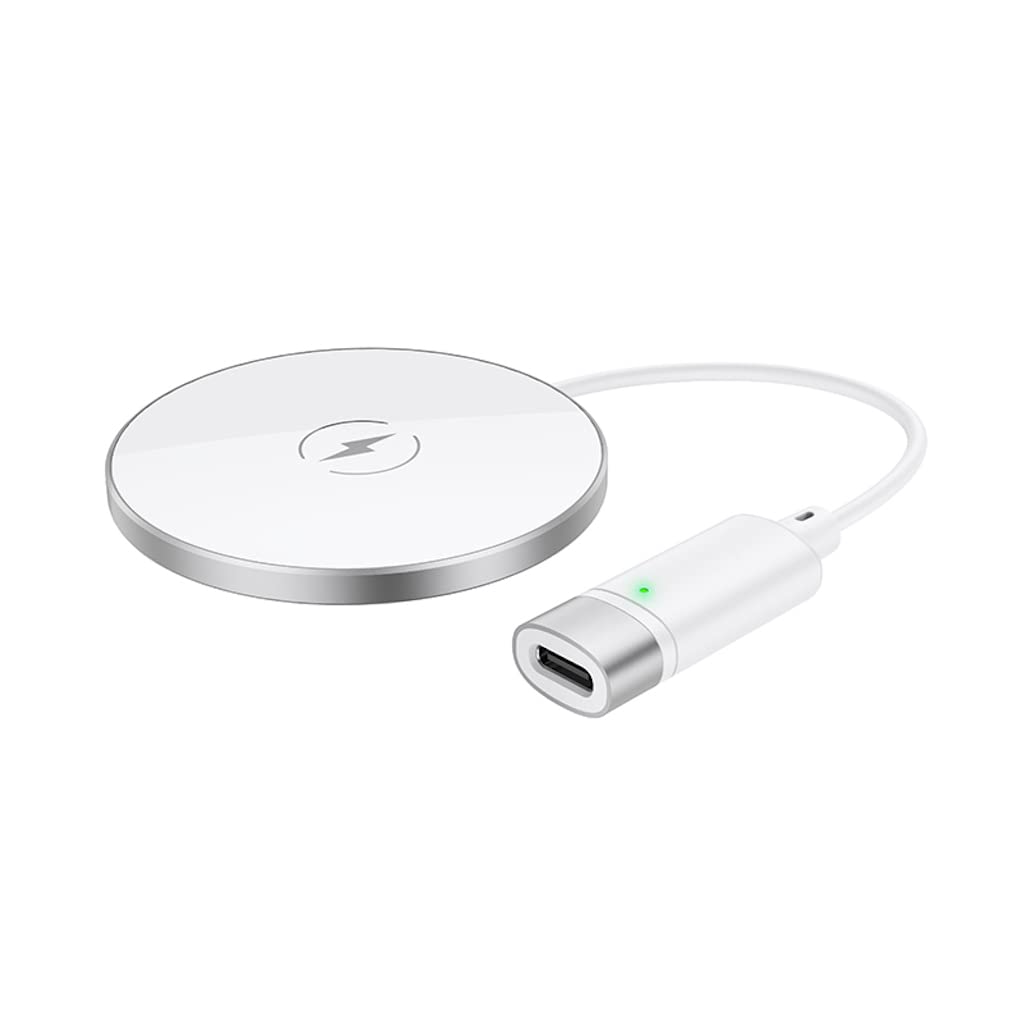
The Hoco CW31 features a sleek design with a tempered glass surface and aluminum alloy base, providing a stable and efficient charging platform.

The Hoco CW31 wireless charging pad is shown alongside its included USB-A to Type-C charging cable, highlighting the compact design of the charger.
This image shows a smartphone placed on the Hoco CW31 wireless charging pad, indicating active charging with a battery icon displaying 57% charged.
Vipimo
| Nambari ya Mfano | CW31 |
| Ingizo (Aina-C) | 5V-2A, 9V-2A, 12V-1.5A |
| Pato la Waya | 5W / 7.5W / 10W / 15W |
| Pato la MagSafe Wireless | 7.5W |
| Nyenzo | Tempered Glass + Aluminum Alloy |
| Vipimo | 204 x 60 x 5 mm |
| Uzito | 37 g |
| Aina ya kiunganishi | USB |
| Vifaa Sambamba | Cellular Phones, Qi-compatible TWS Earphones |
| Vipengele Maalum | Ulinzi wa Mzunguko Mfupi, Kuchaji Haraka |
| Rangi | Fedha |
| Uingizaji Voltage | 5V |
| Jumla ya Bandari za USB | 1 |
| Nguvu | 15W |
| Pato la Sasa | 3A |
Sanidi
- Unganisha kwenye Chanzo cha Umeme: Connect the provided USB-A to Type-C charging cable to the Type-C input port on the Hoco CW31 charger.
- Plug into Adapter: Connect the USB-A end of the cable to a compatible power adapter (a PD/QC fast charger is required for optimal 15W charging speeds, not included).
- Washa: Once connected to a power source, the charger is ready for use.

The Hoco CW31 wireless charger is depicted connected to a wall power adapter via its cable, with a smartphone placed on the charging pad.
Maagizo ya Uendeshaji
- Weka Kifaa: Place your Qi-compatible mobile phone or TWS earphones directly onto the center of the Hoco CW31 wireless charging pad.
- Thibitisha Kuchaji: Ensure the device is properly aligned. Charging will begin automatically, and your device's screen or indicator light should confirm that it is charging.
- Ondoa Kifaa: Once your device is fully charged or you wish to stop charging, simply lift it from the charging pad.
For MagSafe compatible devices, the charger will magnetically align for optimal charging at 7.5W.
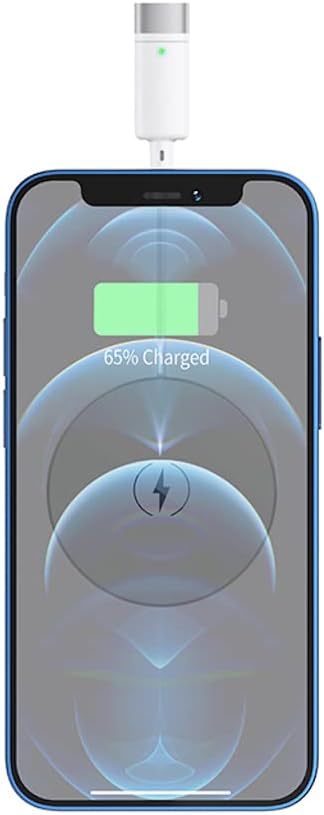
Karibu-up view of a smartphone receiving a wireless charge from the Hoco CW31 pad, with the screen showing 65% battery.
Matengenezo
- Kusafisha: Tenganisha chaja kutoka kwa chanzo cha umeme kabla ya kusafisha. Tumia kitambaa laini na kikavu kufuta uso. Usitumie visafishaji vya kioevu au erosoli.
- Hifadhi: Hifadhi chaja mahali pakavu na penye baridi, mbali na jua moja kwa moja na halijoto kali wakati haitumiki.
- Huduma ya Cable: Avoid bending or twisting the charging cable excessively to prevent damage.
Kutatua matatizo
| Tatizo | Suluhisho linalowezekana |
|---|---|
| Kifaa hakichaji |
|
| Inachaji polepole |
|
| Mwanga wa kiashirio cha chaja haifanyi kazi |
|
Udhamini na Msaada
For warranty information and customer support, please refer to the documentation included with your purchase or contact Hoco customer service directly. Keep your proof of purchase for warranty claims.