
Utangulizi
Thank you for choosing the GTRACING GT890MF Gaming Chair. This manual provides detailed instructions for the assembly, operation, maintenance, and troubleshooting of your new gaming chair. Please read this manual carefully before use to ensure proper function and longevity of the product. Keep this manual for future reference.
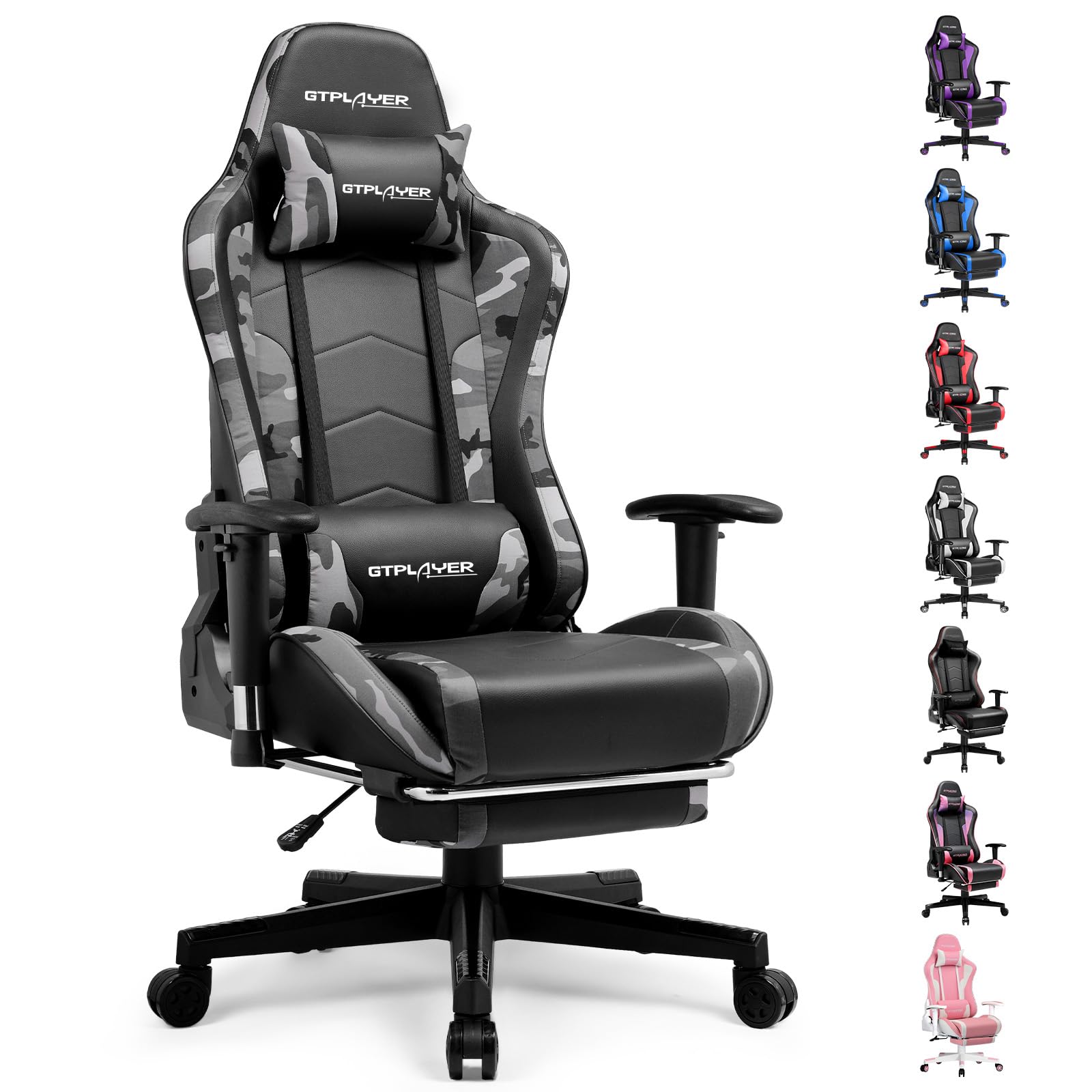
Image: The GTRACING GT890MF Gaming Chair, featuring a camouflage pattern, footrest, and integrated Bluetooth speakers, set up in a gaming environment.
Taarifa za Usalama
- Kwa matumizi ya ndani tu.
- Maximum weight capacity: 300 lbs. Do not exceed this limit.
- Use caution when adjusting chair height and recline to prevent injury.
- Hakikisha skrubu na boliti zote zimekazwa vizuri kabla ya matumizi na angalia mara kwa mara kama hazijalegea.
- Keep hands and fingers clear of moving parts during adjustments.
- Usisimame kwenye kiti.
Kuweka na Kukusanya
Assembly is required for this chair. Please follow the steps below carefully. It is recommended to have two people for assembly.
Yaliyomo kwenye Kifurushi

Image: An exploded diagram showing all components of the GTRACING GT890MF Gaming Chair, including the backrest, seat, armrests, base, wheels, gas lift, and footrest.
Hatua za Mkutano
- Ambatanisha Sehemu za Silaha: Securely fasten the armrests to the seat base using the provided screws. Ensure they are oriented correctly.
- Unganisha sehemu ya nyuma kwenye kiti: Align the backrest with the seat mechanism and attach it using the designated bolts.
- Weka Footrest: Slide the footrest into its designated slots under the seat.
- Kusanya Msingi: Insert the casters (wheels) into the star base. Place the gas lift cylinder into the center hole of the star base.
- Ambatisha Kiti kwenye Msingi: Carefully place the assembled seat and backrest onto the gas lift cylinder, ensuring it is seated firmly.
- Attach Headrest and Lumbar Pillows: Position the headrest and lumbar support pillows as desired.
Maagizo ya Uendeshaji
Marekebisho ya Kiti
- Marekebisho ya Urefu wa Kiti: Pull the lever located under the right side of the seat upwards to raise or lower the seat. Release the lever at the desired height.
- Kuegemea kwa Backrest: Pull the lever on the right side of the chair upwards to recline the backrest. Lean back to the desired angle (90 to 160 degrees) and release the lever to lock it in place.
- Marekebisho ya Armrest: The armrests are multi-directional. Use the buttons or levers on the armrests to adjust their height, pivot, and slide forward/backward.
- Kiendelezi cha Footrest: Vuta sehemu ya kuegemea miguu kutoka chini ya kiti unapotaka. Isukume ndani tena wakati haitumiki.
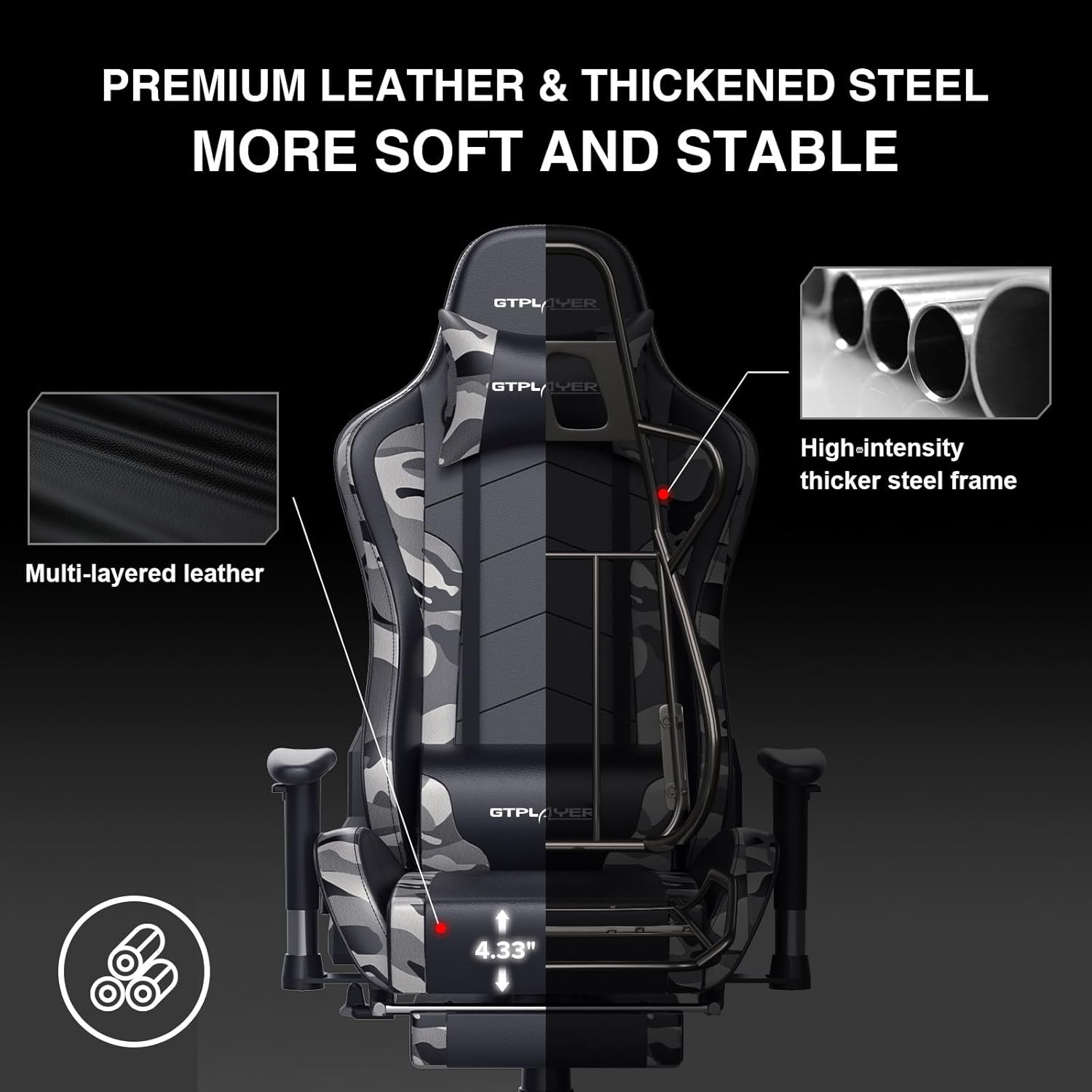
Image: The GTRACING GT890MF Gaming Chair demonstrating its backrest recline function, adjustable from 90 degrees for work to 155 degrees for resting.

Picha: Karibu view of the GTRACING GT890MF Gaming Chair's adjustable multi-directional armrests, highlighting their ability to move up, down, and pivot for optimal positioning.
Uendeshaji wa Spika wa Bluetooth
Your GTRACING GT890MF chair is equipped with dual Bluetooth 5.1 speakers for an immersive audio experience.
- Washa: Locate the power button for the Bluetooth speakers, typically on the side or back of the chair. Press and hold to power on. A sound or indicator light will confirm activation.
- Njia ya Kuoanisha: The speakers will automatically enter pairing mode when powered on for the first time, or if no device is connected. An indicator light will usually flash.
- Unganisha Kifaa: On your smartphone, tablet, or other Bluetooth-enabled device, go to Bluetooth settings and search for available devices. Select "GTPLAYER" or a similar name to connect.
- Uchezaji wa Sauti: Once connected, audio from your device will play through the chair's speakers. Adjust volume from your connected device.
- Zima umeme: Press and hold the power button again to turn off the speakers.

Image: The GTRACING GT890MF Gaming Chair with a visual representation of sound waves emanating from the integrated Bluetooth speakers in the headrest area.

Image: A detailed diagram illustrating the dual Bluetooth 5.1 speakers within the GTRACING GT890MF Gaming Chair, highlighting features like clear treble, stereo sound, HiFi audio, and dust prevention.

Image: A user seated in the GTRACING GT890MF Gaming Chair, with an illustration showing how the chair's Bluetooth speakers can connect to various devices like PC/TV, PS4/PS5/XBOX, and other Bluetooth 5.1 enabled devices. A separate USB Bluetooth transmitter is shown as an option for non-Bluetooth devices.
Matengenezo
- Kusafisha: Futa safi na tangazoamp cloth. Avoid harsh chemicals or abrasive cleaners that may damage the faux leather upholstery.
- Ukaguzi: Periodically check all bolts and screws to ensure they are tight. Re-tighten if necessary.
- Huduma ya Caster: Weka vifuniko bila nywele na uchafu ili kuhakikisha vinazunguka vizuri.
- Hifadhi: Store the chair in a dry, cool place away from direct sunlight to prevent material degradation.
Kutatua matatizo
| Tatizo | Sababu inayowezekana | Suluhisho |
|---|---|---|
| Kiti hakirekebishi urefu | Gas lift lever not engaged or gas lift faulty. | Hakikisha lever imevutwa kikamilifu. Ikiwa tatizo litaendelea, wasiliana na usaidizi kwa ajili ya uingizwaji wa lifti ya gesi. |
| Backrest does not recline/lock | Recline lever not engaged or mechanism obstructed. | Ensure the recline lever is fully pulled/released. Check for obstructions in the recline mechanism. |
| Bluetooth speakers not pairing | Speakers not powered on, out of range, or already paired to another device. | Ensure speakers are charged and powered on. Move device closer to chair. Disconnect from other devices. Try restarting both chair speakers and your device. |
| Mwenyekiti anatetemeka | Bolts huru au mkusanyiko usio na usawa. | Check and tighten all assembly bolts. Ensure the chair is on a flat, even surface. |
Vipimo
- Jina la Mfano: GT890MF
- Chapa: KUCHUKUA
- Rangi: Kuficha
- Nyenzo: Ngozi Bandia, Kujaza Povu, Fremu ya Chuma
- Vipimo vya Bidhaa (D x W x H): 20.87" x 21.65" x 53.15"
- Urefu wa Kiti: Inaweza kurekebishwa, hadi inchi 22.04
- Kina cha Kiti: inchi 20.87
- Uzito wa Kipengee: Pauni 47
- Pendekezo la Uzito wa Juu: Pauni 300
- Mtindo wa Nyuma: Solid Back, Reclining (90 to 160 degrees)
- Vipengele Maalum: Adjustable Height, Adjustable Lumbar, Ergonomic Design, Foot Rest, Rolling Casters, Dual Bluetooth 5.1 Speakers
- Mkutano: Inahitajika

Image: A diagram illustrating the key dimensions of the GTRACING GT890MF Gaming Chair, including overall height, width, and depth.

Image: A detailed diagram showing various dimensions of the GTRACING GT890MF Gaming Chair, including seat height, armrest height, and backrest height, along with maximum load capacity (330 lbs) and recommended user height (6.2 ft).
Udhamini na Msaada
GTRACING offers a worry-free purchase experience for your gaming chair.
- Sera ya Siku 30: Free replacement or refund within 30 days of purchase.
- Udhamini wa Mwaka 1: Free replacement or repair within 1 year of purchase for manufacturing defects.
For any questions, suggestions, or support needs, please feel free to contact our customer service team. We are dedicated to ensuring customer satisfaction.

Image: A group of customer service representatives wearing headsets, symbolizing available support.