
Utangulizi
Thank you for choosing the AKASO C330 Dash Cam. This manual provides detailed instructions to help you set up, operate, and maintain your device. Please read it carefully before use to ensure optimal performance and safety.
Bidhaa Imeishaview na Sifa Muhimu
The AKASO C330 Dash Cam is designed to record your driving journey in high definition, offering a wide range of features for enhanced road safety and evidence collection.

The AKASO C330 Dash Cam is fully functional, featuring G-sensor protection, parking monitor, loop recording, super night vision, 1080P recording, 170° wide angle, and a fatigue reminder.
- 1080P Full HD Recording: Hunasa video iliyo wazi footage at 1920 x 1080 resolution.
- Lenzi ya Pembe Pana ya 170°: Provides extensive road coverage, minimizing blind spots.
- Skrini ya IPS ya inchi 3.0: Offers a clear display for real-time viewing na kucheza.
- Super Night Vision: Utendaji ulioimarishwa wa mwanga mdogo kwa ajili ya rekodi zilizo wazi usiku.
- Kurekodi Kitanzi: Inabatilisha kiotomatiki foo ya zamani zaiditage wakati kadi ya kumbukumbu imejaa, kuhakikisha kurekodi mfululizo.
- Kihisi cha G: Detects sudden movements or collisions and automatically locks the current video file ili kuzuia isiandikwe tena.
- Ufuatiliaji wa Maegesho: Records automatically if an impact is detected while the vehicle is parked.
- Utambuzi wa Mwendo: Starts recording when movement is detected in front of the camera, useful for surveillance.

The dash cam records every detail in 1080P Full HD resolution, utilizing an F1.8 aperture lens and displaying on a 3.0-inch screen.

The 170° wide-angle lens provides extensive coverage, typically spanning about four lanes of traffic.

The Super Night Vision feature ensures clear video recording even in low-light conditions.

The dash cam includes three emergency recording functions: G-sensor for impact detection, motion detection for security, and parking monitor for surveillance when parked.
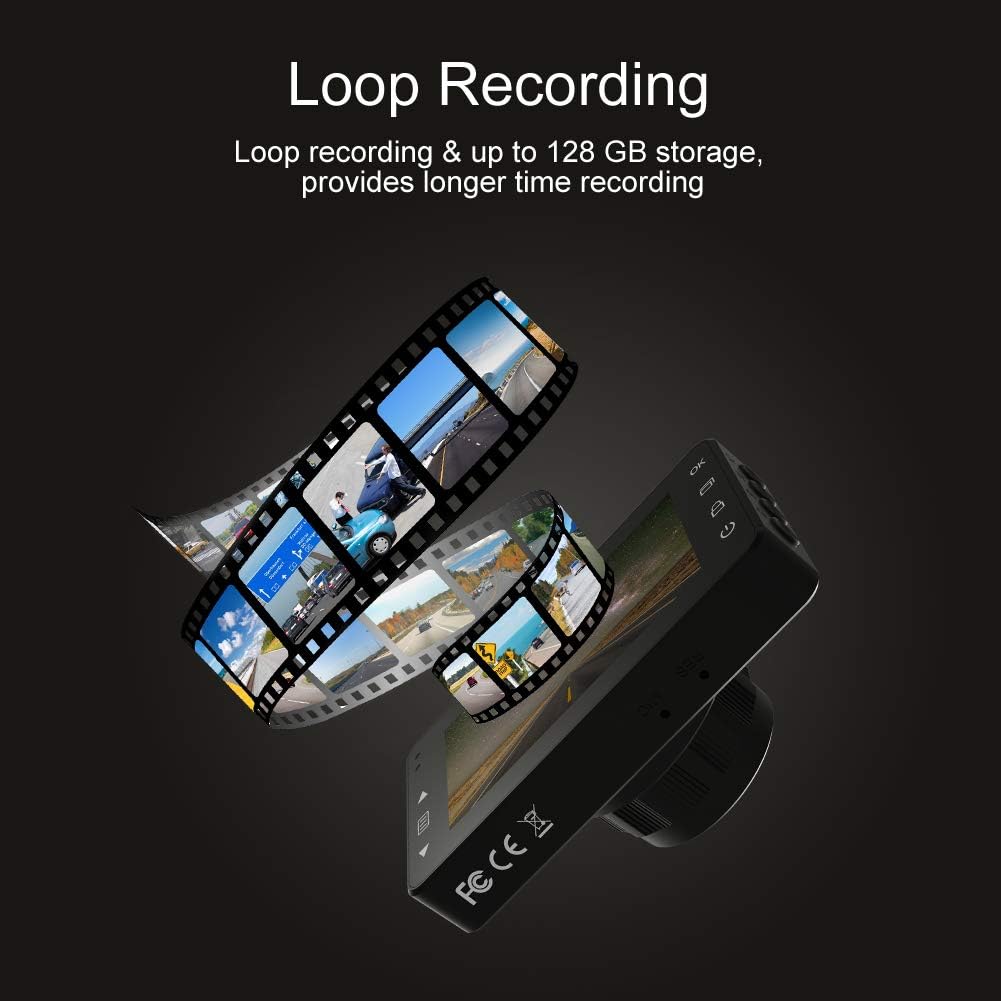
Loop recording ensures continuous video capture, automatically overwriting older files, and supports up to 128 GB storage for longer recording times.
Onyesho rasmi la video la bidhaaasing the features and capabilities of the AKASO C330 Dash Cam, including its 1080P HD recording, 3-inch LCD screen, and 170° wide-angle view.
Yaliyomo kwenye Kifurushi
Tafadhali chagua kisanduku kwa vitu vifuatavyo:
- AKASO C330 Dash Cam
- Mlima wa kuvuta
- Chaja ya Gari
- Kebo ya USB
- Mwongozo wa Mtumiaji (hati hii)
- Memory Card (if included in your specific package)
Mchoro wa bidhaa
Familiarize yourself with the various parts and buttons of your AKASO C330 Dash Cam:

Detailed diagram of the AKASO C330 Dash Cam, highlighting the Micro SD Power Slot, OK Button, Up Button, Mode Button, Menu Button, Lock Button, Power Mode Button, Down Button, and USB Port, along with its dimensions.
- Micro SD Power Slot: Weka kadi yako ya Micro SD hapa.
- Kitufe Sawa: Confirms selections or starts/stops recording.
- Kitufe cha Juu: Navigates up in menus or zooms in during playback.
- Kitufe cha Hali: Switches between video, photo, and playback modes.
- Kitufe cha Menyu: Inafikia menyu ya mipangilio.
- Kitufe cha Kufunga: Manually locks the current recording.
- Kitufe cha Hali ya Nguvu: Huwasha/kuzima kifaa.
- Kitufe cha Chini: Navigates down in menus or zooms out during playback.
- Mlango wa USB: Connects to power source or computer.
Sanidi
1. Kusakinisha Kadi ndogo ya SD
The AKASO C330 requires a Micro SD card (Class 10 or higher, 8GB-128GB) for recording. The memory card is not always included and may need to be purchased separately.
- Hakikisha kamera ya dashibodi imezimwa.
- Insert the Micro SD card into the Micro SD Power Slot until it clicks into place.
- To remove, gently push the card in until it clicks, then release.
Kumbuka: It is recommended to format the Micro SD card in the dash cam before first use and periodically thereafter to ensure stable recording.
2. Kuweka Dash Cam
Use the provided suction mount to securely attach the dash cam to your vehicle's windshield.
- Safisha eneo kwenye kioo cha mbele chako ambapo unakusudia kuweka kamera ya dashibodi.
- Ambatisha kifaa cha kufyonza kwenye kamera ya dashibodi.
- Bonyeza kikombe cha kufyonza kwa nguvu dhidi ya kioo cha mbele na ugeuze lever ili kukifunga.
- Rekebisha pembe ya kamera ili kuhakikisha kuwa iko wazi view ya barabara mbele.
3. Kuwasha Dash Cam
Connect the dash cam to your car's power supply using the car charger.
- Plug one end of the car charger into the dash cam's USB Port.
- Plug the other end into your vehicle's 12V power outlet (cigarette lighter socket).
- The dash cam will automatically power on and begin recording when your vehicle starts.
Maagizo ya Uendeshaji
Operesheni ya Msingi
- Washa/Zima: The camera automatically powers on/off with the car ignition. You can also manually press and hold the Power Mode Button to turn it on or off.
- Anza/Acha Kurekodi: Once powered on and connected to power, the camera will automatically start loop recording. Press the OK Button to manually start or stop recording.
Urambazaji wa Menyu
Use the Menu Button to access settings, and the Up/Down Buttons to navigate. Press the OK Button to confirm selections.
Kurekodi Kitanzi
This feature ensures continuous recording by overwriting the oldest files when the SD card is full. You can set the loop recording duration (1, 3, or 5 minutes) in the settings menu. To disable, select 'off'.
Sensorer ya G
The G-Sensor detects sudden impacts or rapid acceleration/deceleration. When triggered, it automatically locks the current video segment, preventing it from being overwritten by loop recording. The sensitivity can be adjusted in the settings.
Ufuatiliaji wa Maegesho
When enabled, the dash cam will automatically start recording if it detects a collision or vibration while your vehicle is parked and the engine is off. This feature requires a continuous power supply or the camera's internal battery to be charged.
Utambuzi wa Mwendo
With motion detection enabled, the camera will begin recording when it senses movement in its field of view. This is useful for monitoring your vehicle when parked. Ensure the camera has power for this function.
Maono ya Usiku
The AKASO C330 features updated night vision technology to provide clearer video quality in low-light conditions. This feature activates automatically.
Matengenezo
Kuumbiza Kadi ya SD
Regularly formatting your Micro SD card helps maintain its performance and prevents data corruption. It is recommended to format the card every 2-4 weeks.
- Insert the Micro SD card into the dash cam.
- Washa kamera ya dashibodi.
- Navigate to the settings menu using the Menu Button.
- Find the 'Format' option and confirm.
Kusafisha Lens
To ensure clear video quality, keep the camera lens clean.
- Use a soft, lint-free cloth to gently wipe the lens.
- Avoid using abrasive cleaners or solvents that could damage the lens coating.
Kutatua matatizo
If you encounter issues with your AKASO C330 Dash Cam, refer to the following common problems and solutions:
| Tatizo | Suluhisho linalowezekana |
|---|---|
| Kamera haiwashi. | Check the power connection to the car charger and the vehicle's 12V outlet. Ensure the car's ignition is on. The internal battery may be depleted; charge it for a few hours. |
| Camera stops recording randomly. | Format the Micro SD card. Ensure the card is Class 10 or higher and not full. Disable parking monitor or motion detection if not needed, as they can affect continuous recording. |
| Video footage haina ukungu au haijulikani wazi. | Clean the camera lens and the windshield area where the camera is mounted. Ensure the protective film has been removed from the lens. |
| "SD Card Error" or "Please Insert SD Card" message. | Reinsert the Micro SD card. Format the card in the camera. Try a different, compatible Micro SD card. |
| Vifungo havijibu. | Perform a soft reset by pressing the reset button (if available) or by powering off and on the device. Ensure the device is not in a locked state. |
Vipimo
- Onyesho la LCD: Skrini ya IPS ya inchi 3.0
- Pixel: saizi milioni 1.2
- Lenzi ya Mbele: 170° HD wide-angle lens
- Kipenyo cha Lenzi: F1.8 aperture
- Video Maximum Resolution: 1080FHD (1920 x 1080)
- Kurekodi Mzunguko: 1 minute / 3 minutes / 5 minutes / off
- Kiolesura cha Kompyuta: USB 2.0
- Kiolesura cha Nguvu: 5V / 2A
- Hifadhi: 8-128 GB Micro SD card (not included)
- Uzito wa Kipengee: 12 wakia
- Betri: Betri 1 ya Lithium Polymer (imejumuishwa)
- Aina ya Kupachika: Mlima wa kuvuta
Udhamini na Msaada
AKASO products are designed for reliability and performance. For warranty information, technical support, or customer service, please refer to the contact details provided on the AKASO official website or your purchase documentation. Please have your product model (C330) and purchase date ready when contacting support.