
1. Utangulizi
This manual provides essential information for the safe and effective use of your Fujifilm Fujinon XC15-45mmF3.5-5.6 OIS PZ Lens. Please read this manual thoroughly before using the lens and keep it in a safe place for future reference.
2. Bidhaa Imeishaview
The Fujifilm Fujinon XC15-45mmF3.5-5.6 OIS PZ is a compact and lightweight electric-powered zoom lens designed for Fujifilm X-mount cameras. It offers a versatile focal range equivalent to 23-69mm in 35mm format, making it suitable for a variety of photographic situations from wide-angle landscapes to portraits. The lens features Optical Image Stabilization (OIS) to reduce camera shake and a minimum working distance of 5cm for close-up photography.
Sifa Muhimu:
- Urefu wa Kuzingatia: 15-45mm (23-69mm equivalent in 35mm format)
- Aina ya Aperture: f/3.5-5.6 hadi f/22
- Uimarishaji wa Picha ya Macho (OIS): Integrated for sharper images.
- Power Zoom (PZ): Electric-powered zoom mechanism for smooth operation.
- Umbali wa Chini wa Kuzingatia: 5cm (at 15mm wide-angle)
- Ukubwa wa Kichujio: 52 mm
- Uzito: Approximately 136g (4.8 oz)
- Vipandikizi Vinavyolingana: Fujifilm X-mount
Vipengele vya Lenzi:

Picha ya 1: Mbele view of the Fujifilm Fujinon XC15-45mmF3.5-5.6 OIS PZ Lens. Shows the front element, filter thread, and the 15-45mm focal length marking.
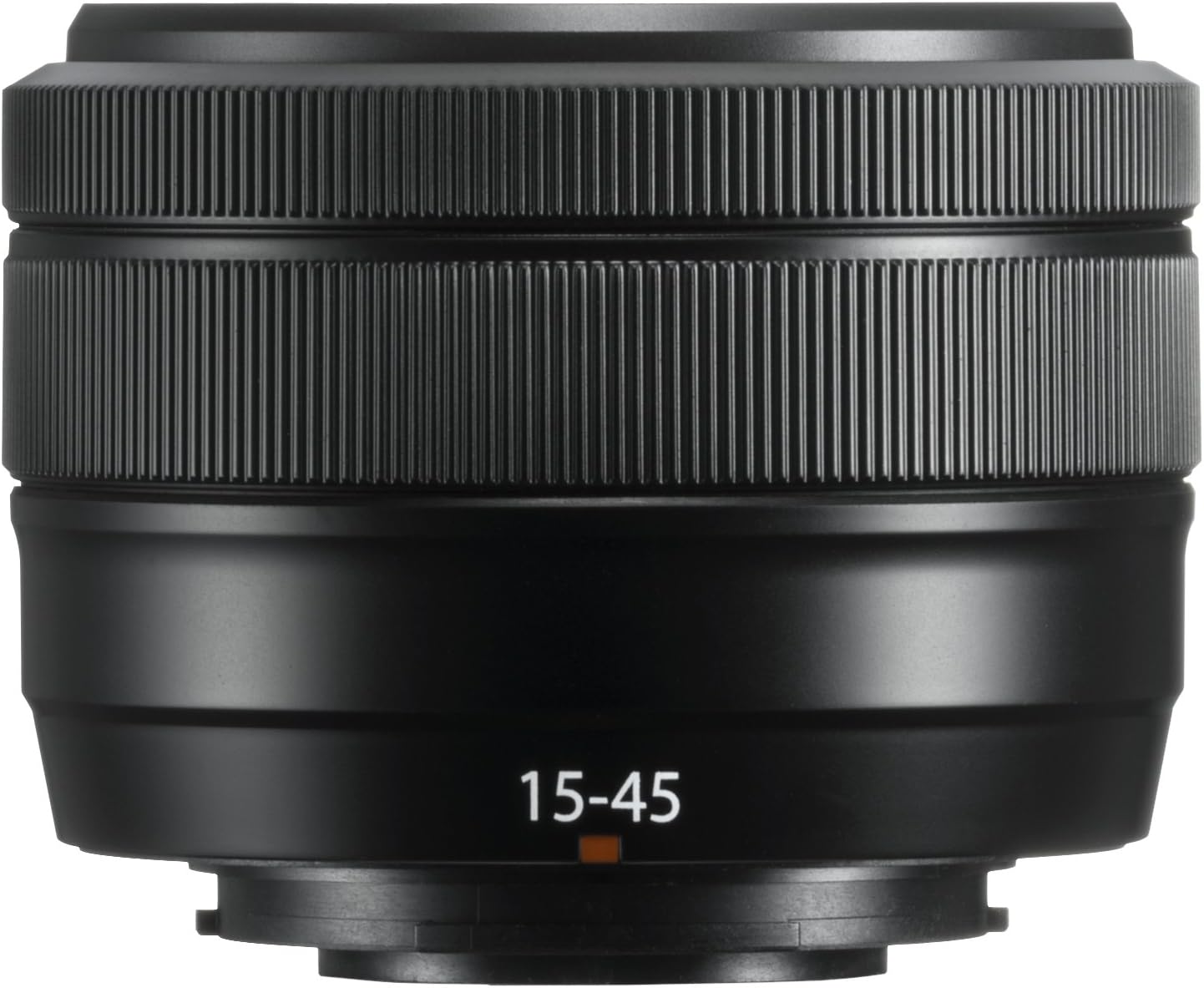
Picha ya 2: Mwenye pembe view of the Fujifilm Fujinon XC15-45mmF3.5-5.6 OIS PZ Lens. Highlights the zoom ring, focus ring, and lens barrel markings including "SUPER EBC XC 15-45mm 1:3.5-5.6 OIS PZ Ø52".
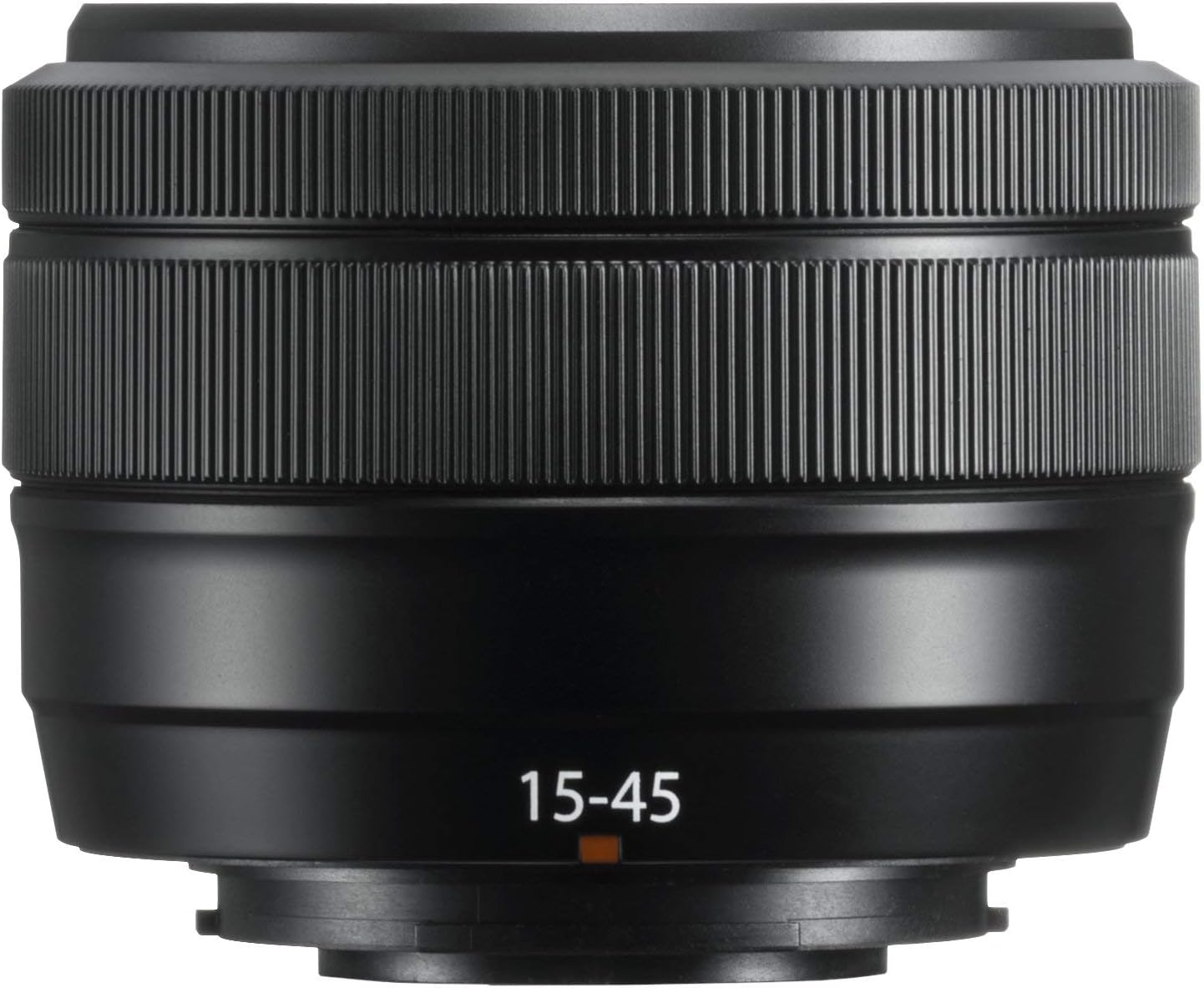
Picha ya 3: The Fujifilm Fujinon XC15-45mmF3.5-5.6 OIS PZ Lens shown in its extended position, demonstrating the power zoom mechanism.
3. Kuweka
Kuunganisha Lenzi:
- Hakikisha kamera imezimwa.
- Ondoa kofia ya nyuma ya lenzi na kifuniko cha mwili cha kamera.
- Align the white mounting marks on the lens and the camera body.
- Ingiza lenzi kwenye sehemu ya kupachika kamera na uizungushe kwa mwendo wa saa hadi itakapobofya mahali pake.
Kutenganisha Lenzi:
- Hakikisha kamera imezimwa.
- Unapobonyeza kitufe cha kutoa lenzi kwenye mwili wa kamera, zungusha lenzi kinyume cha saa hadi itakaposimama.
- Remove the lens and attach the front and rear lens caps.
Kofia za Lenzi:
Always attach the front and rear lens caps when the lens is not in use to protect the glass elements from dust and scratches.
4. Uendeshaji wa Lenzi
Power Zoom Operation:
This lens features an electric-powered zoom mechanism. When the camera is turned on, the lens will automatically extend to its shooting position. To zoom, rotate the zoom ring on the lens barrel. The speed of the zoom can vary based on how quickly the ring is turned. The lens will retract when the camera is turned off.
Kuzingatia:
The lens supports autofocus (AF) and manual focus (MF). The focus mode is typically controlled via your camera body settings. In AF mode, the camera will automatically adjust focus. In MF mode, rotate the focus ring on the lens barrel to adjust focus manually.
Uimarishaji wa Picha ya Macho (OIS):
The lens is equipped with Optical Image Stabilization to compensate for camera shake, especially useful in low light conditions or when shooting at longer focal lengths. OIS is typically activated and controlled through your camera's menu settings.
Marekebisho ya Kipenyo:
This lens does not have a dedicated aperture ring. Aperture settings are adjusted electronically via the camera's control dial or menu system. Refer to your camera's instruction manual for specific details on adjusting aperture.
5. Matengenezo
Kusafisha Lensi:
- Tumia brashi ya kupuliza ili kuondoa vumbi kutoka kwenye uso wa lenzi.
- For smudges or fingerprints, use a soft, clean microfiber cloth specifically designed for optical lenses. Apply a small amount of lens cleaning solution to the cloth, not directly to the lens.
- Kamwe usitumie viyeyusho vya kikaboni kama vile rangi nyembamba au benzene kusafisha lenzi.
Hifadhi:
- Store the lens with both front and rear caps attached in a cool, dry place away from direct sunlight.
- Avoid storing the lens in areas with high humidity to prevent mold growth.
- If storing for extended periods, consider using a desiccant.
Tahadhari za Kushughulikia:
- This lens is not weather-resistant. Avoid exposure to rain, snow, or high humidity.
- Do not apply excessive force to the lens barrel or rings.
- Protect the lens from strong impacts or drops.
6. Utatuzi wa shida
Lens Not Extending/Retracting:
- Ensure the camera battery is sufficiently charged. The power zoom mechanism requires power to operate.
- Check for any obstructions around the lens barrel.
- If the issue persists, try detaching and reattaching the lens.
Masuala ya Kuzingatia Kiotomatiki:
- Ensure the camera's focus mode is set to AF.
- Check for sufficient light in the scene. Autofocus may struggle in very dark conditions.
- Clean the lens contacts on both the lens and camera body.
Wasiwasi wa Ubora wa Picha:
- Ensure the lens elements are clean and free from dust or smudges.
- Verify camera settings such as ISO, shutter speed, and aperture are appropriate for the shooting conditions.
- Hakikisha lenzi imewekwa kwa usalama kwenye mwili wa kamera.
For further troubleshooting or issues not covered here, please refer to your camera's instruction manual or contact Fujifilm customer support.
7. Vipimo
| Chapa | Fujifilm |
| Jina la Mfano | XC15-45mmF3.5-5.6 OIS PZ Lens Black |
| Urefu wa Kuzingatia | Milimita 15-45 |
| 35mm Urefu Sawa wa Kulenga | Milimita 23-69 |
| Kipenyo cha juu zaidi | f/3.5-5.6 |
| Kiwango cha chini | f/22 |
| Aina ya Lenzi | Wide Angle, Telephoto, Zoom |
| Vipandikizi Vinavyolingana | Fujifilm X |
| Aina ya Kuzingatia | Kuzingatia Otomatiki |
| Uimarishaji wa Picha | Optical (OIS) |
| Photo Filter Size | Milimita 52 |
| Umbali wa Chini wa Kufanya Kazi | 5cm |
| Uzito wa Kipengee | Pauni 0.6 (takriban 136g) |
| Rangi | Nyeusi |
| Kiwango cha Upinzani wa Maji | Sio Sugu ya Maji |
8. Udhamini na Msaada
Maelezo ya Udhamini:
This Fujifilm Fujinon XC15-45mmF3.5-5.6 OIS PZ Lens comes with a Udhamini wa Miaka 1 wa Mtengenezaji. Tafadhali hifadhi uthibitisho wako wa ununuzi kwa madai ya udhamini. Udhamini hufunika kasoro katika vifaa na utengenezaji chini ya matumizi ya kawaida.
Usaidizi kwa Wateja:
For technical assistance, service, or warranty inquiries, please contact Fujifilm customer support. Contact information can typically be found on the official Fujifilm webtovuti au katika hati za udhamini zilizojumuishwa na bidhaa yako.