
Taurus 947245000
Taurus Alpatec Babel RC Tower Fan User Manual
Mfano: 947245000
1. Utangulizi
Asante kwa ununuziasing the Taurus Alpatec Babel RC Tower Fan. This manual provides important information regarding the safe operation, installation, maintenance, and troubleshooting of your new appliance. Please read this manual thoroughly before use and retain it for future reference.
The Taurus Alpatec Babel RC is a 45W tower fan designed for efficient air circulation, featuring 3 speed settings, 3 operating modes (Normal, Breeze, Night), a 7.5-hour timer, oscillation function, and convenient remote control. Its compact design and integrated handle make it easy to move and store.
2. Maagizo Muhimu ya Usalama
Fuata tahadhari za kimsingi za usalama kila wakati unapotumia vifaa vya umeme ili kupunguza hatari ya moto, mshtuko wa umeme na majeraha.
- Soma maagizo yote kabla ya kutumia feni.
- Hakikisha ujazotage iliyoonyeshwa kwenye lebo ya ukadiriaji inalingana na juzuu yako kuutage.
- Usitumbukize feni, kuziba, au uzi kwenye maji au vimiminiko vingine.
- Toa plagi kutoka kwenye soketi wakati haitumiki, kabla ya kusafisha, au kabla ya kuhamisha.
- Usitumie kifaa chochote kilicho na waya au plagi iliyoharibika, au baada ya kifaa hitilafu au kuharibiwa kwa namna yoyote.
- Weka feni mbali na watoto na kipenzi.
- Usiingize vidole au vitu vya kigeni kwenye fursa yoyote ya feni.
- Usitumie nje.
- Weka shabiki kwenye uso thabiti, gorofa.
- Ensure the fan grilles are not blocked.
3. Vipengele vya Bidhaa
Familiarize yourself with the main parts of your Taurus Alpatec Babel RC Tower Fan:
- Jopo la Kudhibiti na kuonyesha LED
- Grille ya Outlet ya Hewa
- Msingi
- Kamba ya Nguvu
- Remote Control (with dedicated storage slot)
- Ushughulikiaji Jumuishi wa Kubeba

Kielelezo 3.1: Mbele view of the Taurus Alpatec Babel RC Tower Fan, showing its sleek design and control panel.

Kielelezo 3.2: Upande view of the tower fan, highlighting its slim profile na msingi thabiti.
4. Kuweka na Kukusanya
The Taurus Alpatec Babel RC Tower Fan comes largely pre-assembled. Follow these steps for initial setup:
- Kufungua: Carefully remove the fan from its packaging. Retain the packaging for future storage or transport.
- Ufungaji wa Msingi (ikiwa inahitajika): Some models may require attaching the base. Align the base with the bottom of the fan body and secure it using the provided screws. Ensure it is firmly attached for stability.
- Uwekaji: Place the fan on a firm, level surface, away from curtains or other objects that could obstruct airflow. Ensure there is adequate space around the fan for optimal performance and oscillation.
- Muunganisho wa Nishati: Chomeka waya wa umeme kwenye soketi ya kawaida ya umeme (240V).

Kielelezo cha 4.1: Nyuma view of the fan, showing the integrated carry handle for easy portability.
5. Maagizo ya Uendeshaji
Your Taurus Alpatec Babel RC Tower Fan can be operated using the control panel on top of the unit or the included remote control.
5.1 Jopo la Kudhibiti na Kidhibiti cha Mbali

Figure 5.1: Close-up of the fan's control panel, showing buttons for power, speed, mode, timer, and oscillation.

Figure 5.2: A hand holding the remote control, which can be stored in a dedicated slot on the fan's top panel.
The remote control offers the same functionalities as the control panel for convenient operation from a distance. Ensure the remote control is pointed towards the fan's control panel for effective communication.
5.2 Kazi
- Washa/Zima: Bonyeza kwa Nguvu kitufe (
 ) kuwasha au kuzima feni.
 - Mipangilio ya Kasi: Bonyeza kwa Kasi button to cycle through 3 speed settings: Low, Medium, High. The current speed will be indicated on the LED display.
- Njia za Uendeshaji: Bonyeza kwa Hali button to select from 3 modes:
- Kawaida: Mtiririko wa hewa unaoendelea kwa kasi iliyochaguliwa.
- Upepo: Simulates natural wind with varying fan speeds.
- Night (Sleep): Operates at a lower, quieter speed for undisturbed sleep.
- Kutengwa: Bonyeza kwa Kufutwa button to activate or deactivate the automatic oscillation function, which distributes air across a wider area.
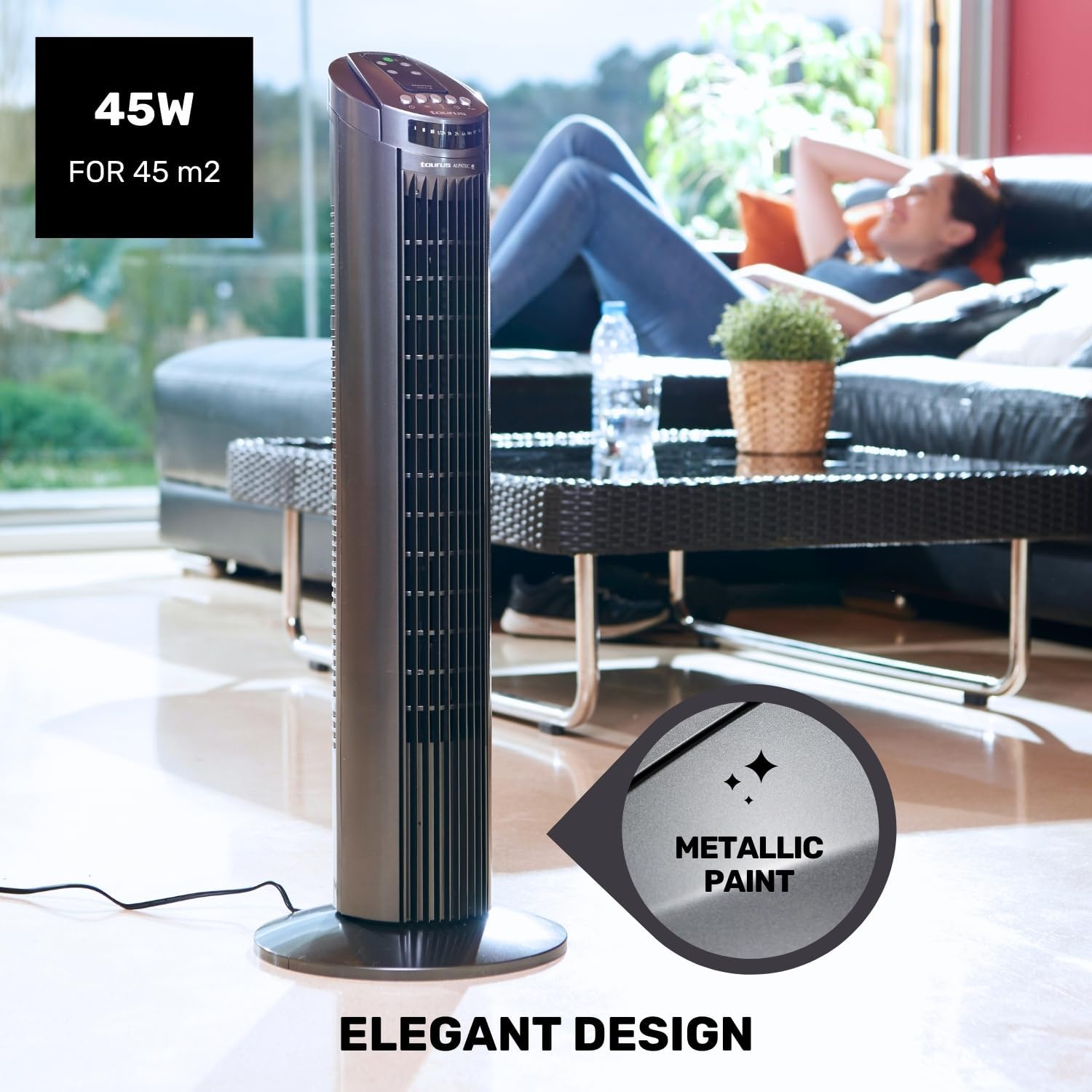
Figure 5.3: The fan in oscillation mode, showing the wide air distribution.
- Kipima muda: Bonyeza kwa Kipima muda button to set the fan to automatically turn off after a specified period. The timer can be set up to 7.5 hours. Each press typically adds 0.5 hours or 1 hour, depending on the model's increment.

Figure 5.4: The fan operating in Night mode, designed for quiet performance during sleep.

Figure 5.5: Illustration of the different airflow modes: Normal, Breeze, and Night.
6. Matengenezo na Usafishaji
Regular cleaning and maintenance will help prolong the life of your fan and ensure optimal performance.
- Kabla ya kusafisha: Daima chomoa feni kutoka kwa umeme kabla ya kusafisha.
- Usafishaji wa nje: Futa nyuso za nje za feni kwa laini, damp cloth. Do not use abrasive cleaners or solvents, as these may damage the surface.
- Kusafisha Grille: Use a vacuum cleaner with a brush attachment to remove dust from the air inlet and outlet grilles. This helps maintain efficient airflow.
- Hifadhi: Ikiwa haitumiki kwa muda mrefu, hifadhi feni katika kifungashio chake cha asili mahali pakavu na penye baridi.
7. Utatuzi wa shida
Ukikumbana na matatizo na shabiki wako, tafadhali rejelea matatizo na suluhisho zifuatazo za kawaida:
| Tatizo | Sababu inayowezekana | Suluhisho |
|---|---|---|
| Shabiki haiwashi. | Hakuna usambazaji wa nguvu. Kitufe cha nguvu hakijabonyezwa. | Ensure the fan is plugged into a working outlet. Bonyeza kitufe cha Kuwasha/Kuzima kwenye paneli ya kudhibiti au kidhibiti cha mbali. |
| Mtiririko dhaifu wa hewa. | Grilles are blocked by dust. Feni iko kwenye mpangilio wa kasi ya chini. | Clean the air inlet and outlet grilles. Ongeza kasi ya shabiki. |
| Oscillation haifanyi kazi. | Kitendakazi cha mtetemo kimezimwa. | Bonyeza kitufe cha Mtetemo ili kuamilisha. |
| Udhibiti wa mbali haufanyi kazi. | Betri zimekufa au kuingizwa vibaya. Kizuizi kati ya remote na feni. | Badilisha betri na uhakikishe polarity sahihi. Ensure a clear line of sight to the fan's control panel. |
If the problem persists after trying these solutions, please contact Taurus customer support.
8. Maelezo ya Bidhaa
| Kipengele | Vipimo |
|---|---|
| Nambari ya Mfano | 947245000 (Babel RC) |
| Chapa | Taurus |
| Nguvu | 45 Watts |
| Voltage | 240V |
| Idadi ya Kasi | 3 |
| Njia za Uendeshaji | Normal, Breeze, Night |
| Kipima muda | Hadi Saa 7.5 |
| Kufutwa | Ndiyo |
| Vipimo (L x W x H) | Sentimita 26 x 26 x 75.5 (inchi 10.2 x 10.2 x 29.7) |
| Uzito Net | Kilo 2.6 (pauni 5.7) |
| Nyenzo | Plastiki |
| Rangi | Kijivu |
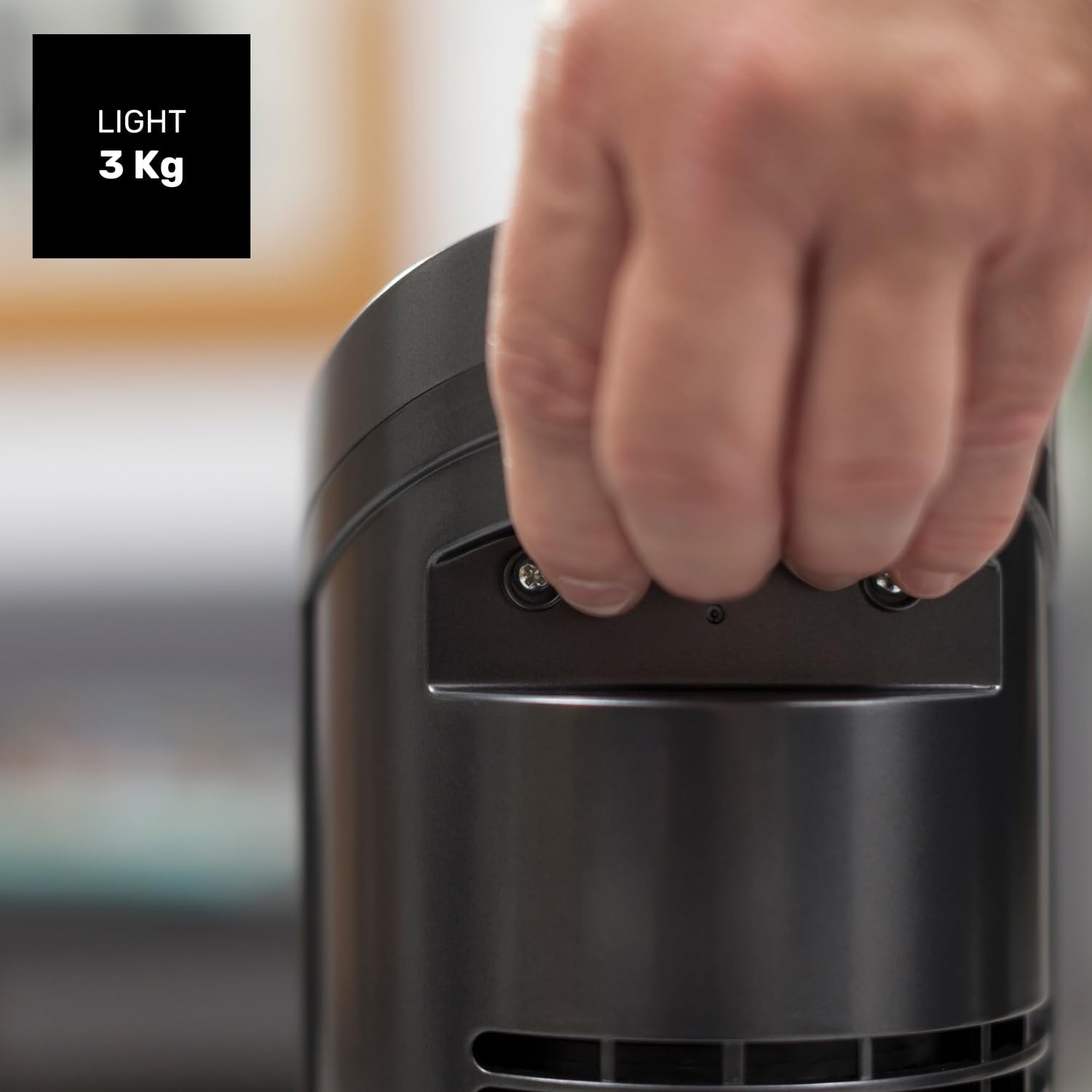
Figure 8.1: Diagram showing the dimensions of the Taurus Alpatec Babel RC Tower Fan.
9. Udhamini na Msaada
Taurus products are manufactured to high-quality standards. For information regarding warranty coverage, please refer to the warranty card included with your purchase or visit the official Taurus webtovuti. Weka uthibitisho wako wa ununuzi kwa madai ya udhamini.
For technical support, spare parts, or service inquiries, please contact Taurus customer service through their official channels. You can find contact information on the Taurus webtovuti au kwenye ufungaji wa bidhaa yako.
Rasilimali za Mtandaoni: For additional information and product registration, visit the official Taurus webtovuti: www.taurus-home.com
10. Utunzaji Rafiki wa Mazingira
This symbol on the product or its packaging indicates that this product shall not be treated as household waste. Instead, it shall be handed over to the applicable collection point for the recycling of electrical and electronic equipment. By ensuring this product is disposed of correctly, you will help prevent potential negative consequences for the environment and human health, which could otherwise be caused by inappropriate waste handling of this product. For more detailed information about recycling of this product, please contact your local city office, your household waste disposal service or the shop where you purchased the product.
Ask a question about this manual
Ask about setup, troubleshooting, compatibility, parts, safety, or missing instructions. Manuals+ will review the question and use this page’s manual context to help answer it.